



Space Potato
Participating Frequently
October 17, 2022
Answered

Creative Cloud Wont Load

  • October 17, 2022
  • 1 reply
  • 1137 views

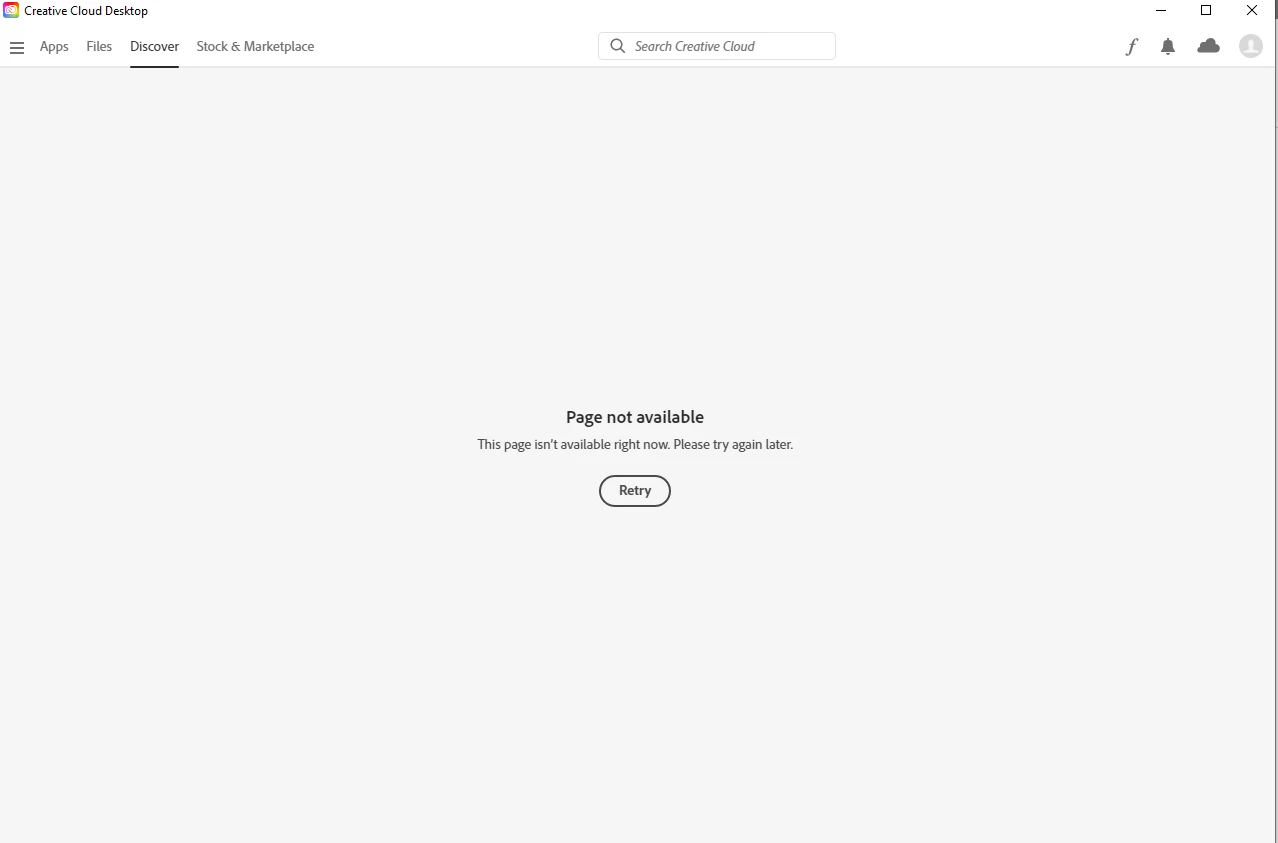
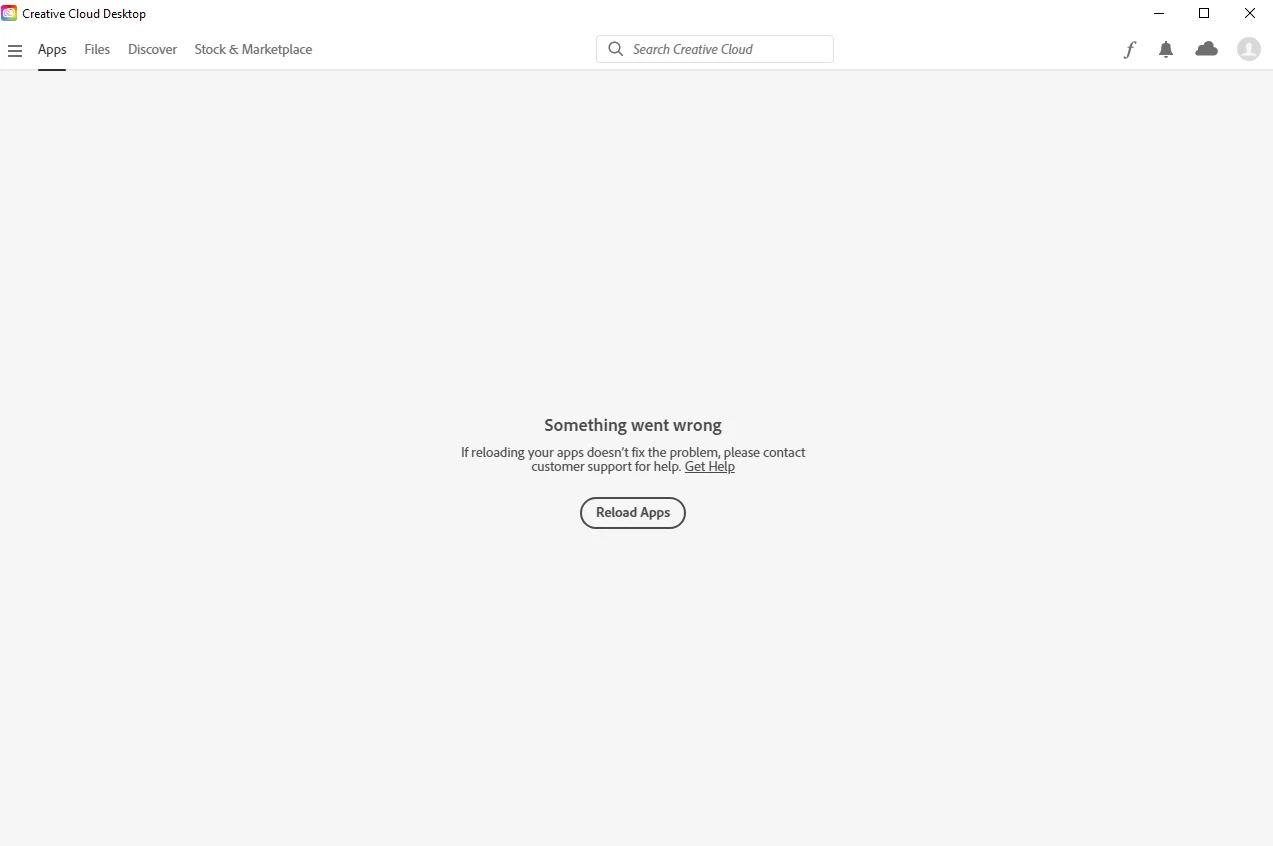
This might be simple to solve but I just can find out how. accidentilly removed some Creative Cloud files and then the apps page wouldnt load. I tried to unistall it but it wouldnt unistall because I had photoshop installed. After a month I forced it to uninstall, when I reinstalled it the apps still wouldnt load. I tried the repair option in the installer and even when it says that Creative Cloud is repaired, it still wont work. I dont understand how to fix this. I have unistalled and reinstalled at least 10 times and i really dont want to have to wipe my computer just to use Creative Cloud. Please if anyone knows a solustion to this please help.

This topic has been closed for replies.
Correct answer kglad

No, I don't have any backups before then.


then, if you're certain you meticulously followed the cleaning steps, you may need to


back up your data

reformat your hard drive

reinstall you os

reload your data

reinstall the cc desktop app and your trial and subsciption programs.

1 reply

Community Expert
October 17, 2022

Uninstall using the Creative Cloud Cleaner tool and then try. Instructions and details in the link below

https://helpx.adobe.com/in/creative-cloud/kb/cc-cleaner-tool-installation-problems.html

-Manan

-Manan
Space Potato
Participating Frequently
October 17, 2022

Where do I get the Creative Cloud Cleaner tool?