Participant
October 10, 2021
Question

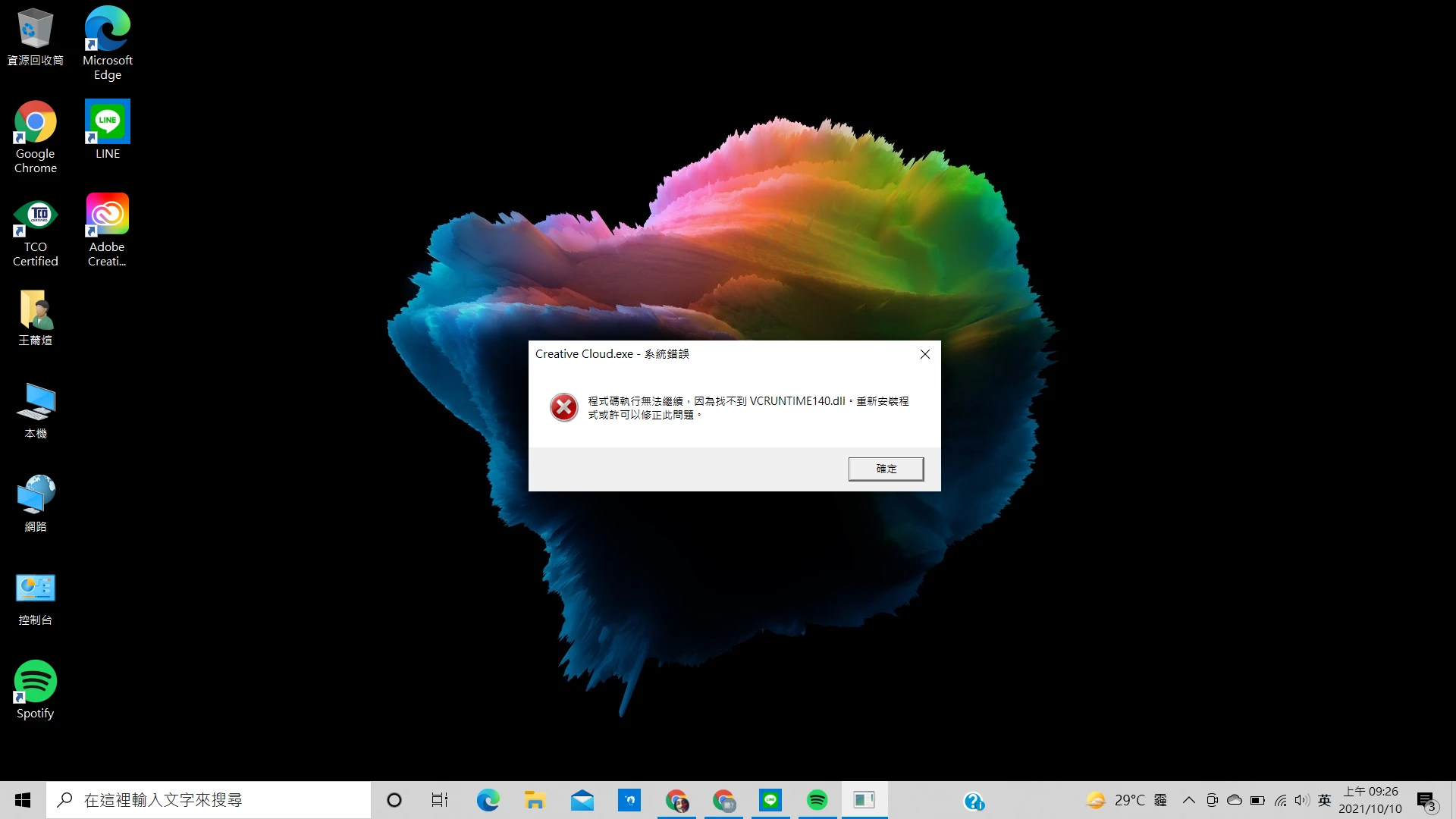
creative cloud 下載後無法開啟

  • October 10, 2021
  • 2 replies
  • 177 views

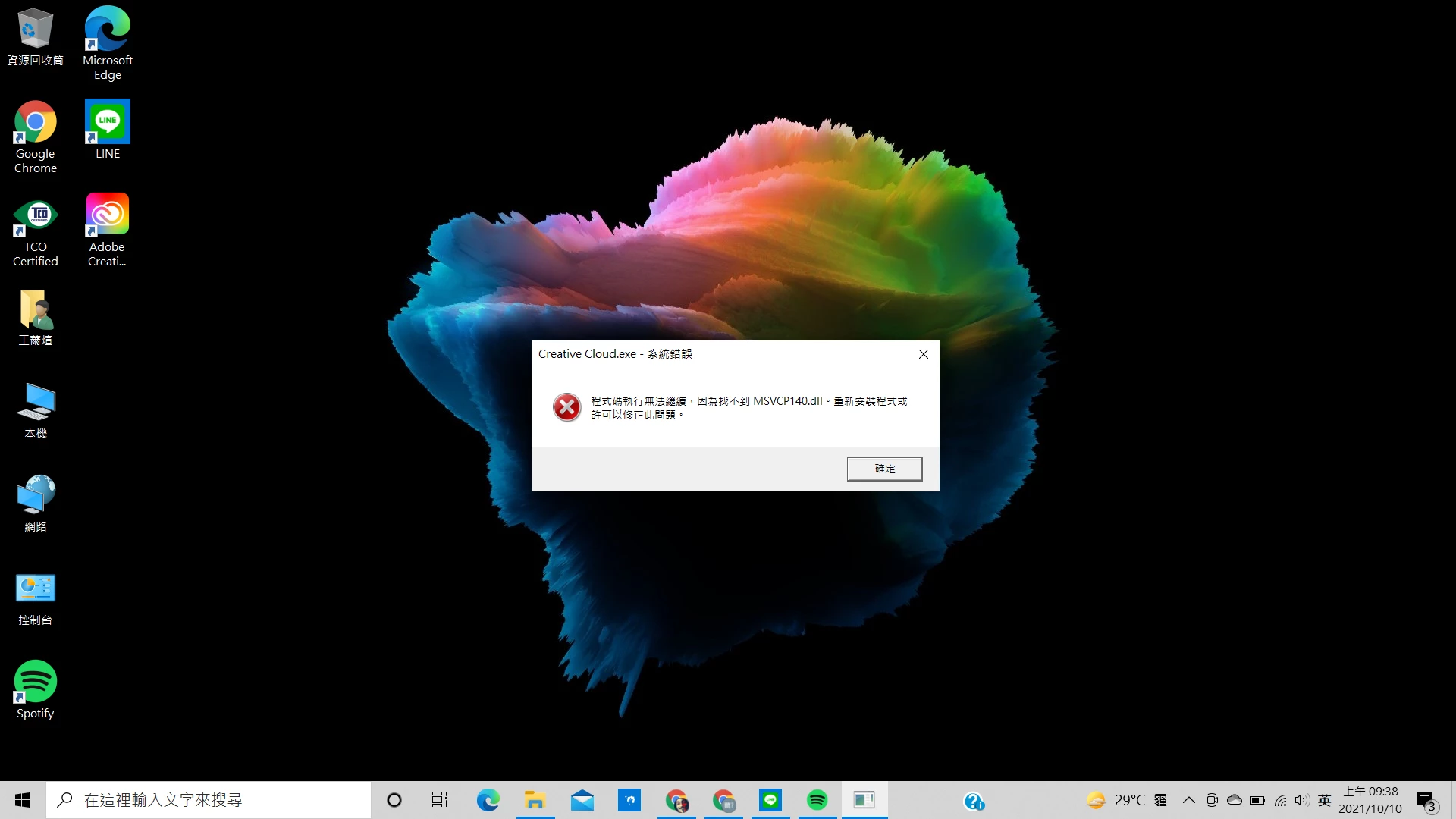
在新莊至上每次下載後都會有系統錯誤的視窗彈出(如圖),之前有下載在其他裝置,不過都已經確認解除安裝了,想請問如何解決?


This topic has been closed for replies.

2 replies

Nancy OShea
Community Expert
Community Expert
November 12, 2021
Nancy O'Shea— Product User & Community Expert
kglad
Community Expert
Community Expert
November 12, 2021

1. check for, and if available, update your os
2. repair all ms visual c++ versions that can be repaired.
3. update your ms visual c++, if it can be updated

if that fails, do a clean cc install following each applicable step:

uninstall every cc app including preferences, https://helpx.adobe.com/creative-cloud/help/uninstall-remove-app.html
then uninstall the cc desktop app, https://helpx.adobe.com/creative-cloud/help/uninstall-creative-cloud-desktop-app.html#sa_src=web-messaging
clean your computer of cc files per http://www.adobe.com/support/contact/cscleanertool.html
check for, and if available, update your os
repair all ms visual c++ versions that can be repaired.
update your ms visual c++, if it can be updated
restart your computer (don't skip this)
reinstall the cc desktop app, https://creativecloud.adobe.com/apps/all/desktop?action=install&source=apps&productId=creative-cloud


if you're unable to download the cc desktop app at this stage, use the link at the bottom of the page at https://helpx.adobe.com/download-install/kb/creative-cloud-desktop-app-download.html
use the desktop app to install your cc programs/trials