
andreah47071418
Participant
November 6, 2018
Answered

Creative Suite 5 Design Premium for Mac OS Electronic Download Installer will not open, revoked security certificate

  • November 6, 2018
  • 2 replies
  • 647 views

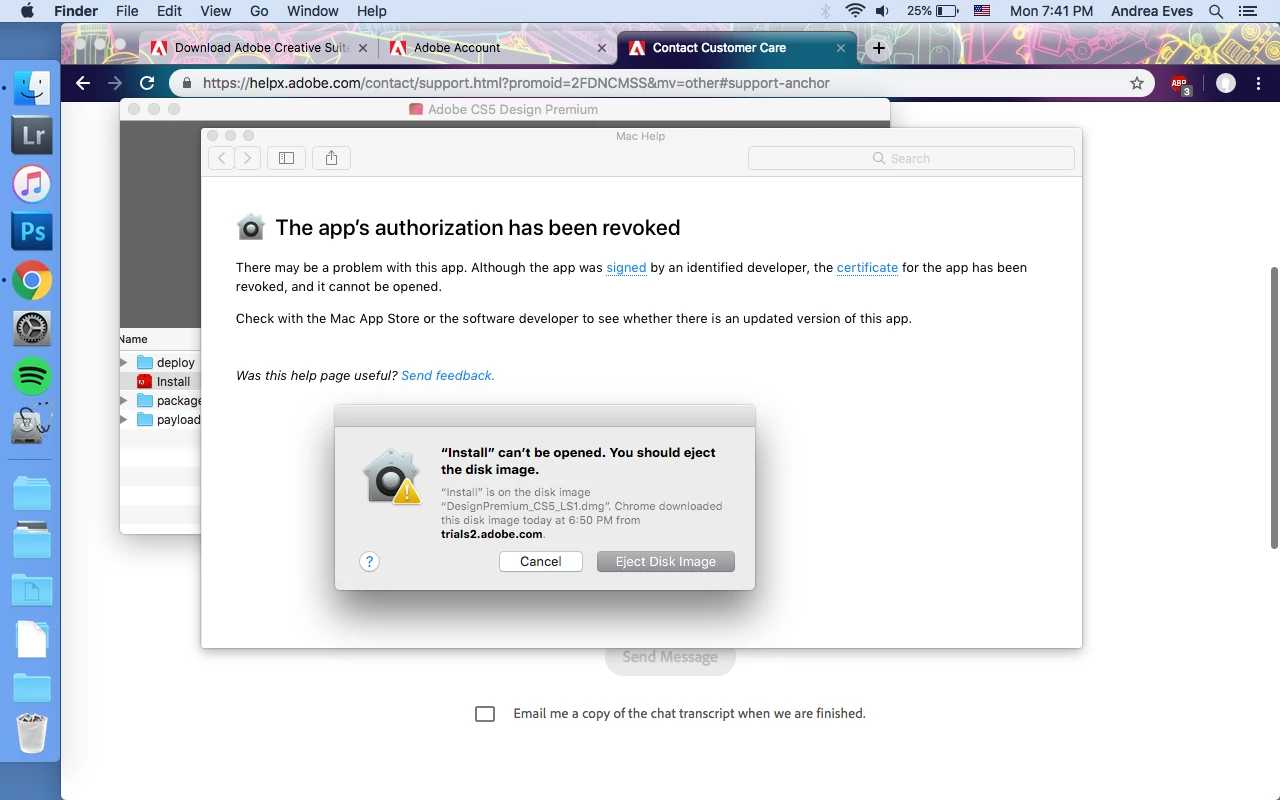
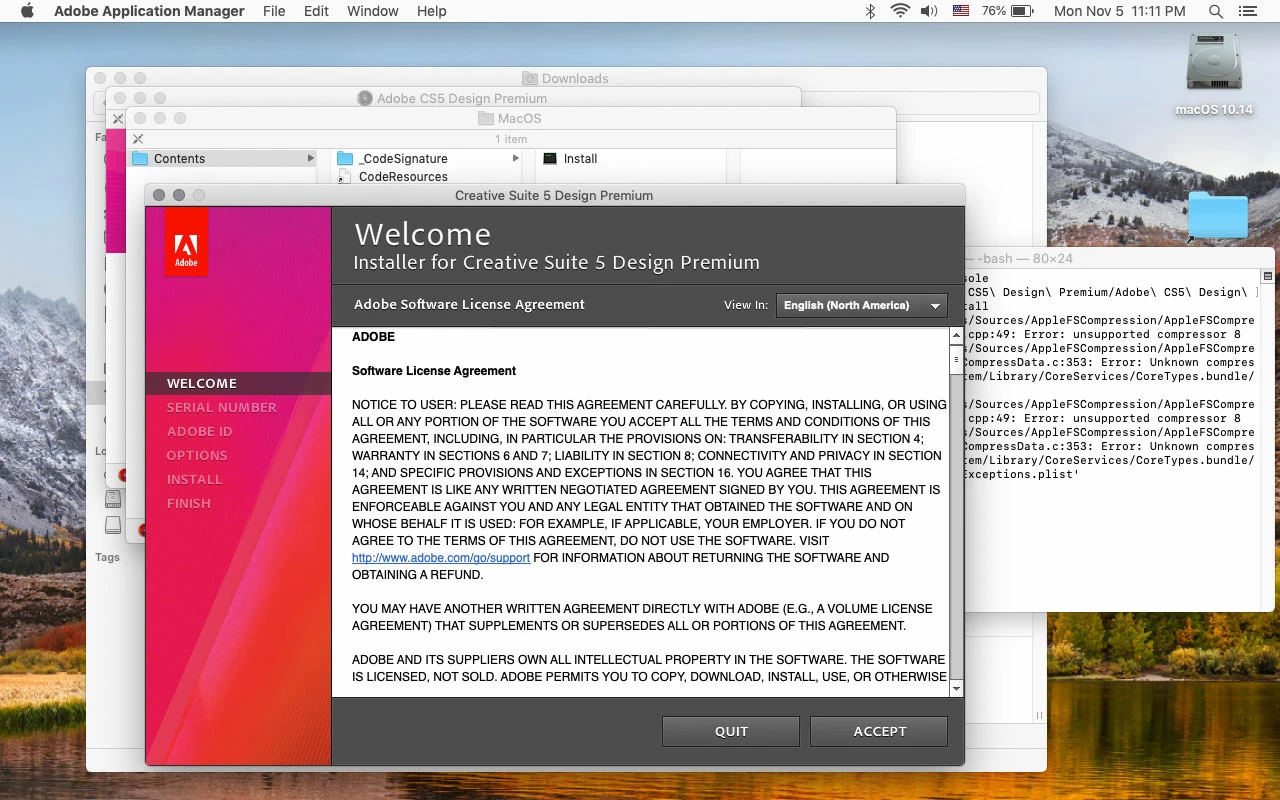
I have downloaded, three separate times now, the installation media for Creative Suite 5 Design Premium. The .dmg downloads fine, I open it and can see the file contents, however when I double click install to launch it I get the error that it cannot open the app, upon clicking the "?" it tells me that though the app is from a trusted developer it's security certificate has been revoked. I get the same error when I try to launch from the Unix file under >"show package contents" > "mac OS" >"Install". Customer support has been completely unable to assist me, however I have had fun explaining this problem repeatedly whilst being asked unrelated questions and receiving no help. I have so far not even been able to advise any relevant party at adobe of the issue with their download file. If anyone can help me get this issue pushed through to someone in IT who can fix the security certificate in the file, or if anyone knows a way I can get the installer to open, I'd love to be able to use my program.
This topic has been closed for replies.
Correct answer Jeff Arola

Follow the instructions under Creative Suite 5.5, 5, and 4 on this page:

Installing Creative Suite on macOS 10.12 (Sierra)

2 replies

Jeff Arola
Community Expert
Jeff ArolaCommunity ExpertCorrect answer
Community Expert
November 6, 2018

Follow the instructions under Creative Suite 5.5, 5, and 4 on this page:

Installing Creative Suite on macOS 10.12 (Sierra)

John T Smith
Community Expert
Community Expert
November 6, 2018

CS5 is End of Life and no longer supported

If the special instructions below don't work, I don't think you will get anyone at Adobe to help with the error you mention

CS6 and earlier programs HAVE NOT BEEN TESTED AND WILL NOT BE UPDATED for Mac El Capitan or newer operating systems

-which means that you try to use CS6 and earlier at YOUR risk of having problems due to Apple updates

-Apple did not maintain backward compatibility with old programs in El Capitan or newer operating systems

--Adobe has a workaround to Apple's problem of not maintaining backward compatibility

--READ HERE https://forums.adobe.com/thread/2301916 for an Adobe solution to installing old programs, including a link to installing the old Java runtime that is required

--Also read for more information https://forums.adobe.com/thread/2458382

--and https://helpx.adobe.com/x-productkb/global/install-or-run-applications-new.html