Participant
January 27, 2020
Question

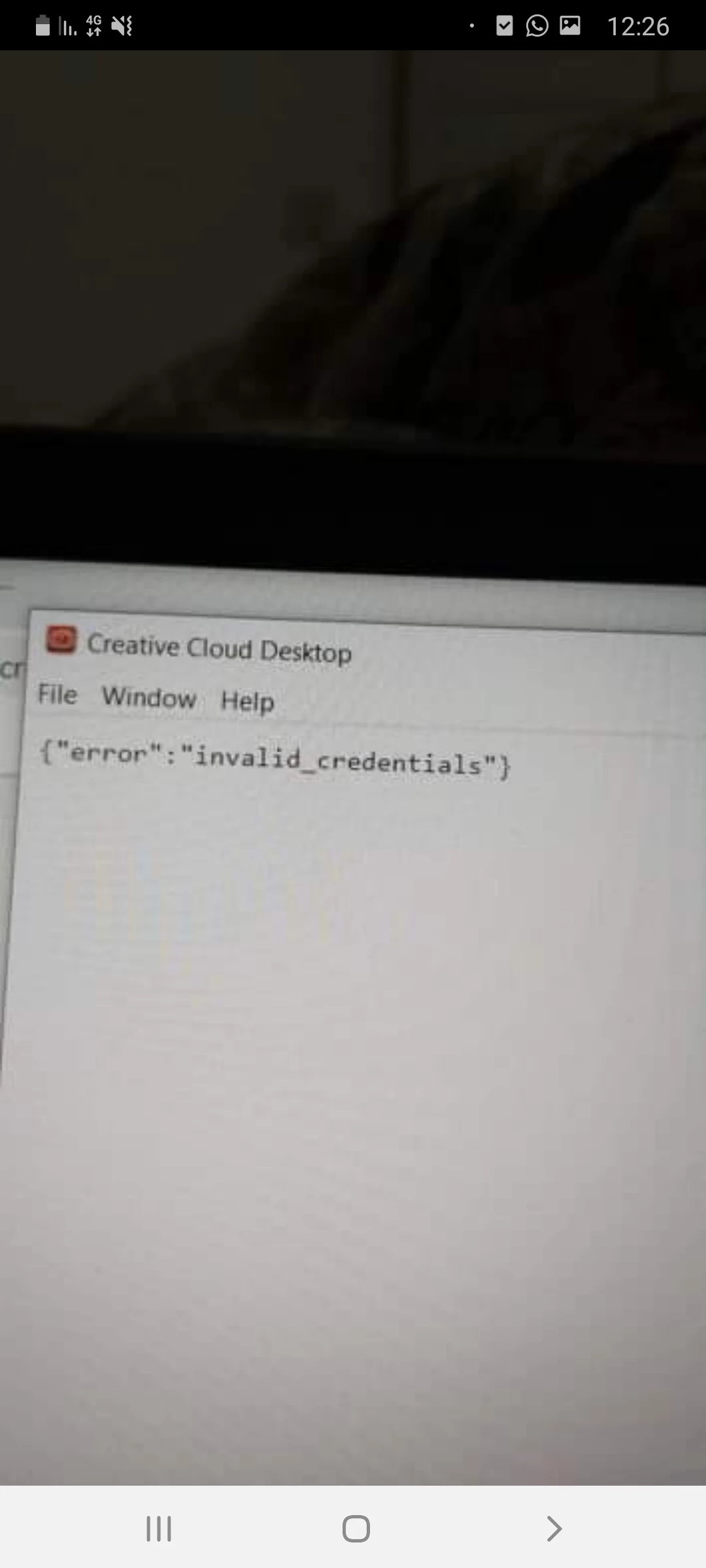
Cretive cloud error
  • January 27, 2020
  • 1 reply
  • 225 views


As i open the app it immediately shows this error.. 

Has anyone seen this before? What can i do to fix it?

This topic has been closed for replies.

1 reply

AxelMatt
Community Expert
Community Expert
January 27, 2020

Please try the following steps below:

  • Sign out from the Adobe Creative Cloud desktop application (Sign in and sign out to activate Creative Cloud apps)
  • Browse to the location: [System Drive]:\ProgramData\Adobe
  • Rename the 'SLStore' folder to 'SLStore_old'
  • Browse to the location: [System Drive]:\Program Files (x86)\Common Files\Adobe
  • Rename the 'SLCache' folder to 'SLCache_old'
  • Sign in to the Adobe CC desktop app
My System: Intel i7-8700K - 64GB RAM - NVidia Geforce RTX 3060 - Windows 11 Pro 25H2 -- LR-Classic 15 - Photoshop 27 - Nik Collection 8 - PureRAW 5 - Topaz Photo