Participant
September 7, 2017
Answered

CS3 displays Temporary Activation error

  • September 7, 2017
  • 1 reply
  • 984 views

I am having the same problem and I have spent two weeks and dozens of hours trying to fix it. I have had two support cases opened, and then shut down by tech support, claiming the problem was fixed when I was stating clearly, it wasn't. I also have a conversation going with the Adobe Facebook support guy, who claimed to read my support tickets, but just repeated all the information the other tech people did, and told me to go through the processes I already went through several times. He has now told me to come here and ask for help from the public! I PAID FOR THIS PRODUCT! This is completely outrageous. It's sounds like I am not the only one who is getting screwed over. Perhaps it's time to sue. I'm not kidding.

And yes, I have gotten a new key, I have uninstalled, I have used the cleaner, I have turned off my firewall and virus protection, I have changed my display settings, I have uploaded from the new link. I have done this whole process more than once -- doing every new step I was told to do, and then sent around in circles.

Again, maybe it's time to sue -- this is fraud.
    This topic has been closed for replies.
    Correct answer Jeffrey_A_Wright

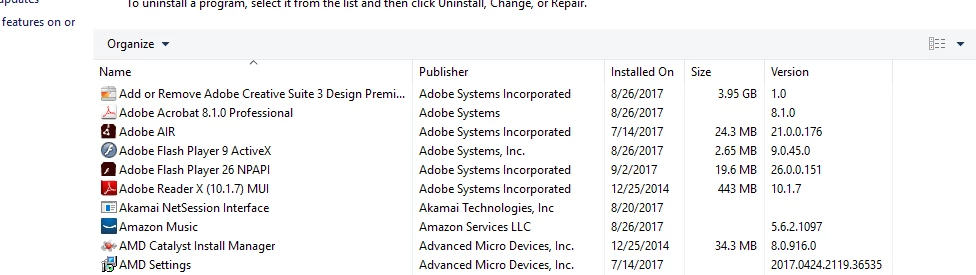
    Posting for the second time. I use Window 10. I do not know exactly what was installed before, but I uninstalled Adobe Professional and CS3.


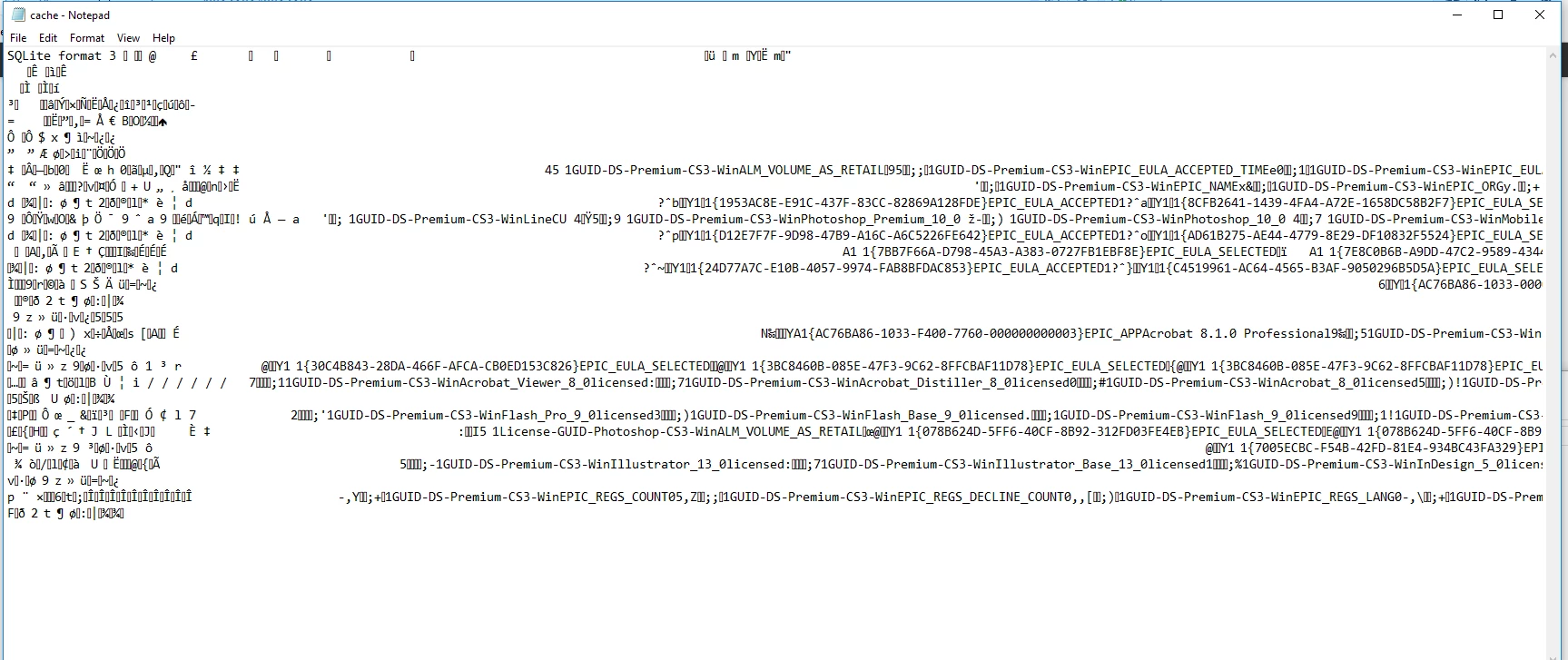
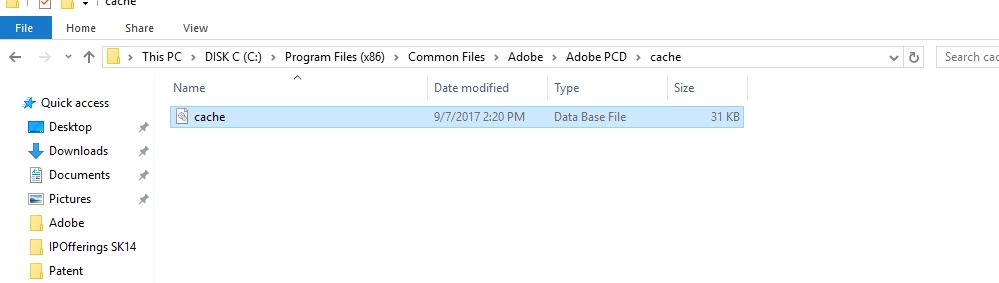
    Rebeccaw59463883 thank you for posting the contents of the \Program Files(x86)\Common Files\Adobe\Adobe PCD\cache\ as requested.  The cache.db file that is in your screen shot contains the cached licensing data and is why you are receiving the error messages you posted in message #2 of this discussion.

    Please delete the cache.db file as discussed in Resolve "temporary activation expired" error for CS3 and Acrobat 8​ Rebeccaw59463883.  Once you remove this file you will then be able to enter the new CS3 serial number successfully.  Please begin by launching Photoshop CS3 to enter the Design Premium CS3 serial number.  Photoshop will then provide the necessary licensing information for Acrobat 8.0 to then be launched.

    1 reply

    Jeffrey_A_Wright
    Community Manager
    Community Manager
    September 7, 2017

    Rebeccaw59463883 I am sorry that you continue to face difficulties installing Creative Suite 3.  Can you please post a screen shot of the error message you are currently experiencing?  Details on how to post a screen shot can be found at FAQ: How do I capture and post a screen shot or video?​.

    Participant
    September 7, 2017

    These images are in my case files, and I sent one of them to you on facebook. Why is this so difficult?

    Jeffrey_A_Wright
    Community Manager
    Community Manager
    September 7, 2017

    Thanks for the update Rebeccaw59463883.  This prompt is occurring because there is cached licensing data, from a licensed Adobe software title, that is still on the computer.  You will continue to receive this error until the licensing data has been removed.

    Rebeccaw59463883 can you please post a screen shot of the contents of the \Program Files(x86)\Common Files\Adobe\Adobe PCD\cache\ folder?  You can find more information on how to locate this folder at Resolve "temporary activation expired" error for CS3 and Acrobat 8​.

    In addition what other Adobe software titles were previously installed on this Windows computer?  Were you able to successfully run all of the available uninstallers without error Rebeccaw59463883?  Finally what version of Windows are you installing Creative Suite 3 Design Premium on?