Participant
December 13, 2016
Answered

CS4 Design Standard - the serial number is not valid

  • December 13, 2016
  • 3 replies
  • 2144 views

I have completely installed CS4 Design Standard on new PC (win7 64) using original box. The s/n was correct as it was accepted. I also have deactivated product on old PC (win 7 x86)

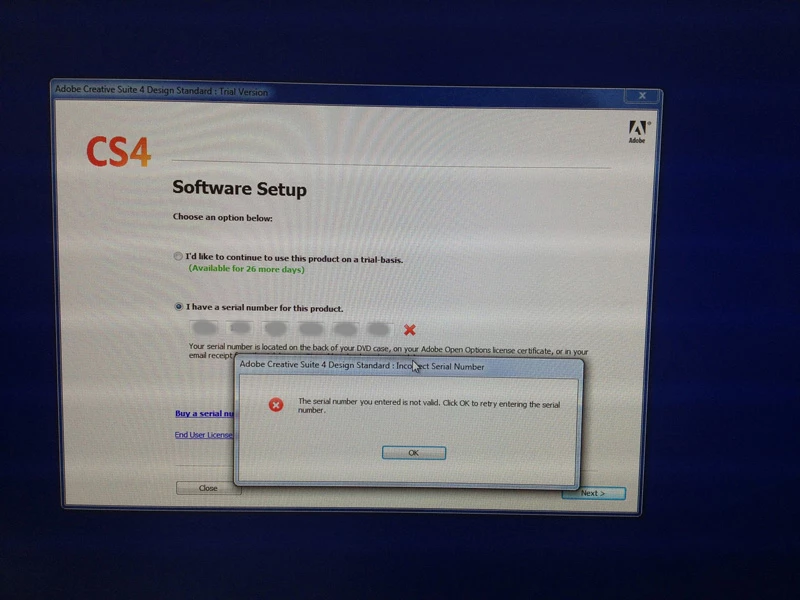
But when I try to run any CS4 application (Photoshop etc) it requests s/n again. The same s/n causes an error: 'The serial number you entered is not valid'
Reactivation CS4 on old pc with this s/n is ok.
How can I activate CS4 on new PC?

    This topic has been closed for replies.
    Correct answer DelphiZoa

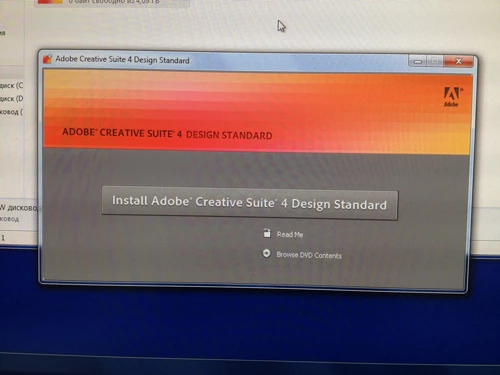
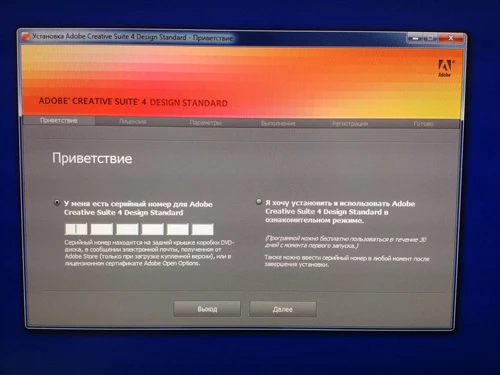
    Installing:
    1.

    2.

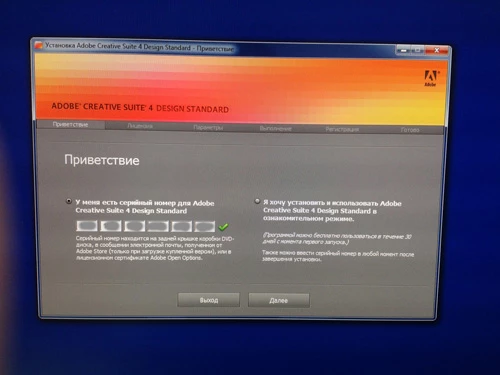
    3. Note that s/n is ok.
    4.
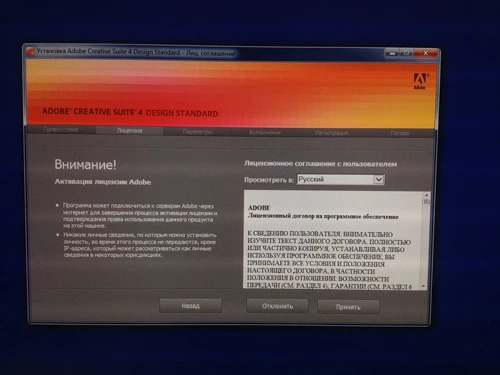
    5.
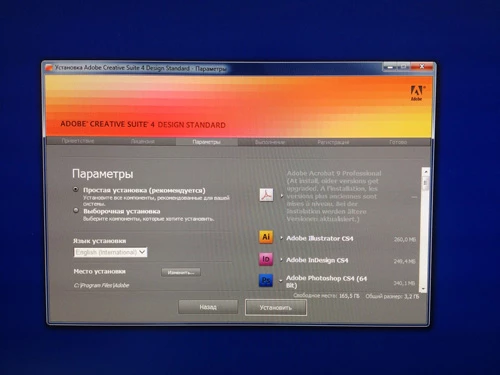

    6. Setup complete
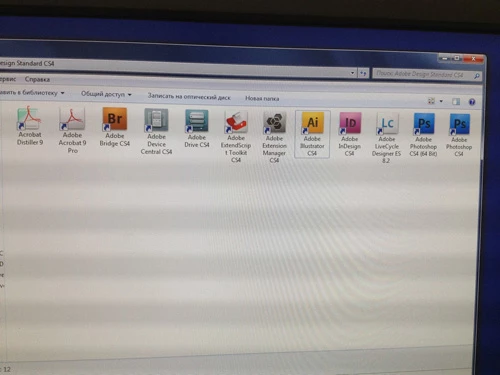
    7. But when I try to run application..:

    I haven't dealt personally with this error... at least not in a form that resists all standard troubleshooting. I have heard of similar issues arising with folks using newer operating systems like Windows 10 because of compatibility issues. However, I don't know that this would be a problem for your fresh Windows 7 system. Nonetheless, it might be worth running the Microsoft Program Compatibility Troubleshooter: https://support.microsoft.com/en-us/help/15078/windows-make-older-programs-compatible​. You can read about one person's experience with this here (last response in the thread): Win10 anniversary update caused my Adobe software to stop working - Microsoft Community.

    Other than that, I'm afraid I don't have additional solutions. The only suggestion I can make if the Compatibility Troubleshooter doesn't help is to search the Downloading, Installing, Setting Up forum for an Adobe staff person, and then sending him or her a private message with a request for help on this discussion. Staff have a red badge next to their name that says... you guessed it... "staff". THere's no guarantee they will respond, but it's worth a shot.

    3 replies

    Participant
    December 15, 2016

    #BJJ

    Participant
    December 14, 2016

    Can anyone else help please?

    DelphiZoa
    Participating Frequently
    December 13, 2016

    Have you tried all the troubleshooting steps in this help document? Error: "The serial number is not valid for this product" | Adobe Creative Suite

    Participant
    December 13, 2016

    Yes

    DelphiZoa
    Participating Frequently
    December 14, 2016

    The help document I linked contains the standard fixes for an invalid serial number. If you have run through every one without successfully correcting the problem, letting us know some further information may help us better troubleshoot.

    1. You mention you are installing CS4 using the original box. Does this mean you are installing from disc or did you instead download CS4? If you downloaded, make sure you install only your exact suite.

    2. This is an individual license, correct (ie. not part of a volume license for a business or educational institution)?

    3. If it is individual license, did you purchase directly from Adobe or from a reseller? An invalid serial number error has been known to show up when your number gets blacklisted, which typically results in the behavior you describe: prompting for a S/N each time you launch. You might wonder how in the heck your serial number got blacklisted. Usually it happens either because someone got ahold of your serial and used it for piracy OR because you purchased a license that was packaged fraudulently and sold through someplace like eBay.

      The only solution if your number has been blacklisted is to check with Adobe chat support to confirm you're using a valid serial number: Contact Customer Care​. Chat technicians are unable to provide technical support for older software like CS4, but they can answer questions about licensing.