Participant
January 10, 2013
Answered

CS5 is not responding...any suggestions on what to do

  • January 10, 2013
  • 1 reply
  • 715 views

CS5 is not responding...any suggestions on what to do.  The last thing that happened before I stopped responding....

I got a message that Photoshop quit unexpectedly and the next time I tried to open Photoshop it's not responding.  I've tried restarting my computer already. 
    This topic has been closed for replies.
    Correct answer kglad

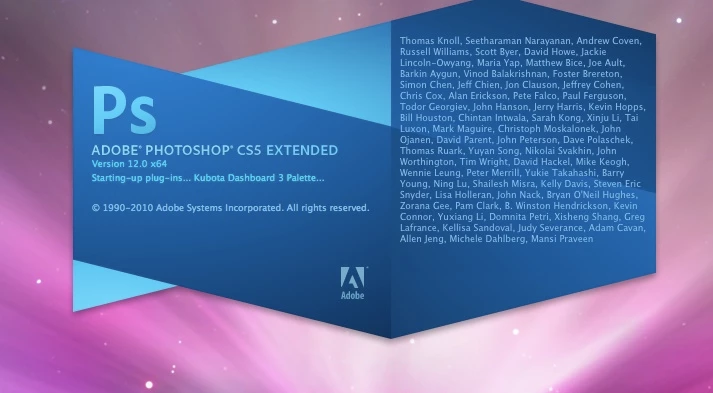
    Ok, I deleted preferences and then restarted my computer.  Photoshop is still not responding.  When I click to open PS it looks as if it will actually open, but then it gets held up.  The colorwheel shows up here....


    if that's a mac computer go here and follow the suggestions: http://helpx.adobe.com/photoshop/kb/photoshop-cs5-crashes-or-hangs.html

    1 reply

    kglad
    Community Expert
    Community Expert
    January 11, 2013

    the problem is photoshop cs5 only?

    Participant
    January 11, 2013

    yes.  I'm not having problems with any other of my programs. 

    kglad
    Community Expert
    Community Expert
    January 11, 2013