cmd6988160
Participant
June 21, 2019
Answered

CS5 Updates and Crashing.

  • June 21, 2019
  • 3 replies
  • 533 views

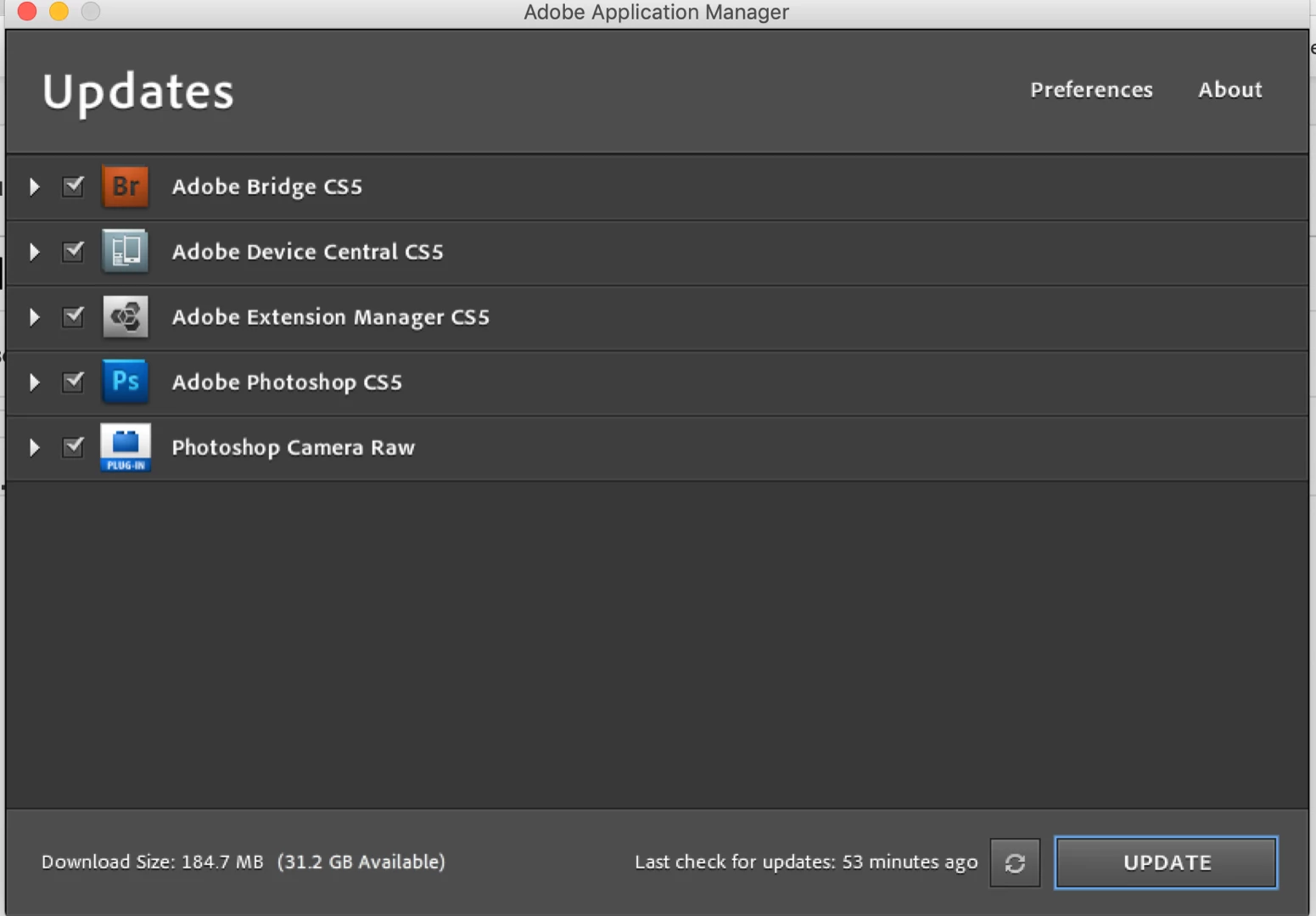
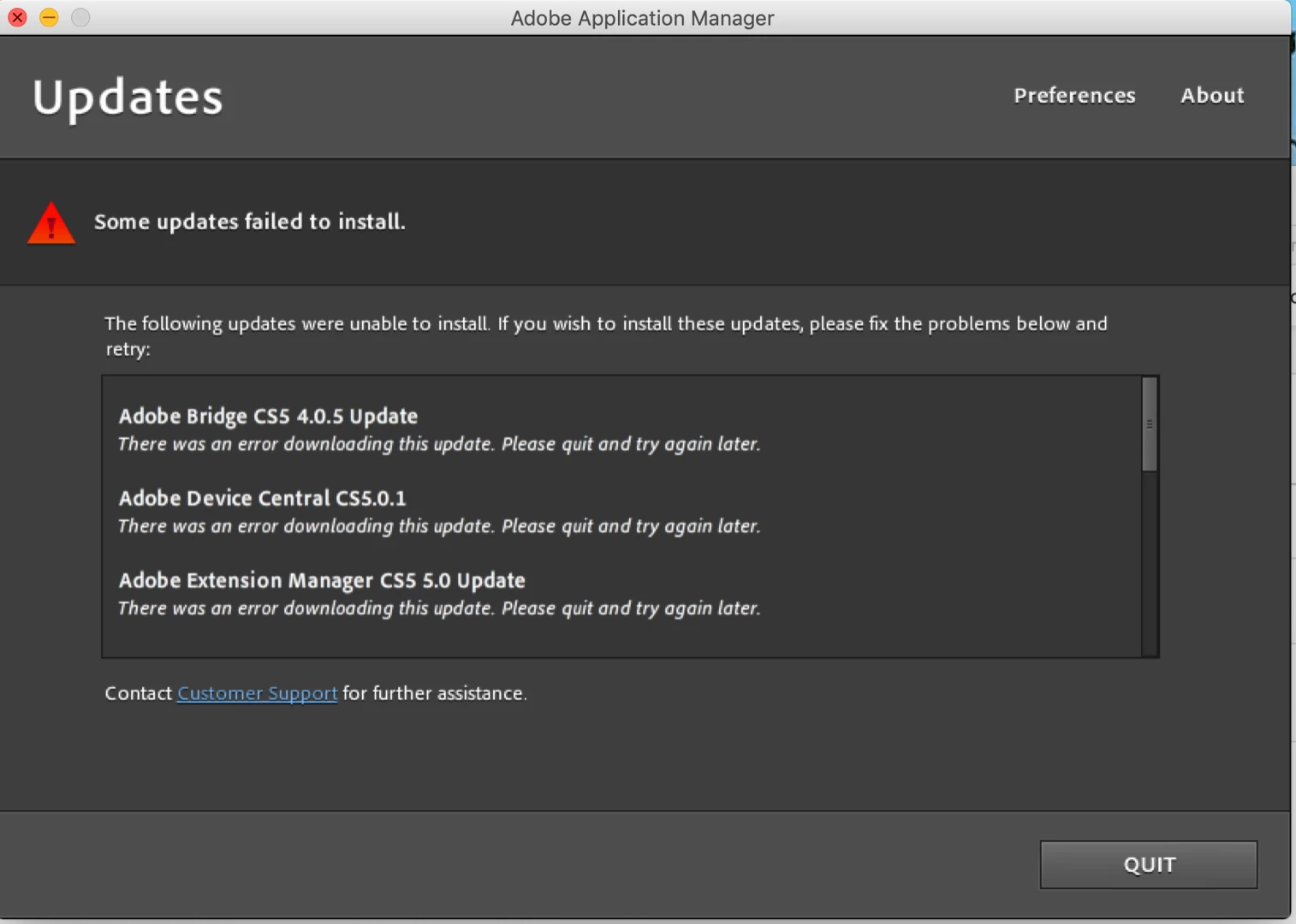
My CS5 doesn't work on Mojave but the updater is still trying to install updates. It says the updates failed to install. When I click contact customer support it takes me to a page that says  this serial number is not for a qualifying product then the updater crashes.  I know CS5 is old and for the most part doesn't work on Mojave. I checked the logs to search error codes. There are no error or fatal codes in the logs. The program starts up but doesn't stay open.  Is there a way to update to a 64bit? When I go to get info there is no boxes to check 32 bit or 64 bit like some the instructions say. Is there anyway so salvage the program with out tolling back the operating system?                             
This topic has been closed for replies.
Correct answer Test Screen Name

You're right of course, Photoshop was (I think) the first to be 64-bit. Other apps, so far as I know, are not. I could have realized from the screen shot that Photoshop is a big part of this. At the release of CS5 only the main app would be 64-bit and it still may not run on the next Mac OS because it may well need the 32-bit apps too.

3 replies

Test Screen NameCorrect answer
Legend
June 22, 2019

You're right of course, Photoshop was (I think) the first to be 64-bit. Other apps, so far as I know, are not. I could have realized from the screen shot that Photoshop is a big part of this. At the release of CS5 only the main app would be 64-bit and it still may not run on the next Mac OS because it may well need the 32-bit apps too.

Legend
June 22, 2019

There is no 64 bit CS5. You'd need to subscribe to CC.

Whether it is 64 bit doesn't matter a bean on Mojave, but 32 bit apps will absolutely not run, no tricks or workarounds, on the next Mac OS due later this year. All your old apps will die.

June 22, 2019
John T Smith
Community Expert
Community Expert
June 21, 2019
cmd6988160
Participant
June 21, 2019

That's what I thought. It stopped working in Sierra. I just never uninstalled it but now it's trying to update, which is annoying. I am gonna have to uninstall it to get the updates to stop. I just wondered is something else was happening.

John T Smith
Community Expert
Community Expert
June 21, 2019

At some point in the past (I don't know the exact date) Adobe "merged" the original update manager into the Cloud update manager, which means you are no longer using your original update manager

I have read some messages that the latest (Cloud) updater sometimes doesn't work with old programs