
Deactivate CS4 Master Collection (Education version) to use on new laptop
I purchased the education version of CS4 Master Collection quite some years ago and finally bit the bullet and got a new computer. I want to deactivate my single license (as education versions only get the one) from my desktop and install CS4 to my laptop. I have all the original disks and the product is registered to my Adobe account. When I open Photoshop and try to deactivate it, I get the following message.
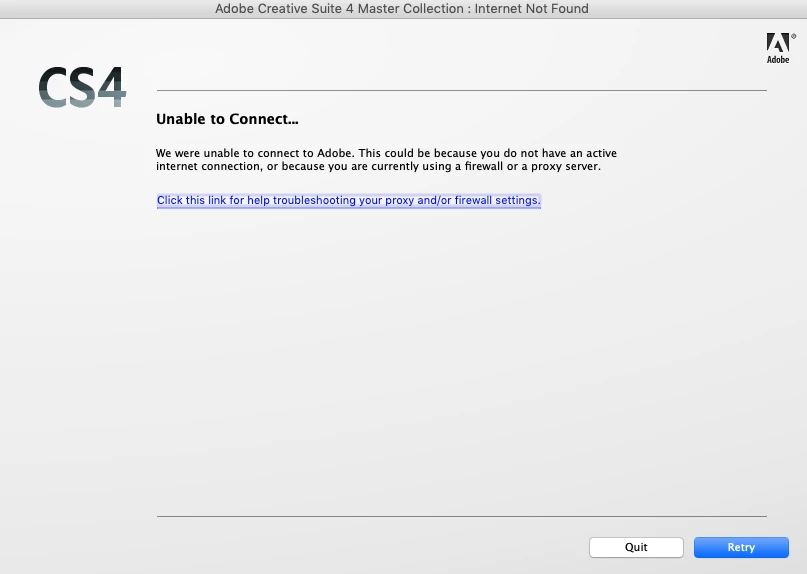
I am doing this on a home computer and there are no proxy or firewall settings that would cause this. I contacted the Help folks via the chat, who advised I should post here for assistance. I looked at two other threads that had the same issue (see Deactivation of CS4 Master Collection and Deactivating CS4 - broken computer) and don't see a clear point for resolution.
Any help is appreciated!
 AdChoices