
Answered
Different users same computer
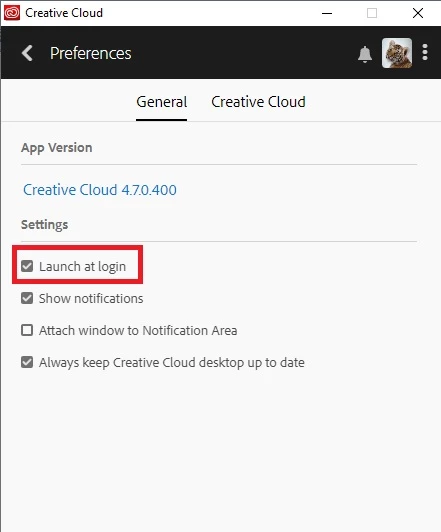
I want the cloud starting up on my user on this machine. but the other users don't want it on their startups, which it is doing. Is there a way to shut it down, ie not have the cloud start up on their users, and still have it running on mine. Tech support couldn't even understand this question, let alone come up with the answer for it. ken.
 AdChoices