

Participant
January 13, 2021
Answered

Downgrade Photoshop

  • January 13, 2021
  • 2 replies
  • 431 views

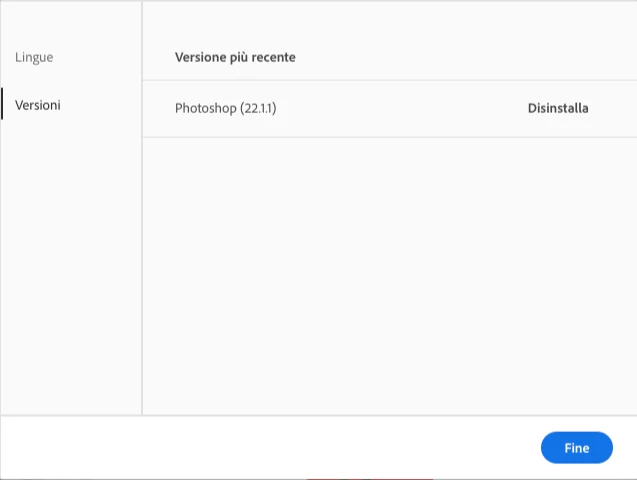
Need to downgrade to Photoshop 22.1.1 to 22.1, 

But i see only my current version of photoshop.
This topic has been closed for replies.
Correct answer kglad

AGAIN, . you must have a subscription because previous versions are not available with trials.

2 replies

AxelMatt
Community Expert
Community Expert
January 13, 2021

I don't understand that you need to downgrade. The version 22.1 is more buggy then the recent version.

You need a subscription for downgrade.


My System: Intel i7-8700K - 64GB RAM - NVidia Geforce RTX 3060 - Windows 11 Pro 25H2 -- LR-Classic 15 - Photoshop 27 - Nik Collection 8 - PureRAW 6 - Topaz Photo AI
kglad
Community Expert
Community Expert
January 13, 2021

you can install the latest and 1 version prior versions using the cc desktop app. you must have a subscription because previous versions are not available with trials.


other versions are revealed in the apps tab by clicking the 3 dots adjacent to the open/install button after clicking preferences>cc>tick show older apps.

Olga5E19Author
Participant
January 13, 2021

Uhm, i need only the 7 days trial photoshop, sincerely i don't want to spend 12$ dollar month (because there isn't a lifetime sub wtf) for just a version of the app.

kglad
Community Expert
kgladCommunity ExpertCorrect answer
Community Expert
January 13, 2021

AGAIN, . you must have a subscription because previous versions are not available with trials.

