
Participant
April 19, 2017
Answered

Download Adobe Design Standard CS5.5 on new MacBook

  • April 19, 2017
  • 1 reply
  • 745 views

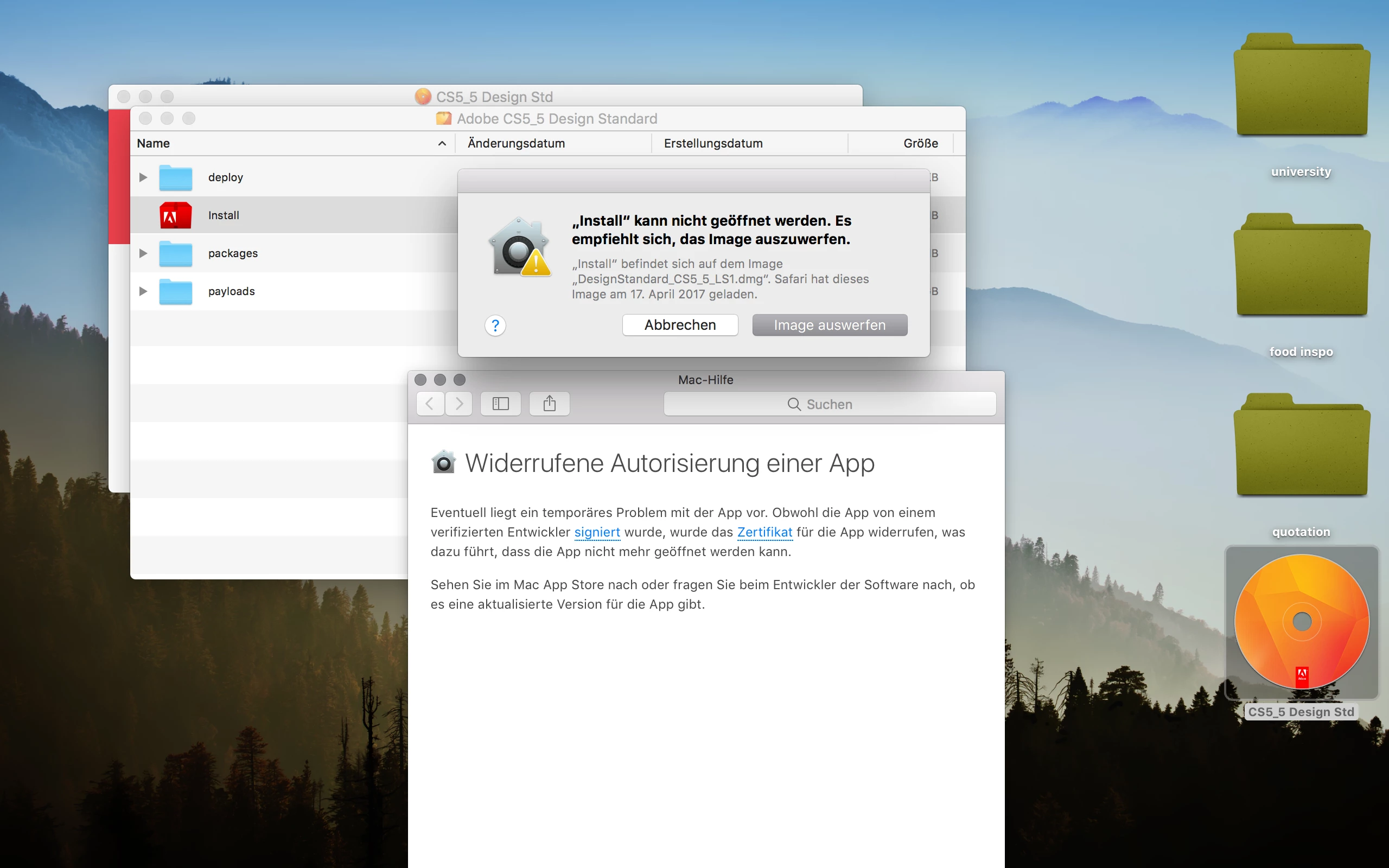
Hi guys , I bought CS5.5 a couple of years ago. So I wanted to install the programms on my new macbook. Unfortunately it has no hard drive anymore, therefore I downloaded the programm on the Adobe website and this is what came up:

It basically says that it can not open the program and that I should delete it. Any ideas what I can do?
    This topic has been closed for replies.
    Correct answer John T Smith

    CS6 and earlier programs have not been tested and will not be updated for Mac El Capitan/Sierra

    -which means that you try to use CS6 and earlier at YOUR risk of having problems due to Apple updates

    -Adobe has a fix to Apple's problem of not maintaining backward compatibility in El Capitan/Sierra

    --several help links inside this message https://forums.adobe.com/thread/2301916

    -also install OLD Java runtime if needed https://support.apple.com/kb/dl1572?locale=en_US

    1 reply

    John T Smith
    Community Expert
    John T SmithCommunity ExpertCorrect answer
    Community Expert
    April 19, 2017

    CS6 and earlier programs have not been tested and will not be updated for Mac El Capitan/Sierra

    -which means that you try to use CS6 and earlier at YOUR risk of having problems due to Apple updates

    -Adobe has a fix to Apple's problem of not maintaining backward compatibility in El Capitan/Sierra

    --several help links inside this message https://forums.adobe.com/thread/2301916

    -also install OLD Java runtime if needed https://support.apple.com/kb/dl1572?locale=en_US

    Participant
    April 19, 2017

    thank you very much!