



Question
Download and install your Creative Cloud apps
When you download your first app, the Adobe Creative Cloud desktop app (which you’ll use to manage future downloads) installs at the same time.
- Sign in to the Creative Cloud website
- Click either Download or Install next to the app you want to download. Your app begins to download.
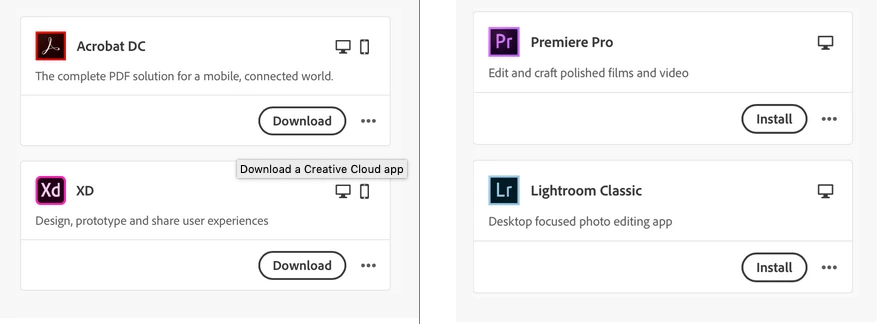
- Follow the onscreen instructions to complete your installation.
We also have this helpful video explaining the process:
Frequently asked questions
- What are the system requirements for my app?
- Where can I download the Creative Cloud desktop app?
- Why after purchase are Creative Cloud apps still appearing as trial versions?
Other helpful resources
 AdChoices