Participant
November 2, 2014
Answered

Download error

  • November 2, 2014
  • 3 replies
  • 263 views

I am downloading the trial the adobe creative cloud thing opens then when it says apps it says=      HELP me please
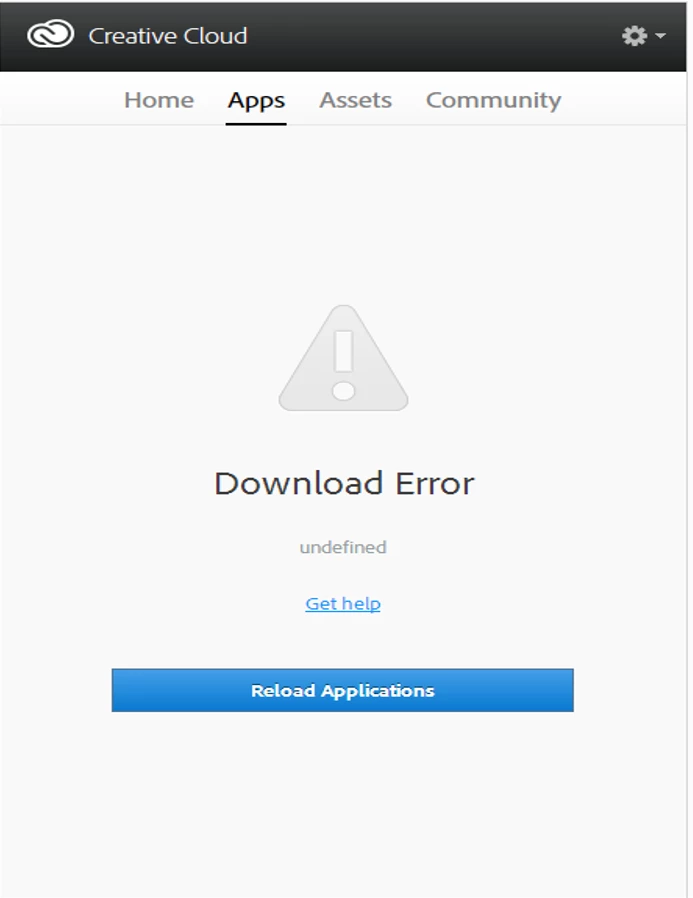
This topic has been closed for replies.
Correct answer Jeffrey_A_Wright

ITs Ma Mr mario for information on how to resolve download errors please see Error downloading Creative Cloud applications - http://helpx.adobe.com/creative-cloud/kb/error-downloading-cc-apps.html.

3 replies

Jeffrey_A_Wright
Jeffrey_A_WrightCorrect answer
Legend
November 4, 2014

ITs Ma Mr mario for information on how to resolve download errors please see Error downloading Creative Cloud applications - http://helpx.adobe.com/creative-cloud/kb/error-downloading-cc-apps.html.

Participating Frequently
November 2, 2014

If the above steps doesn't work,

Follow the below steps,

1. Open Activity Monitor from the Utilities folder under Applications.

2. Check for Adobe processes such as Adobe Crash Daemon, Adobe CEF Helper, Coresync, Creative cloud, If you find them Force quit it.

3. Open the finder window and press Command + Shift + G button.

    It will open the Go to folder search box, in that type ~/Library and then click on Go.

   Then, go to Application Support/Adobe folder and delete the AAMUpdater and OOBE folders.

4. Now, open the Go to folder search box again, in that type /library this time and then click on Go.

    Notice that this time it is just /Library and the ~ symbol is not included.

    Then, go to Application Support/Adobe folder and delete the AAMUpdater, Adobe Application Manager and OOBE folders.

5. Now, open the finder window and Press Command + Shift + U button.

    It will open the Utilities folder, from there delete the Adobe Application Manager and Adobe Creative Cloud folder.

6. Now, run the cleaner tool from the below link. Do not click Clean All button.

    Use the CC Cleaner Tool to solve installation problems | CC, CS3-CS6

    In the cleaner tool, check if you have Adobe Creative Cloud or Adobe Application Manager listed, If found select it and click on Clean Up Selected button.

    If not found, close the cleaner tool.

7. Download and Install the Creative Cloud Desktop from here : Free Creative Cloud | Download Adobe Creative Cloud free trial

Launch the Adobe Creative Cloud from Applications folder > Sign in and click on Apps tab.

Hope it helps.

Thank you.

Participating Frequently
November 2, 2014

Quit the Creative Cloud Desktop App.

Click Gear (Wheel) icon and select Quit from the Creative Cloud Window.

  • Try to delete AAMUpdater folder and OOBE folder from ~/Library/Application Support/Adobe/

Please find the steps to navigate to ~/Library/ - User Library.

1. In the Finder, choose Go > Go To Folder.

2. In the Go To Folder dialog, type ~/Library

3. Click Go.


Navigate to ~/Library/Application Support/Adobe/ and delete AAMUpdater folder and OOBE folder.

Quit and Launch the Creative Cloud App.

Hope this works.

Thank you.