Participant
February 15, 2017
Answered

Download Error - how to get around this?

  • February 15, 2017
  • 2 replies
  • 493 views

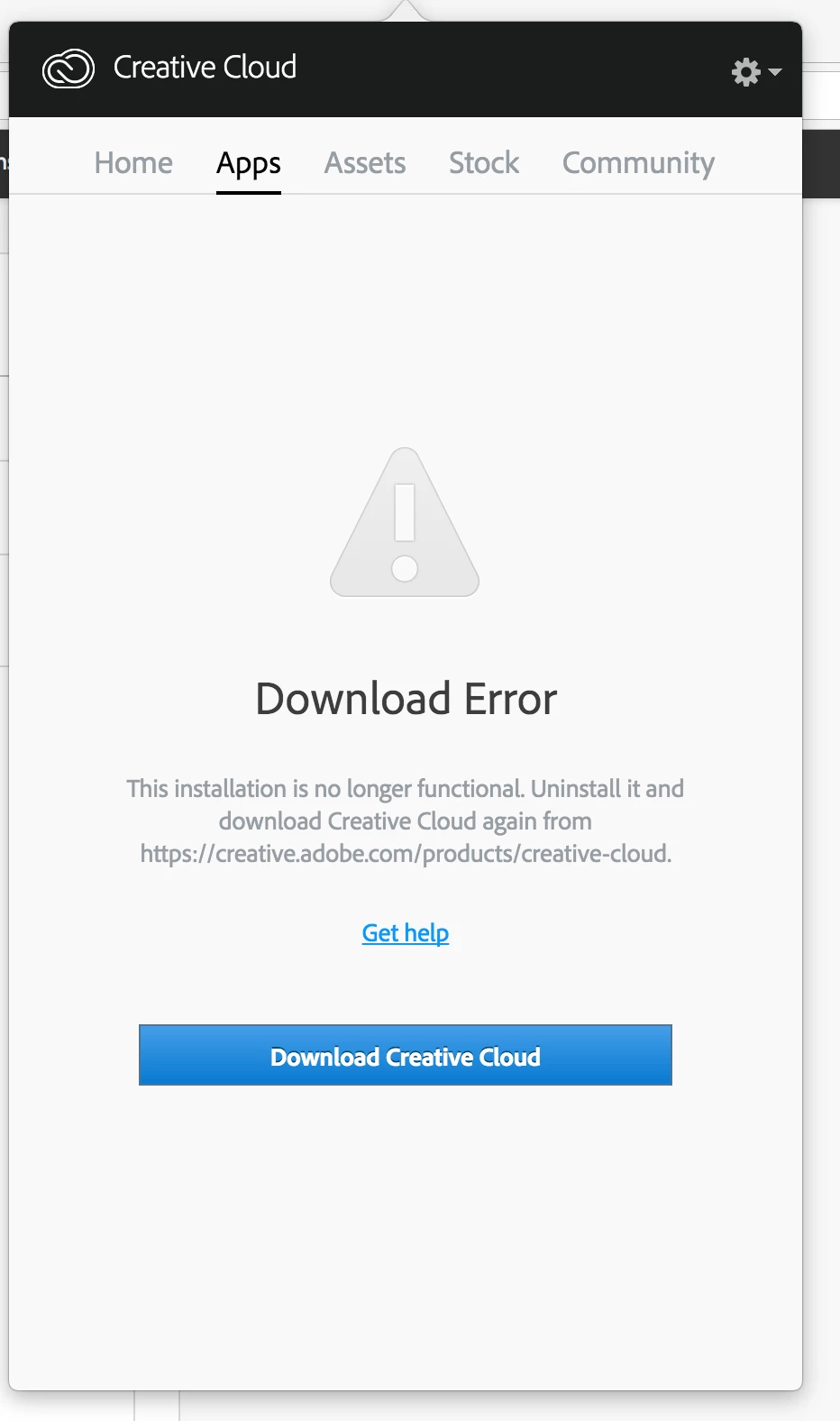
I have downloaded Creative Cloud Desktop, but I only get this error message: Download Error - REG_SETVALUE_FAILURE - This installation is no longer functional. Uninstall it and download Creative Cloud again. See screenshot.

I have uninstalled and installed it over and over, and manually uninstalled all the applications, but nothing seems to work. Please help, I cannot work before this is resolved...

Thanks in advance!

//Anette
This topic has been closed for replies.
Correct answer kglad

uninstall everything cc including preferences, https://helpx.adobe.com/creative-cloud/help/uninstall-remove-app.html

then uninstall the cc desktop app, https://helpx.adobe.com/creative-cloud/help/uninstall-creative-cloud-desktop-app.html

clean your computer of cc files per http://www.adobe.com/support/contact/cscleanertool.html

restart your computer (don't skip this)

reinstall the cc desktop app, https://creative.adobe.com/products/creative-cloud. (if you have a win os, right click the exe > click 'run as administrator'.

use the desktop app to install your cc programs/trials

2 replies

Adobe Employee
February 15, 2017

Hi anette sørliej55233388,

II understand that you are getting Download error on your CC Desktop app. Please follow the below link in order to fix this issue.

Download error in Apps tab of Adobe Creative Cloud desktop application

Creative Cloud - Download error - stubborn error

Please let me know if this helps you or if any further assistance is required. Thanks!

Regards

Himanshu Gupta

kglad
Community Expert
kgladCommunity ExpertCorrect answer
Community Expert
February 15, 2017

uninstall everything cc including preferences, https://helpx.adobe.com/creative-cloud/help/uninstall-remove-app.html

then uninstall the cc desktop app, https://helpx.adobe.com/creative-cloud/help/uninstall-creative-cloud-desktop-app.html

clean your computer of cc files per http://www.adobe.com/support/contact/cscleanertool.html

restart your computer (don't skip this)

reinstall the cc desktop app, https://creative.adobe.com/products/creative-cloud. (if you have a win os, right click the exe > click 'run as administrator'.

use the desktop app to install your cc programs/trials