Participant
March 18, 2017
Answered

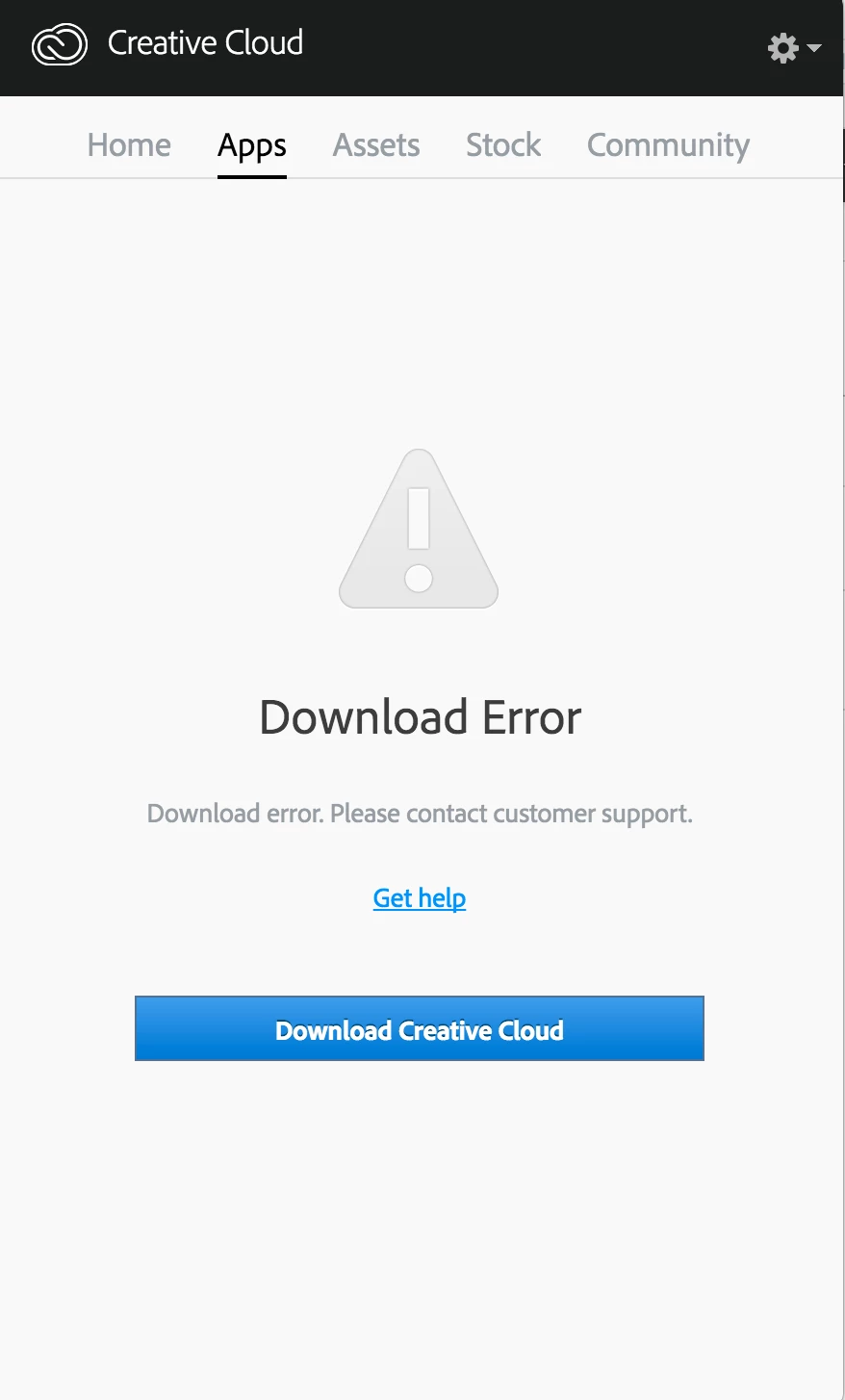
Download Error in Apps tab of Creative Cloud desktop app

  • March 18, 2017
  • 1 reply
  • 196 views

I am unable to uninstall CC apps like premier pro, as I need to access to the Creative Cloud. However, I couldn't view anything from it (as screenshot posted below). I need help to resolve the problem.
    This topic has been closed for replies.
    Correct answer John T Smith

    Sign out of your account... Uninstall... run the Cleaner...

    -for non-Cloud programs you need to DE-activate before uninstalling

    -https://helpx.adobe.com/x-productkb/policy-pricing/activate-deactivate-products.html

    -http://helpx.adobe.com/creative-cloud/help/install-apps.html (and uninstall)

    -using the cleaner after uninstalling and before reinstalling is often needed

    -https://helpx.adobe.com/creative-cloud/kb/cc-cleaner-tool-installation-problems.html

    -Restart your computer... Sign in to your account... Reinstall

    -and 5 steps in reply #1 https://forums.adobe.com/thread/2144928

    1 reply

    John T Smith
    Community Expert
    John T SmithCommunity ExpertCorrect answer
    Community Expert
    March 18, 2017

    Sign out of your account... Uninstall... run the Cleaner...

    -for non-Cloud programs you need to DE-activate before uninstalling

    -https://helpx.adobe.com/x-productkb/policy-pricing/activate-deactivate-products.html

    -http://helpx.adobe.com/creative-cloud/help/install-apps.html (and uninstall)

    -using the cleaner after uninstalling and before reinstalling is often needed

    -https://helpx.adobe.com/creative-cloud/kb/cc-cleaner-tool-installation-problems.html

    -Restart your computer... Sign in to your account... Reinstall

    -and 5 steps in reply #1 https://forums.adobe.com/thread/2144928