Participant
December 12, 2014
Question

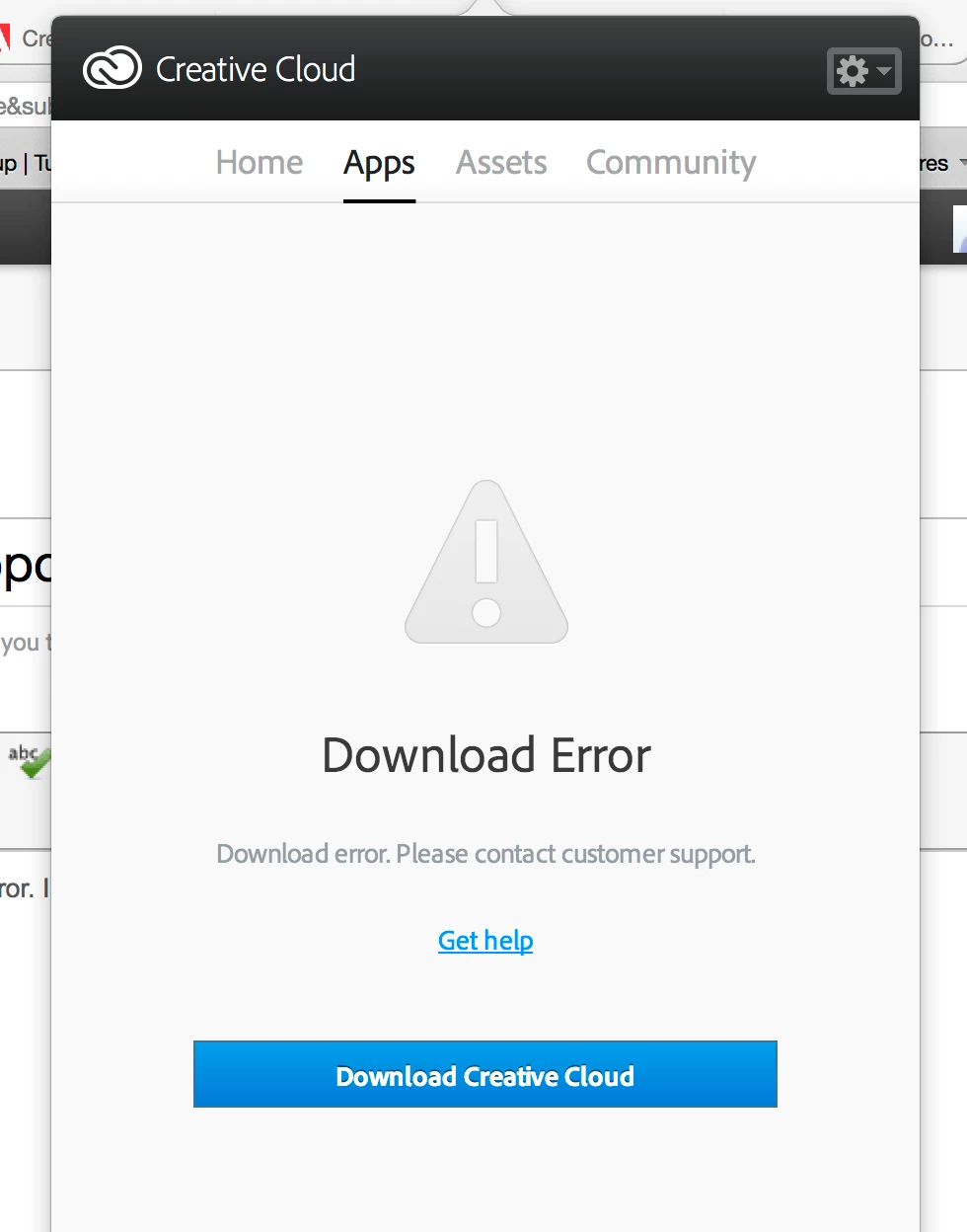
Download error please contact customer support

  • December 12, 2014
  • 2 replies
  • 203 views

On my Creative cloud desktop app. Under the apps pulldown menu it says Download error. I tried re installing but no luck.

Please help.

Thanks,

Chuck
This topic has been closed for replies.

2 replies

Ethereal_Sunflower98BC
Participating Frequently
December 13, 2014

Dragon45

This may can occur either due to some permission issues or connecitviry issues.

Please try to pefrom below steps once

Click Gear icon on the top Right corner and Quit Creative Cloud App

Click on Finder and then hold Command + Shift + G keys on your keypad

It will open Go to folder window, type  exactly ~/Library and click on Go

Then open Application Support

Right click on Adobe folder

Click on get info

Under sharing and permission click on lock icon and unlock it

Click on symbol and Add Administrator and your current user name ( if not added )

Then give read and write permission to user name, admin, system and every one

Then click on Gear icon and select 'Apply to Enclosed

Click on lock icon

Then relaunch Creative Cloud App and check

Jeffrey_A_Wright
Legend
December 12, 2014

Dragon45 for information on how to resolve download errors please see Error downloading Creative Cloud applications - http://helpx.adobe.com/creative-cloud/kb/error-downloading-cc-apps.html.