Question
Download Error with No Error Code in Apps Tab
MacBookPro 15" 2010.5
OS X 10.9.5
Creative Cloud 1.8.0.447
After attempting to install updates to applications and seeing no progress for over 2 hours I restarted my Mac. When the system restarted and I looked at the apps tab in Creative Cloud I see this:
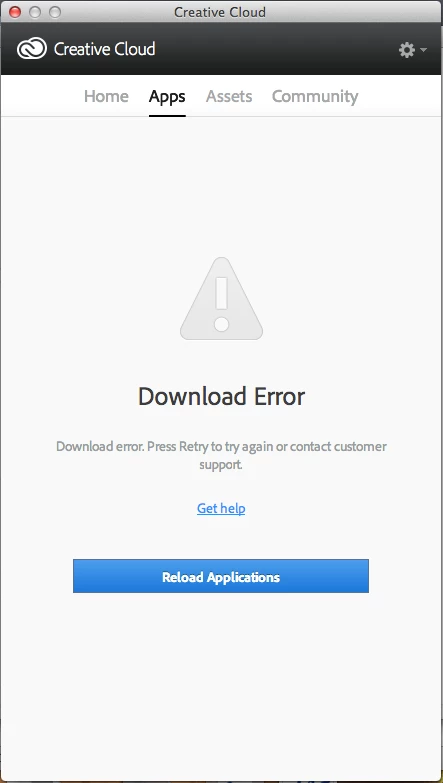
Clicking on the Reload Applications button shows a spinning wheel for a second or two then back to this screen again.
Following the instructions left here for a similar screenshot provided no help.
- ~/Library/Logs/Adobe/AdobeDownloads/ - Location not found
- 2 other computer with separate Creative Cloud accounts have no issues downloading or updating on this network.
 AdChoices