Answered
download on a second computer
Hello! I already have PS and Lr on my desktop, paying monthly. Now i wanted to install it also on my laptop. I always get the answer that it is not possible under the same adress. What can I do?
Hello! I already have PS and Lr on my desktop, paying monthly. Now i wanted to install it also on my laptop. I always get the answer that it is not possible under the same adress. What can I do?
That's what I thought. It just doesn't work. I'm told that I'm already registered and so I could not get a second under the same name.
But thanks for your answers. Here it is midnight now, so i retire from that problem for now..
Go here and click the download button in the upper right hand corner of the screen.
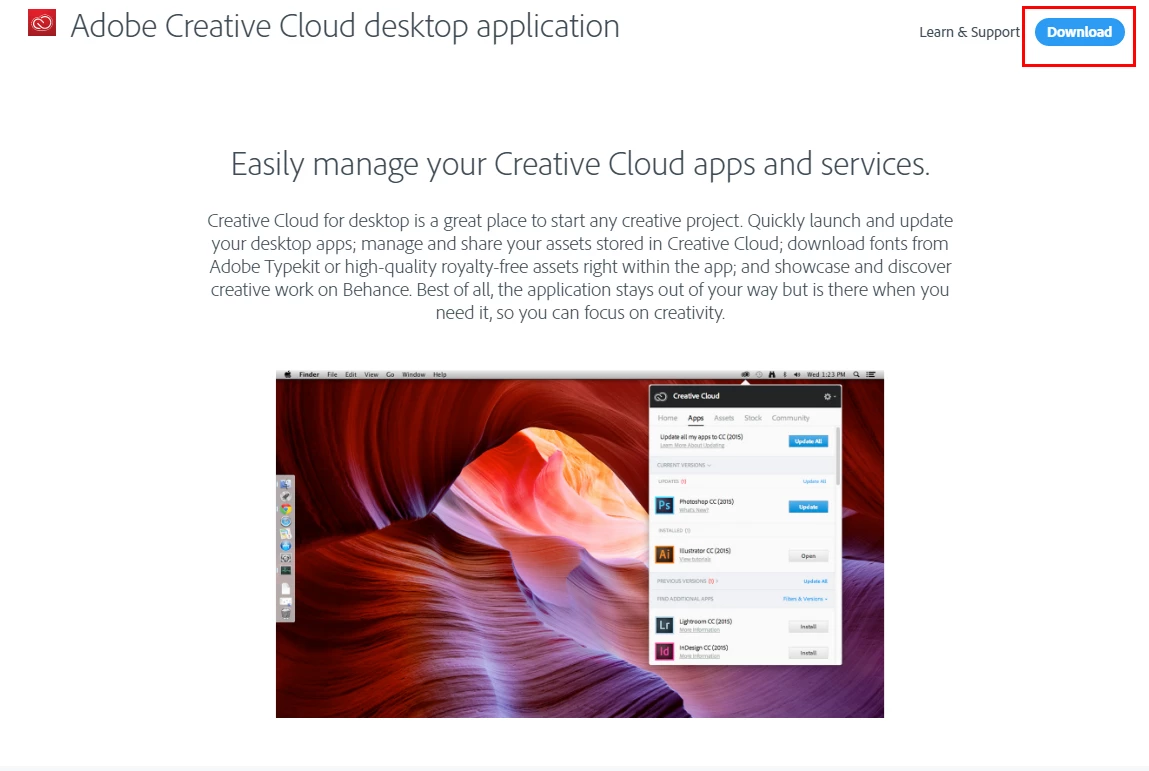
Download it on you notebook computer.
Download Adobe Creative Cloud apps | Free Adobe Creative Cloud trial
Once downloaded on your notebook install it and then start it. Sign In using the Adobe ID you used to buy the subscription and then install LR and PS.
Already have an account? Login
Enter your E-mail address. We'll send you an e-mail with instructions to reset your password.
 AdChoices