Participant
September 27, 2017
Answered

Error 1001 Creative Cloud Update

  • September 27, 2017
  • 1 reply
  • 2799 views

Error Journey

So i decided to update my creative cloud today and upon doing so, I noticed the Creative Cloud Updater was showing

Not Responding on the Activity monitor so i decided to terminate it and received this error:
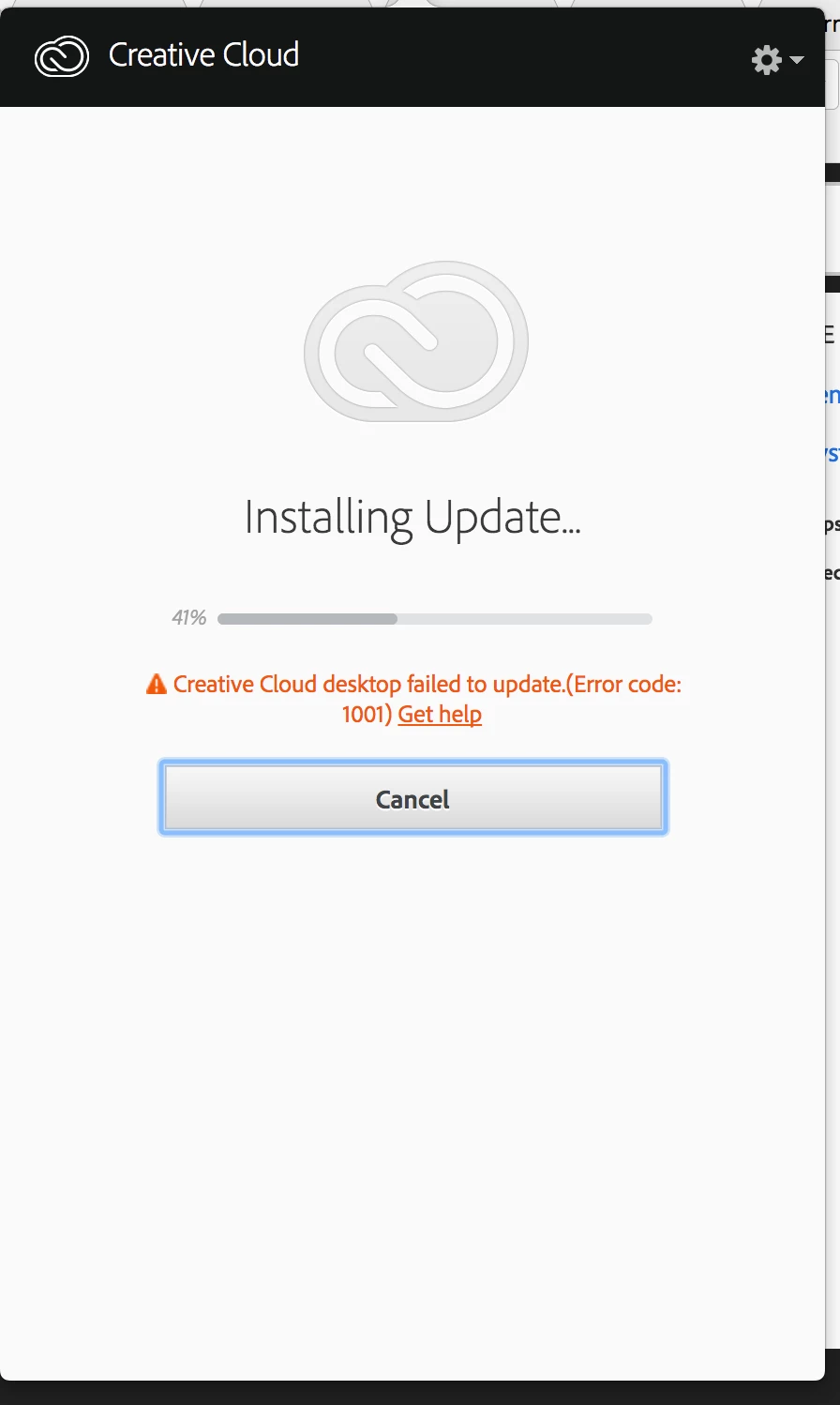
After this had happened I uninstalled the Adobe CC using the Adobe CC Uninstaller that Adobe has provided,

following the instructions of one of the many resolved forum post on the Adobe support site. Success

The next step was to install the the Adobe CC Cleaner, which prompted me with the options of what

Adobe programs I'd like to clean, I decided to go with all the Apps that was downloaded through the CC suite

including the Creative Cloud which deleted all the applications and required me to re-install it

(I had no issue doing so as long as it fixes the problem).

After a re-download and attempt to re-install of the Adobe CC suite I'm back to ground zero now with absolutely no adobe apps: Failed

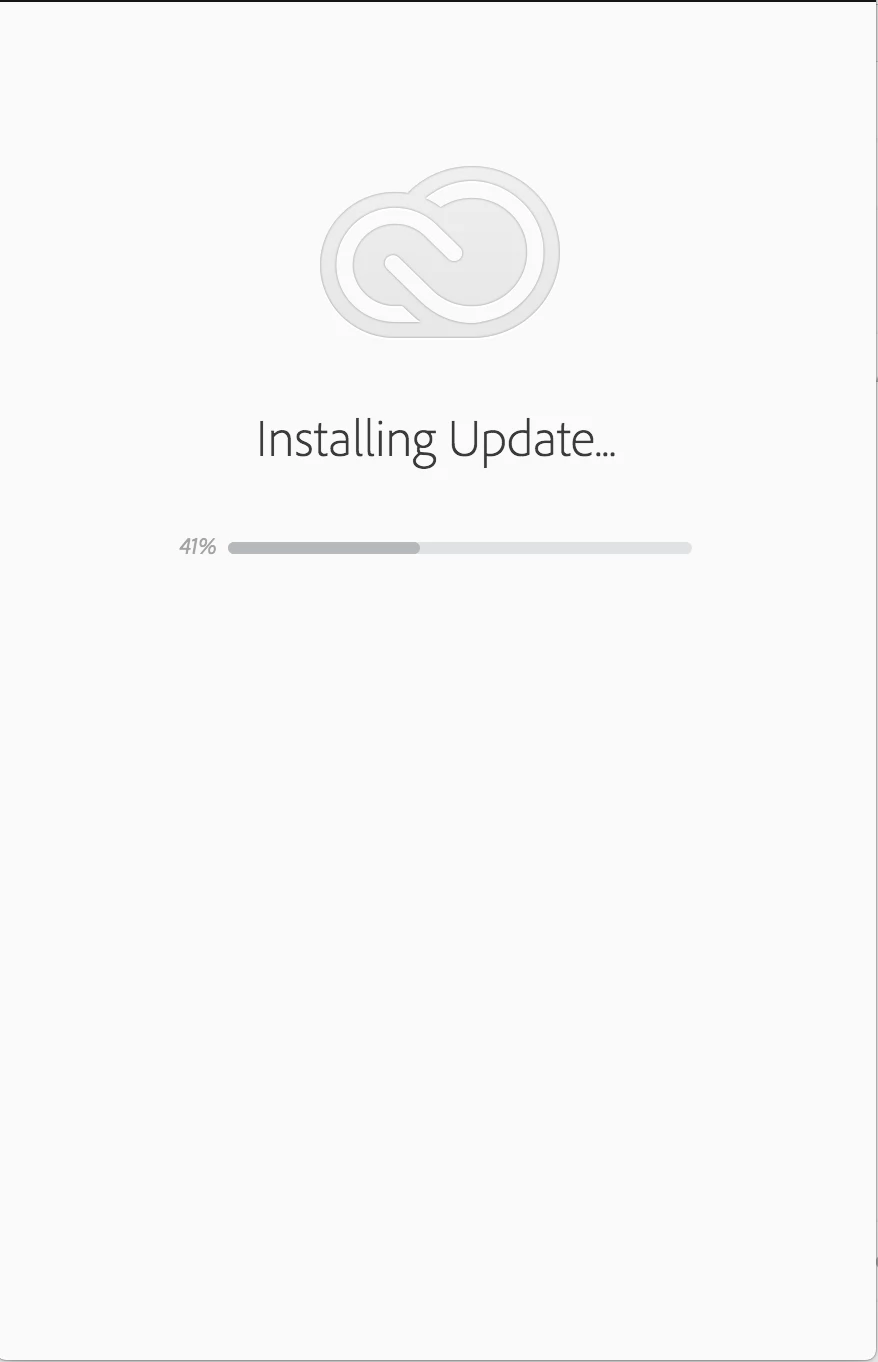
Can someone please tell me whats going on ?

Hardware and Software Info

  Model Name: MacBook Pro

  Model Identifier: MacBookPro12,1

  Processor Name: Intel Core i5

  Processor Speed: 2.7 GHz

  Number of Processors: 1

  Total Number of Cores: 2

  L2 Cache (per Core): 256 KB

  L3 Cache: 3 MB

  Memory: 8 GB

  Boot ROM Version: MBP121.0167.B33

  SMC Version (system): 2.28f7

  Serial Number (system): C17S95QCFVH3

  Hardware UUID: FA19615A-92FF-5B43-A504-01ABBCA1BFEF

System Version: macOS 10.12.6 (16G29)

Kernel Version: Darwin 16.7.0

Boot Volume: Macintosh HD

Links I used to attempt this self resolve

Creative Cloud will not update

Creative cloud won't start and I can't uninstall

Re: Adobe Installer Stalled

This topic has been closed for replies.
Correct answer kglad

uninstall everything cc including preferences, https://helpx.adobe.com/creative-cloud/help/uninstall-remove-app.html

then uninstall the cc desktop app, https://helpx.adobe.com/creative-cloud/help/uninstall-creative-cloud-desktop-app.html

clean your computer of cc files per http://www.adobe.com/support/contact/cscleanertool.html

restart your computer (don't skip this)

reinstall the cc desktop app, https://creative.adobe.com/products/creative-cloud.

if you're unable to install the cc desktop app at this stage, use an administrator account (solution 3 here, https://helpx.adobe.com/creative-cloud/kb/creative-cloud-missing-damaged.html)

use the desktop app to install your cc programs/trials

1 reply

kglad
Community Expert
kgladCommunity ExpertCorrect answer
Community Expert
September 27, 2017

uninstall everything cc including preferences, https://helpx.adobe.com/creative-cloud/help/uninstall-remove-app.html

then uninstall the cc desktop app, https://helpx.adobe.com/creative-cloud/help/uninstall-creative-cloud-desktop-app.html

clean your computer of cc files per http://www.adobe.com/support/contact/cscleanertool.html

restart your computer (don't skip this)

reinstall the cc desktop app, https://creative.adobe.com/products/creative-cloud.

if you're unable to install the cc desktop app at this stage, use an administrator account (solution 3 here, https://helpx.adobe.com/creative-cloud/kb/creative-cloud-missing-damaged.html)

use the desktop app to install your cc programs/trials

Participant
September 27, 2017

Hello and thank you for the reply, I've already done the the 4 steps you linked me including running the administrator account since I am the only user for my machine.

Participant
September 27, 2017

If you look at the links on the bottom of my post those are the steps that I've completed, and the steps you have given me is what is included in my post from start to finish.