
Participating Frequently
August 29, 2018
Answered

Error 105: Cannot install/deinstall some apps + Creative Cloud app

  • August 29, 2018
  • 1 reply
  • 2136 views

Hi,

The problem started as I tried to update Illustrator 2017 to Illustrator 2018 CC when it was installing at ~70%. When I try to install or deinstall certain apps I get this error message:

Exit Code: 105

-------------------------------------- Summary --------------------------------------

- 1 fatal error(s), 1 error(s), 1 warnings(s)

FATAL: Error occurred in uninstall of package (Name: coreAssets Version: 1.0.12.19). Error code: '105'

ERROR: Error in deleting package records for sapCode:SPRK, version:1.0.12, package:coreAssets, packageVersion:1.0.12.19

WARN: Uninstall data '' could not be found, Warning (Code = 134)

-------------------------------------------------------------------------------------

How can I fix this?
This topic has been closed for replies.
Correct answer Bani Verma


Hi Veuglemse,

Please follow the below steps to locate 'Caps' folder on your machine:

  • Right click on the "Finder" icon and select "Go-To folder" option.
  • You will get a text box, type in " /Library/Application Support/Adobe/caps/" and hit return.

Now follow the rest of the steps given here: Unable to install Adobe apps | Error 105, to resolve this issue.

Let us know if this helps.

1 reply

VeuglemseAuthor
Participating Frequently
August 29, 2018

I'm trying the following solution: Use the Creative Cloud Cleaner Tool to solve installation problems

But the first step is already a problem:
1: Back up all files stored in Adobe product directories, including custom plug-ins or profiles you have installed.

What are you talking about? Why is this not a link with a "how to backup files"? What files exactly, in what folders? Should I just manually search for every file in my mac that contains the word Adobe? Where can I find the profiles that I want to backup?


Adobe continues to disappoint, especially since I'm paying for the membership.

Jeffrey_A_Wright
Community Manager
Community Manager
August 29, 2018

Veuglemse, sorry you are facing Error 105 while updating Illustrator CC.  Error 106 occurs because the hdpim.db file is either corrupted or does not have correct read/write permissions under the current User account.  You can find steps on how to correct the error at Unable to install Adobe apps | Error 105 .

In regards to your questions on how to back up your plug-ins and settings.  I would first recommend you have a backup strategy in place for any critical files on the computer.

The critical locations of plug-ins and settings can vary between Adobe applications.  I found a couple of documents that I would recommend bookmarking while verifying the files are contained in your current back up solution.

Third-party plug-ins for Adobe Photoshop.

Use Adobe Add-Ons to find plug-ins and extensions |

Please update this discussion if you have any questions or continue to encounter errors, Veuglemse.

VeuglemseAuthor
Participating Frequently
August 30, 2018

Hi,

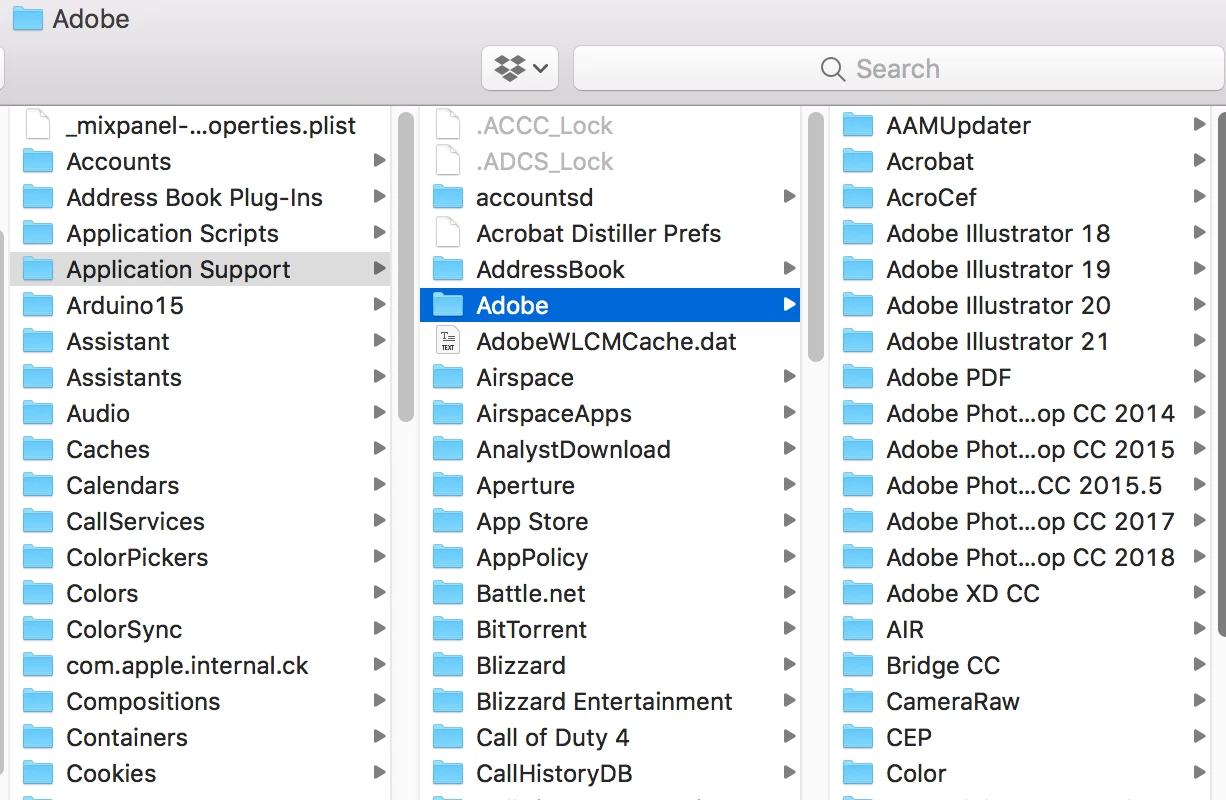
Thanks for your reply. I cannot find the caps folder, nor can I find "hdpim.db" anywhere on my mac.