



Error 160 during installation of Adobe Photoshop
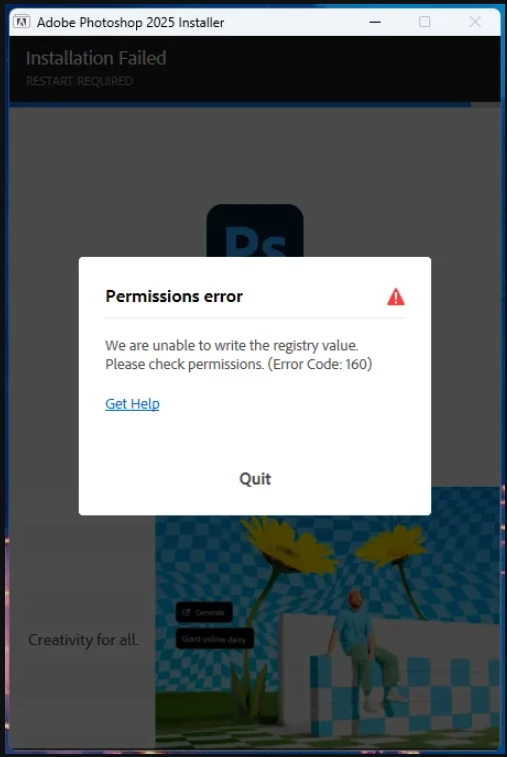
Error 160 during installation of Adobe Photoshop at the very end of installation. I can't figure out what rights and what registry branch to give them to. Program version 2025 [v 26.6.0.14].
Solving the problem from here does not help:
"What does getting error 160 mean?
When you try to install a Creative Cloud app, you get the following error message:
Exit Code: 160
-------------------------------------- Summary --------------------------------------
- 2 fatal error(s), 0 error(s), 2 warnings(s)
FATAL: Error (Code = 160) executing in command 'SetRegistryValueCommand' for package:
'AdobePhotoshop17-Core_x64', version:17.0.1.159
FATAL: Error occurred in install of package (Name: AdobePhotoshop17-Core_x64 Version: 17.0.1.159).
Error code: '160'
WARN: Error Setting Registry - Start 64-bit:1 root:2
key:SOFTWARE\Microsoft\Windows\CurrentVersion\App Paths\Photoshop.exe name:Default
type:REG_SZ data:C:\Program Files\Adobe\Adobe Photoshop CC 2015.5\Photoshop.exe. Check for
Registry permissions. (Error: Error 5 Access is denied.)
This issue occurs when you do not have required permissions on registry keys."
 AdChoices