
rach31354304
Participant
May 18, 2017
Answered

Error code P21 & 214 trying to install creative cloud on Mac

  • May 18, 2017
  • 1 reply
  • 2561 views

I tried downloading lightroom on my Mac and right before it finished installing, this error message popped up:
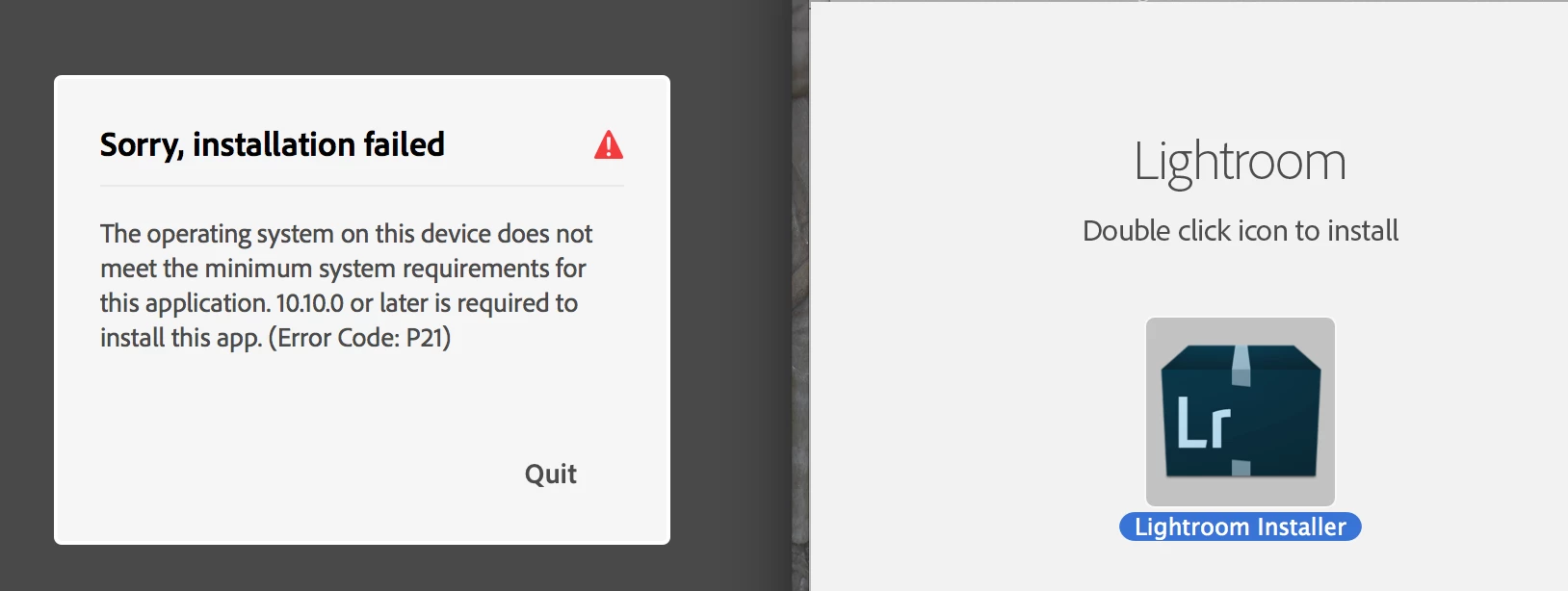
Then I tried downloading the creative cloud, and encountered this error message before download was complete:
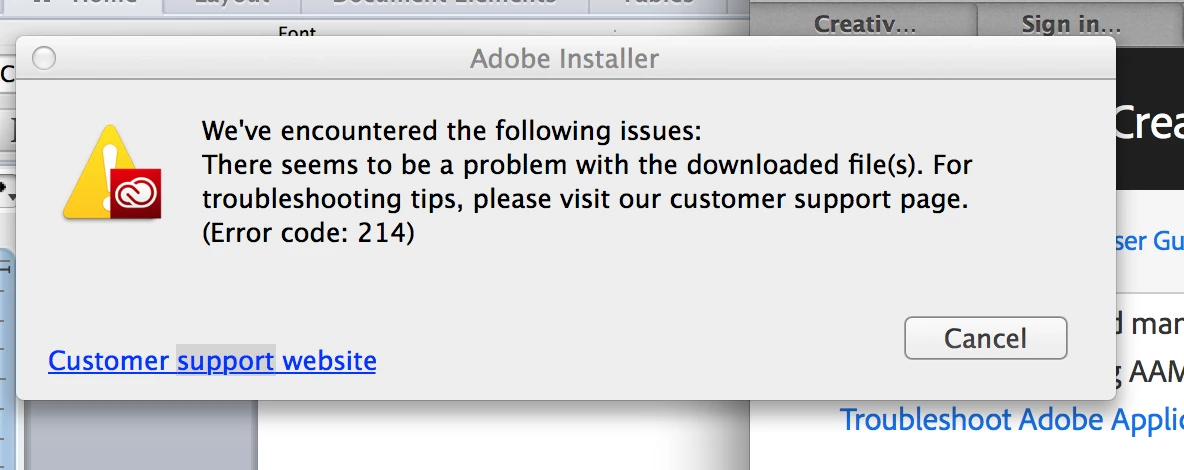
I have looked on other forums and chats and have not found a clear answer to either of these error messages. What do these error codes mean? And what are my next steps to download the creative cloud? Thanks!

This topic has been closed for replies.
Correct answer kglad

you need to upgrade your os or, if your os is 10.10+, attach a screenshot showing your os version.

[moved from Downloading, Installing, Setting Up to Creative Cloud Download & Install]

1 reply

kglad
Community Expert
kgladCommunity ExpertCorrect answer
Community Expert
May 18, 2017

you need to upgrade your os or, if your os is 10.10+, attach a screenshot showing your os version.

[moved from Downloading, Installing, Setting Up to Creative Cloud Download & Install]

Participant
June 18, 2017

Hello, I had this same problem, but my Mac operating system is already Sierra, which is the latest operating system. I am still getting the error and cannot complete the download.

kglad
Community Expert
Community Expert
June 18, 2017

do you have a lightroom subscription?

if yes, are you using the cc desktop app from here https://creative.adobe.com/products/creative-cloud to install lightroom?

if not, attach a screenshot showing the downloaded installation file's name, ext and size.