Participant
August 2, 2017
Answered

Error Downloading Lightroom.

  • August 2, 2017
  • 1 reply
  • 463 views

I paid for the annual photography plan, however only photoshop will download. Lightroom keeps crashing at 42% and saying I need to quit adobe. I have tried all of the troubleshooting solutions. I need help with downloading it...
This topic has been closed for replies.
Correct answer Govardhan.V

Restart Mac once.

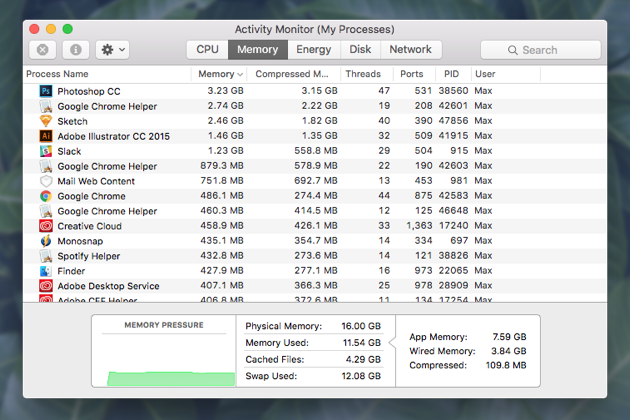
After restarting , launch Activity Monitor and make sure View option is set to  " All Processes " option.

Make sure to Force Quit all Adobe related processes and then try to Download LR again,

Image result for adobe activity monitor

Reference:

My installation process keeps failing due to "other processes" that are going on? But I have closed everything...?

1 reply

John Waller
Community Expert
Community Expert
August 2, 2017

Which operating system?

I have tried all of the troubleshooting solutions.

Can you tell us what you've tried so far to avoid us suggesting things that have not worked for you?

e.g. have you tried the steps suggested by Jeff A Wright here?

Lightroom Download stops at 42%?

Participant
August 2, 2017

Mac OS Sierra 10.12.4

-Annie

Govardhan.V
Govardhan.VCorrect answer
Participating Frequently
August 2, 2017

Restart Mac once.

After restarting , launch Activity Monitor and make sure View option is set to  " All Processes " option.

Make sure to Force Quit all Adobe related processes and then try to Download LR again,

Image result for adobe activity monitor

Reference:

My installation process keeps failing due to "other processes" that are going on? But I have closed everything...?