Participant
February 12, 2021
Answered

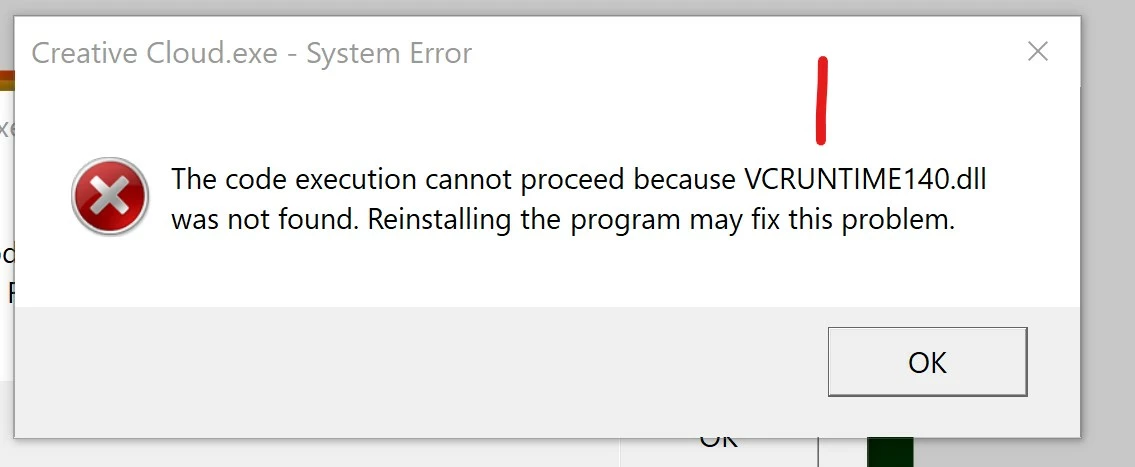
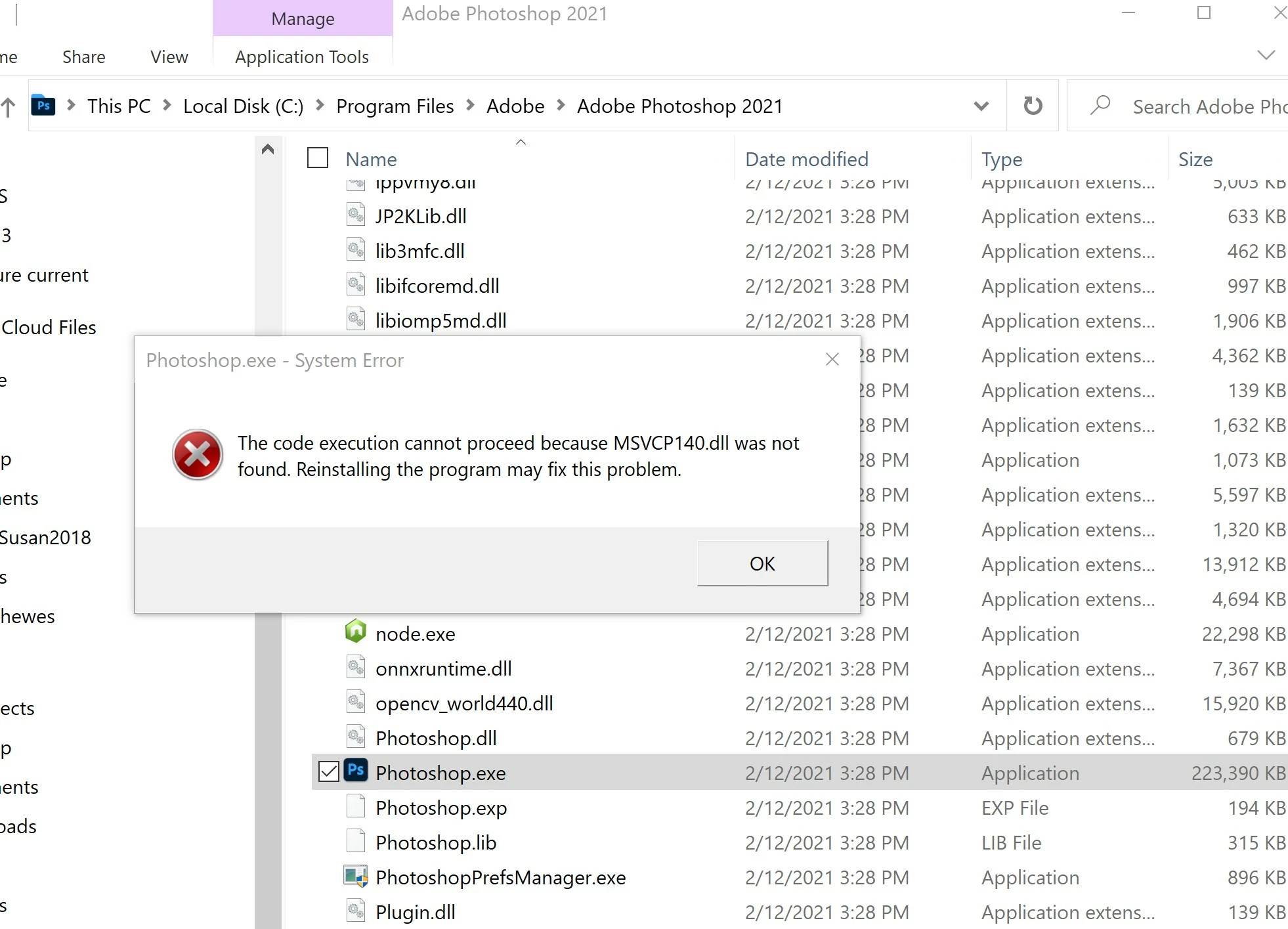
Error in installing Creative Cloud on Windows 10 Surface Pro

  • February 12, 2021
  • 3 replies
  • 385 views

    This topic has been closed for replies.
    Correct answer John T Smith

    That is a Microsoft problem... Go to the Search bar at the top of http://www.microsoft.com/en-us/ to find and re-install the C runtime, or for ALL Windows help
    -or direct to https://support.microsoft.com/en-us/help/2977003/the-latest-supported-visual-c-downloads
    https://helpx.adobe.com/x-productkb/global/troubleshoot-c-runtime-errors-products.html

    3 replies

    John T Smith
    Community Expert
    John T SmithCommunity ExpertCorrect answer
    Community Expert
    February 12, 2021

    That is a Microsoft problem... Go to the Search bar at the top of http://www.microsoft.com/en-us/ to find and re-install the C runtime, or for ALL Windows help
    -or direct to https://support.microsoft.com/en-us/help/2977003/the-latest-supported-visual-c-downloads
    https://helpx.adobe.com/x-productkb/global/troubleshoot-c-runtime-errors-products.html

    LinSims
    Community Expert
    Community Expert
    February 12, 2021

    Let me move this to the Download & Install forum for you, which is the appropriate forum for your question.

    The Using the Community forum is for help in using the Adobe Support Community forums, not for help with specific programs. Product questions should be posted in the associated product community.


    Participant
    February 12, 2021

    Hi. I have already attempted to uninstall (successful w errors) and then reinstalled the apps. Still same errors apply. How to fix?