Question
Error on Adobe Suite after formatting MacBook Pro hard drive
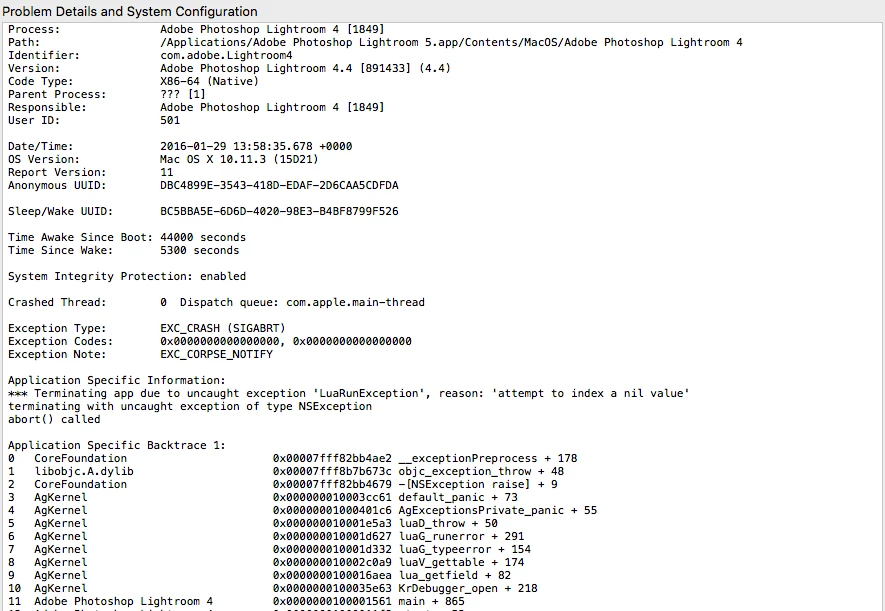
Recently I updated my MacBook Pro operating system to OS X El Capitan. After the update my Mac wouldn't turn on properly and I had to call apple support, who advised me to format my hard drive. Luckily, it worked and my laptop now runs well again with the exception of the Adobe Suite. I had everything backed up on an external hard drive, so I still have all my applications and have transferred them back onto my laptop. However, when I try to open any of my Adobe programs, such as Lightroom, I get an error message (see below). Since I bought the laptop with the programs already installed, I don't have a registration key in order to uninstall then reinstall. I'm unsure how to fix the problem. Can anybody help?
 AdChoices