Participant
February 4, 2016
Question

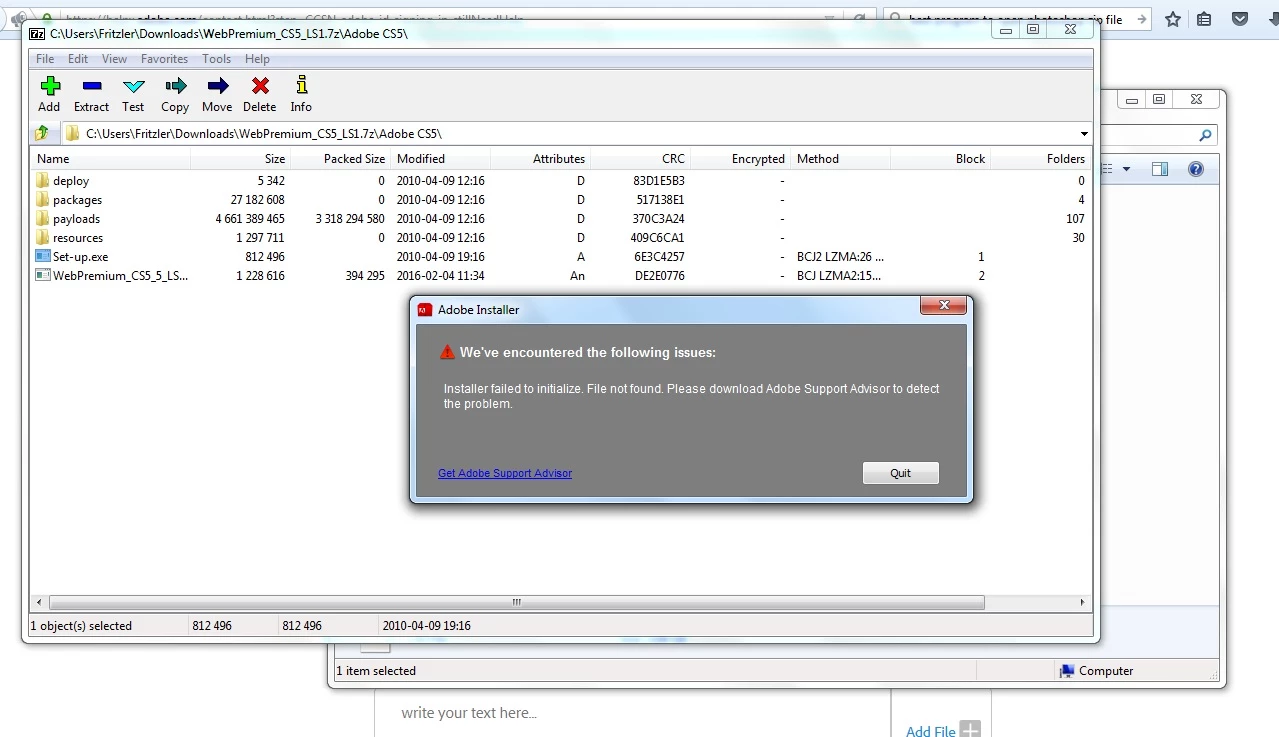
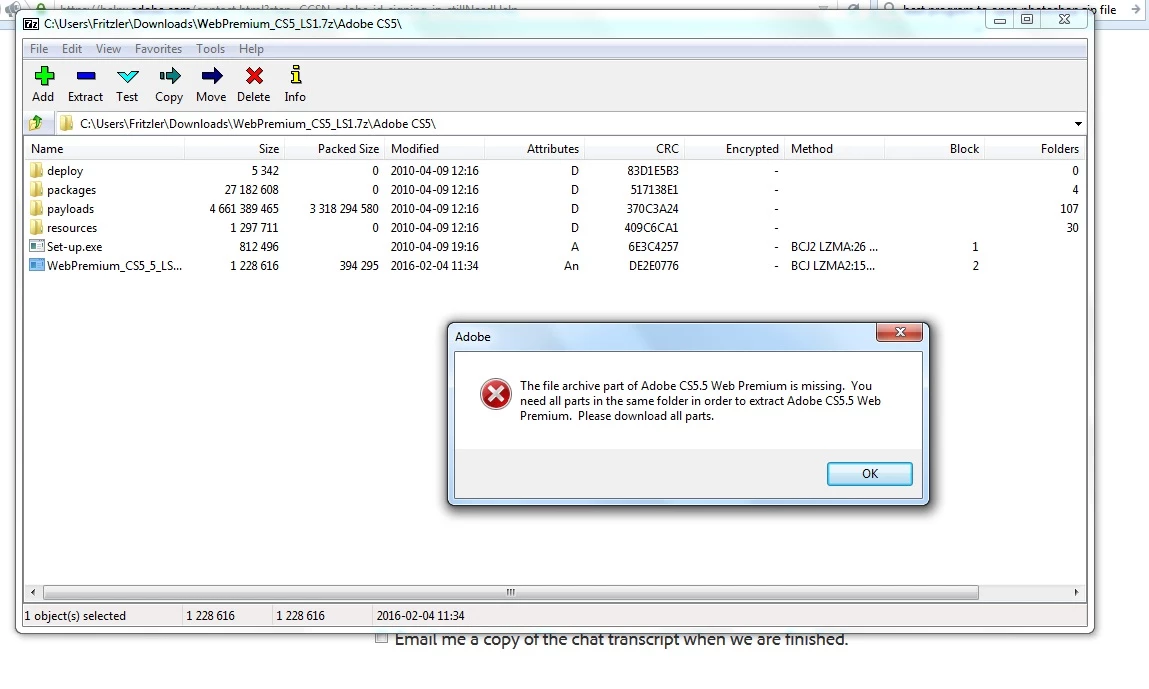
Error when downloding Web Premium CS5.5. Please help.

  • February 4, 2016
  • 2 replies
  • 188 views

I'm trying to download Web Premium CS5.5 and it seems that I'm doing something wrong. I have downloaded it recently in another computer but this time I can't figure out what I'm doing wrong. Can you help me please? I'm on windows7.

I got the link from Download Adobe Creative Suite 5.5 products
This topic has been closed for replies.

2 replies

kglad
Community Expert
Community Expert
February 4, 2016

put the 7z and exe in the same directory and double click the exe.

do not extract or click the 7z.

John T Smith
Community Expert
Community Expert
February 4, 2016

Please read https://forums.adobe.com/thread/1499014

-try some steps such as changing browsers and turning off your firewall

-also flush your browser cache so you are starting with a fresh browser

-check hosts file for blocked entries https://forums.adobe.com/thread/1912777

http://myleniumerrors.com/installation-and-licensing-problems/creative-cloud-error-codes-wip/

https://helpx.adobe.com/creative-cloud/kb/creative-cloud-desktop-application-failed.html

http://helpx.adobe.com/creative-cloud/kb/failed-install-creative-cloud-desktop.html

or

Download from a different link

Download & Install instructions https://forums.adobe.com/thread/2003339 may help

-includes a link to go to a page to download Adobe programs if you don't have a disc or drive

-you will need to enter your original serial number during install for non-Cloud programs

-or kglad links in reply #1 here https://forums.adobe.com/thread/2081216 may help

Also go to https://forums.adobe.com/community/creative_cloud/creative_cloud_faq

-and also read https://forums.adobe.com/thread/1146459