
davidef70353376
Participant
October 7, 2018
Answered

Error while installing premiere elements 2019

  • October 7, 2018
  • 1 reply
  • 1077 views

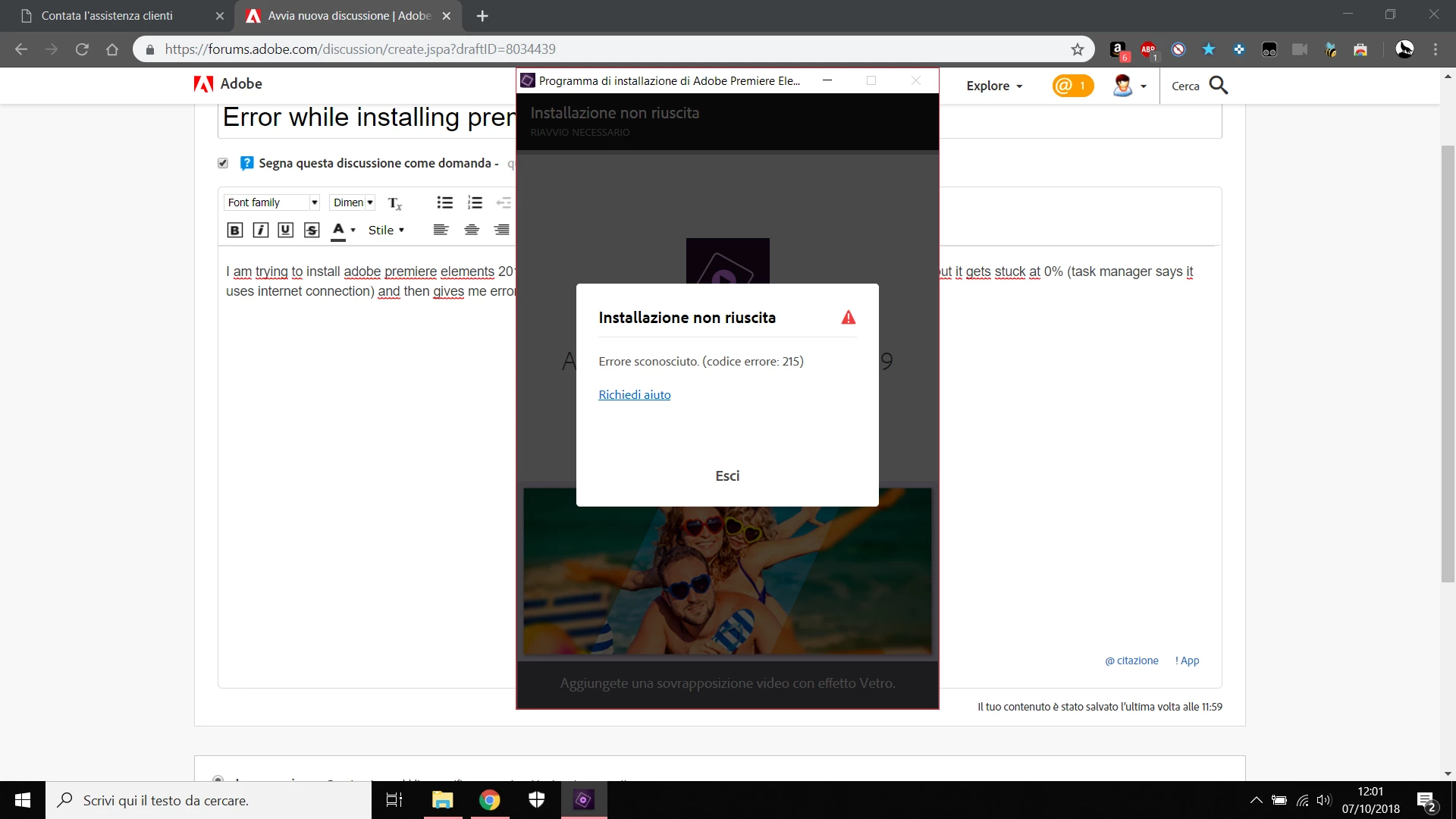
I am trying to install adobe premiere elements 2019 with the executable they send you when you complete the purchase but it gets stuck at 0% (task manager says it uses internet connection) and then gives me error code 215.
This topic has been closed for replies.
Correct answer DelphiZoa

Hi Davidef,

Are you behind a Firewall? Try temporarily disabling it and trying the installation again. Also, what operating system are you using? Does it meet the minimum system requirements: Tech Specs & System Requirements | Adobe Premiere Elements 2019​? This includes having a 64 bit processor.

If those suggestions don't help, it might be worthwhile reviewing any installation logs to see if you can pinpoint a more specific error: Troubleshoot installation errors in Adobe Premiere Elements​.

Let us know how it goes!

1 reply

DelphiZoa
DelphiZoaCorrect answer
Participating Frequently
October 7, 2018

Hi Davidef,

Are you behind a Firewall? Try temporarily disabling it and trying the installation again. Also, what operating system are you using? Does it meet the minimum system requirements: Tech Specs & System Requirements | Adobe Premiere Elements 2019​? This includes having a 64 bit processor.

If those suggestions don't help, it might be worthwhile reviewing any installation logs to see if you can pinpoint a more specific error: Troubleshoot installation errors in Adobe Premiere Elements​.

Let us know how it goes!