Participant
January 7, 2016
Question

Ever since an update in November or so Premiere, and After effects stopped launching.

  • January 7, 2016
  • 3 replies
  • 389 views

I have a Lenovo Y70 touch, don't really know how to check the specs but I doubt they are really that important seeing that a classmate with the same laptop is having zero issues with this.

I've updated, uninstalled, reinstalled, adobe cleaner tooled the cloud (couldn't find a log to see if any errors came up in the cleaning since I did this on windows 10. Because the tutorial was outdated and for windows 8 it never mentioned how to find the log.), and I still can't launch after effects nor premiere, while adobe Photoshop and illustrator work perfectly fine.

If I click open from the cloud client nothing happens. If I manually try to open the file from the search bar at the bottom I get the "The application was unable to start correctly.Click ok to close the application" message even if I try to run the program as administrator. After the uninstalling and cleaning the cloud I tried downloading the three again I got this issue:
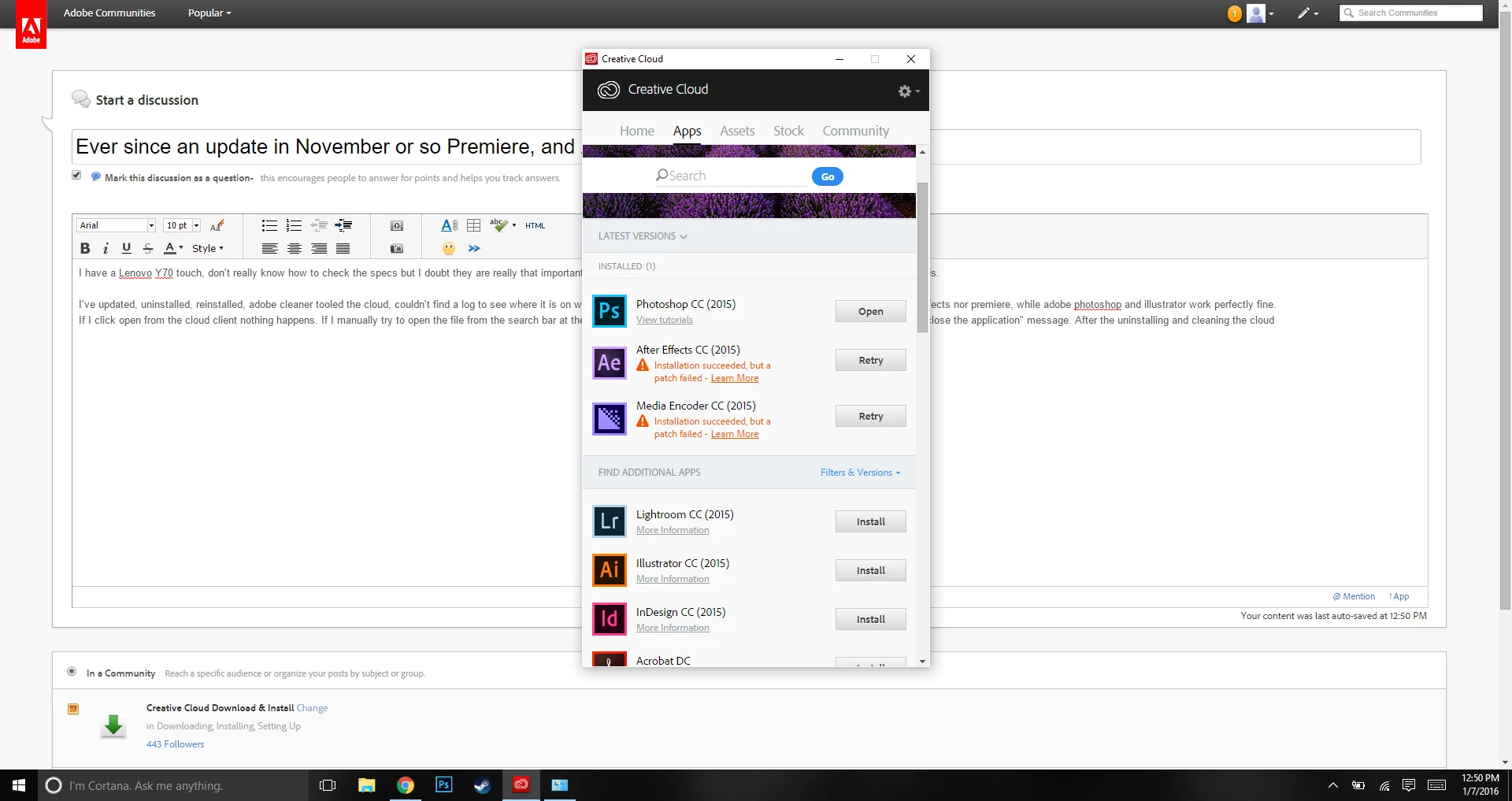
Photoshop worked obviously, but again something was not allowing the essential ones to work.

So let's press retry:
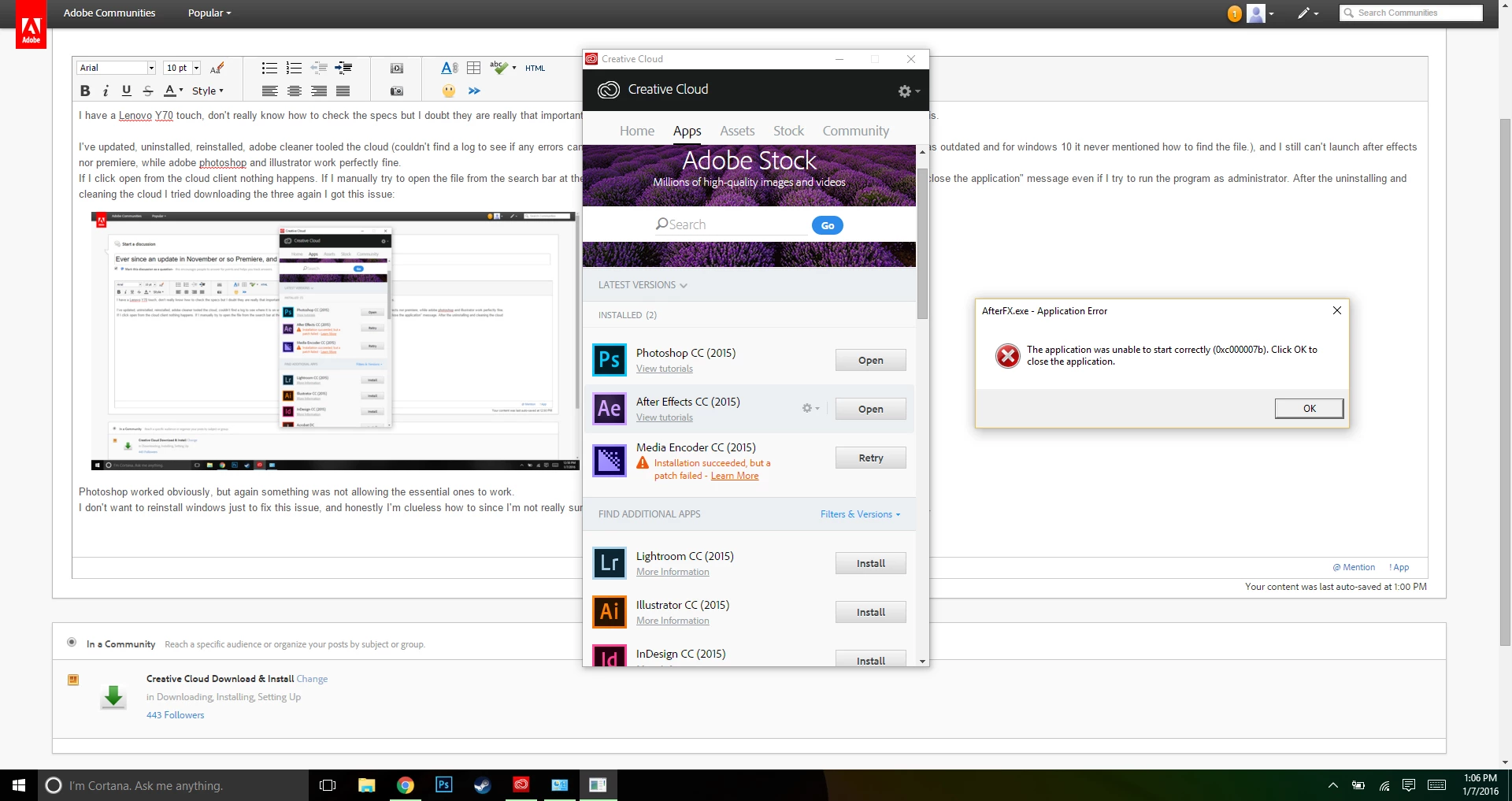
Nothing happens. At all. I had to go into the search bar again just to find the app and try to open it manually.
I've spent hours on end doing all of this over and over. I've lost all patience with this issue. Prior to that update everything was perfect. I had to do my final that fall semester on a classmate's laptop, and now that the new semester started, the wound I thought would heal itself over a new patch by January would solve this, yet it hasn't. Still here and at my wit's end. I don't want to reinstall windows just to fix this issue, and honestly I'm clueless how to since I'm not really sure how to reinstall with out a CD. Laptop just came with it and that's about it.

Please help,

Nick.

This topic has been closed for replies.

3 replies

Govardhan.V
Participating Frequently
January 8, 2016

If it is an issue as I mentioned , you may refer below link :

https://forums.adobe.com/thread/2043835

papiineekAuthor
Participant
January 10, 2016

Tried the suggestion in your link about stopping the installation at 90% and then opening the app. Still does not work. Probably cause I haven't been able to delete preferences? Either way the earlier version is not working. Going to try the same 90% strategy on premiere now. Nope. Same issue. Only photoshop works still. Deleting this preference file is really essential. Could you show me how to do it on windows ten? Like where would I type the file location when I finally get the preference file path? What's the path? What's a computer?

Thank you guys for your patience, it grants me the energy to sit through hours of uninstalling and reinstalling.

Govardhan.V
Participating Frequently
January 10, 2016

Did you tried Ctrl + Shift + Alt buttons as mentioned in help doc ?

Reset preferences 


To restore the default preference settings, press and hold the following keys while the application is starting.

  • Ctrl+Alt+Shift (Windows)
Govardhan.V
Participating Frequently
January 8, 2016

If you still face any issue , we will need to check with Event viewer log.

Recently, issue with DNxHR.dll file being  noticed on Windows computers .  We might need to check with that if Uninstall and reinstallation process & Resetting Preferences did not work.

kglad
Community Expert
Community Expert
January 8, 2016

1. delete your preference files.

2. uninstall again using the uninstallers

3. clean again per http://www.adobe.com/support/contact/cscleanertool.html

4. restart your computer

5. reinstall using the cc desktop app.

preference file locations

after effects:  http://helpx.adobe.com/after-effects/using/preferences.html

premiere pro: http://www.mediacollege.com/adobe/premiere/pro/troubleshooter/trash-preferences.html

papiineekAuthor
Participant
January 10, 2016

Your link might be suited for a windows 8 system I can't find the preference files with that file location path mentioned in the link. Maybe I could search them if you knew the name of the files. Again I can't open after effects at all so I can't alter them if I can't open the program.