Participant
October 25, 2017
Answered

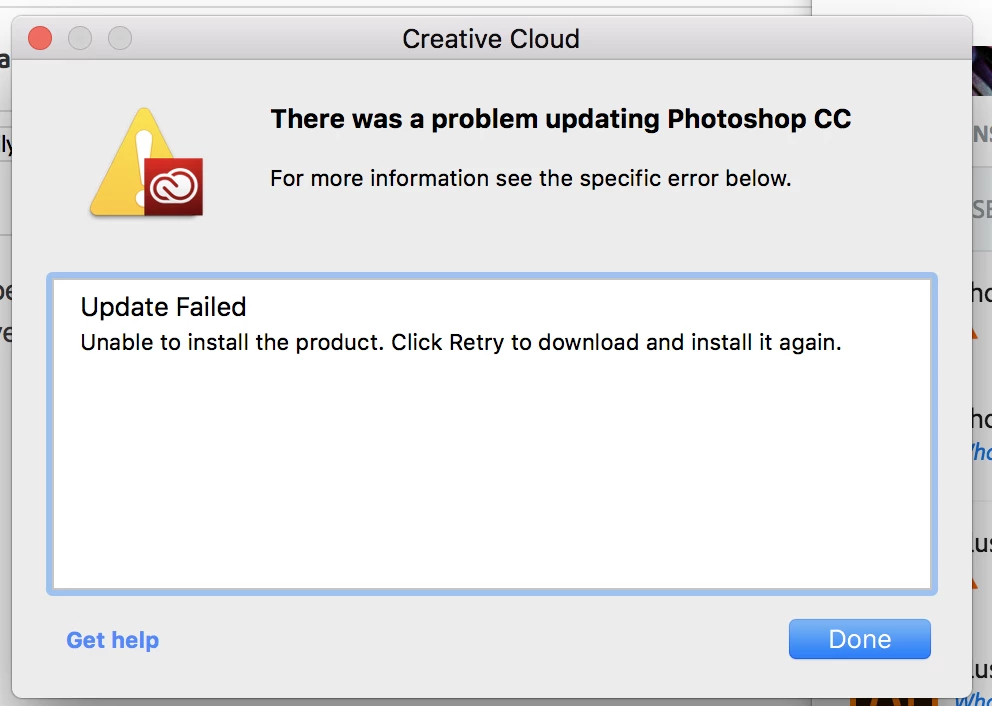
Failed to update Adobe CC - NO Error Code

  • October 25, 2017
  • 3 replies
  • 571 views

I have been trying to update my main apps (InDesign, Illustrator, Photoshop and Lightroom) to the newest version (not sure what version, I just always update whenever there's a notification about an update) - but it keeps failing! This warning box shows up for all 4.

Has anyone else experienced the same issue? Or know how to fix it?

Apologies and thanks a million in advance if this had a simple silly solution that I missed..
This topic has been closed for replies.
Correct answer Bleuet16

Okay, so I have actually solved the problem myself so I am just gonna post here because it really was something super silly....

I ended up doing the age-old 'have you tried turning it back off and on again?' trick. Turned my machine off, then turned it back on and VOILA - it WORKED!

No idea why or how.

3 replies

Bleuet16AuthorCorrect answer
Participant
October 31, 2017

Okay, so I have actually solved the problem myself so I am just gonna post here because it really was something super silly....

I ended up doing the age-old 'have you tried turning it back off and on again?' trick. Turned my machine off, then turned it back on and VOILA - it WORKED!

No idea why or how.

Bani Verma
Legend
October 25, 2017
kglad
Community Expert
Community Expert
October 25, 2017

at what point do you see that message?  eg, does the app start to update, reach a certain percentage and then display that message?

Bleuet16Author
Participant
October 31, 2017

At the very beginning, it just wouldn't even load