Participant
January 22, 2019
Question

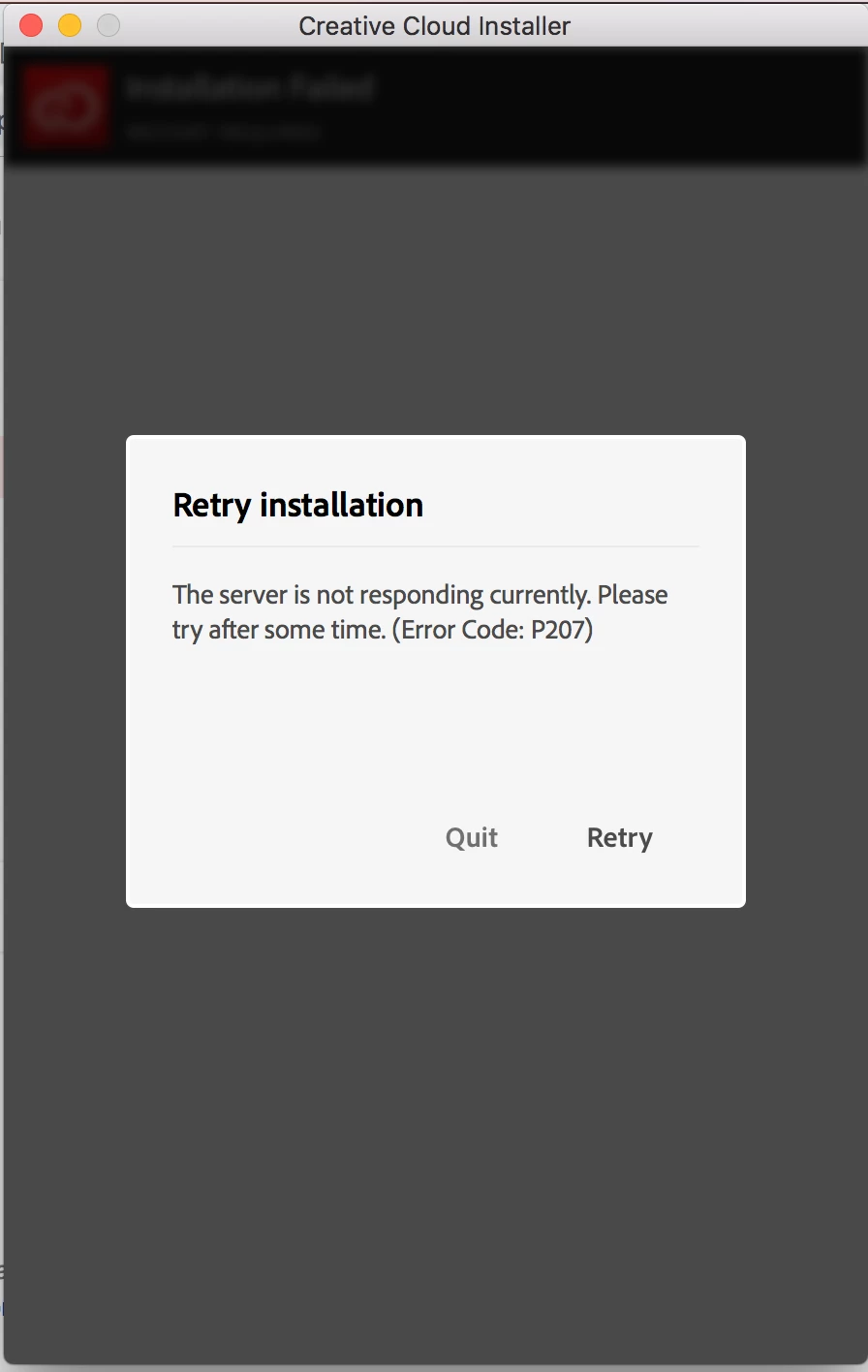
Failing to Install Creative Cloud (Error Code: P207)

  • January 22, 2019
  • 2 replies
  • 1504 views

Hi,

I have downloaded Creative Cloud and Adobe XD but getting the following Error: P207 during the installation. Please help.

This topic has been closed for replies.

2 replies

Participant
March 15, 2019

Also having this issue. I have a Team account on a Windows 10 Pro PC, that up until Adobe Creative Cloud tried to Auto Update was working fine (The error message comes up at about 40% each time). Not only am I getting the P207 error above but when I open any of my apps now I get an array of error messages - including core files missing and a billing error. The account was just paid in January, the internet is working and according to our I.T. dept. none of our firewall or antivirus policies have changed. I am probably going to have to un/re install everything like I haven't got anything better to do.

AxelMatt
Community Expert
Community Expert
January 22, 2019

This can be a problem with your interenet connection. Please take a look here:

Troubleshoot Adobe Creative Cloud download and install issues

My System: Intel i7-8700K - 64GB RAM - NVidia Geforce RTX 3060 - Windows 11 Pro 25H2 -- LR-Classic 15 - Photoshop 27 - Nik Collection 8 - PureRAW 6 - Topaz Photo AI
Daniel E Lane
Inspiring
January 22, 2019

Looks like you are having internet or network issues. Check error codes here...

Creative Cloud download and install errors

Your particular error code comes up with these solutions...

https://helpx.adobe.com/creative-cloud/kb/troubleshoot-download-install.html#network_connectivity_issues