

Question
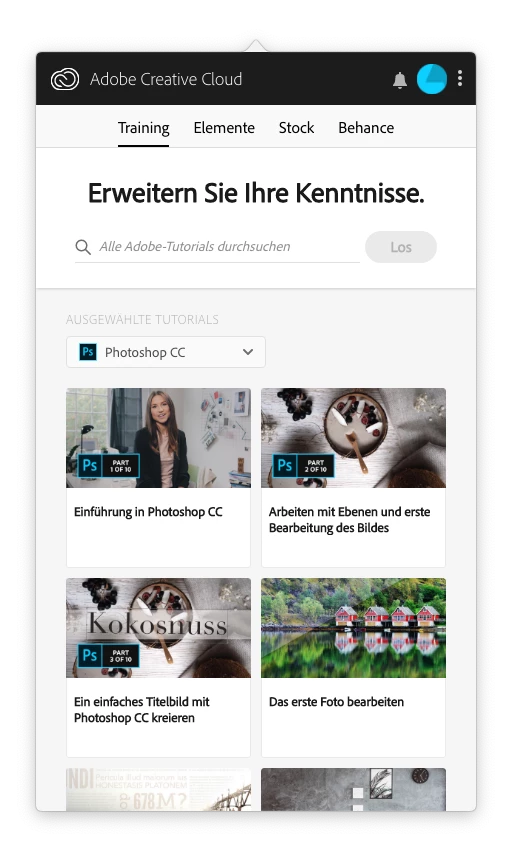
Folder "apps" doesn't show in creative cloud
Ever since I've installed the creative cloud, I can't use it to download or update my applications. Whenever I want to download an app, it asks me to open creative cloud and there it stops. In the app, it doesn't even show the folder for managing the apps (see screenshot). No error message or something like that appears. It just stops. I've unsuccessfully tried to reinstall it or to delete certain library entries, like it was recommended here: Re: Trying to download indesign but apps to download are not appearing in creative cloud desktop app.
I'm running on an early 2013 mac book pro with Mojave (10.14.2)
I'd be glad to hear, if someone has the same problem or ideas how to solve it.
Thanks!
 AdChoices