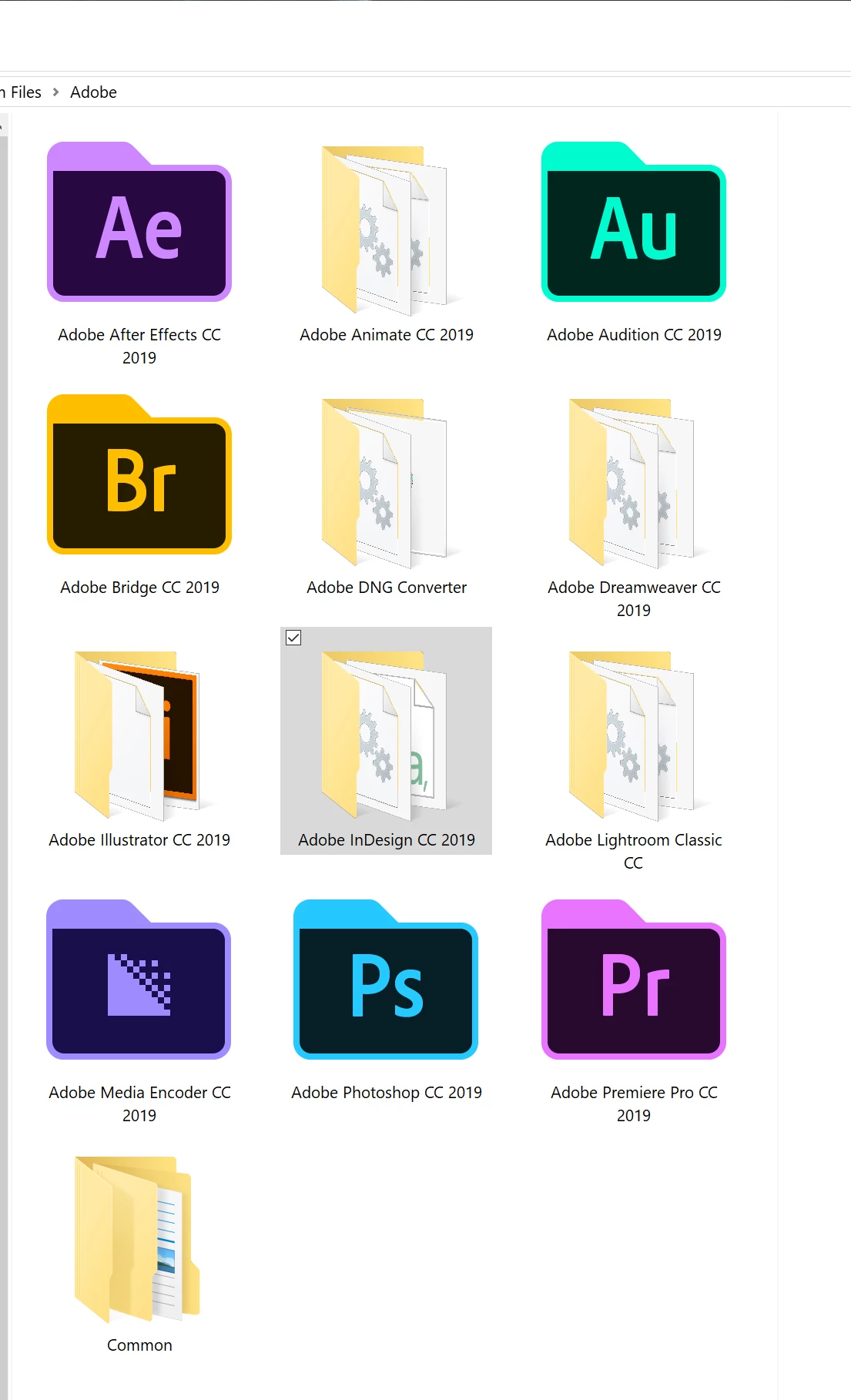
Yes, I can see the icons there now. Unfortunately, we I select an icon to change my folder to, nothing happens. What's interesting is that I have Adobe installed on my laptop and my workstation. The exact same apps have the nifty folder icons on both (AE, Aud, Br, AME, PS, and PPro). I wonder if the others just don't have that feature? At any rate, for illustrator, for instance, I can select the icon, but when I apply it, the folder doesn't change...it stays the same generic Win10 icon.
You can assume that it is the product installation that sets the icon. I suppose that this is a new gimmick that Adobe uses as it works a) also on Windows 7 and b) only some of the products are using this feature. It is not e feature, however, where I would put much effort in. I really rarely go looking in those install directories.




 AdChoices