
simonDenmark
Participant
June 15, 2019
Question

From vector to AE in bad quality

  • June 15, 2019
  • 1 reply
  • 381 views

Dear all,

When i import a vector to AE the vector file is perfect at it is but when i export it, then the quality is getting bad.

So i have to make a video to a client in this size L288 x H438, when i export it with media encoder then the quality is so bad buuut

when i scale my comp to 1920 x 1080 and export it with the same settings then the quality is perfect.

What can i do to export it in 288 x 438 with good vector quality? please help! im so lost...

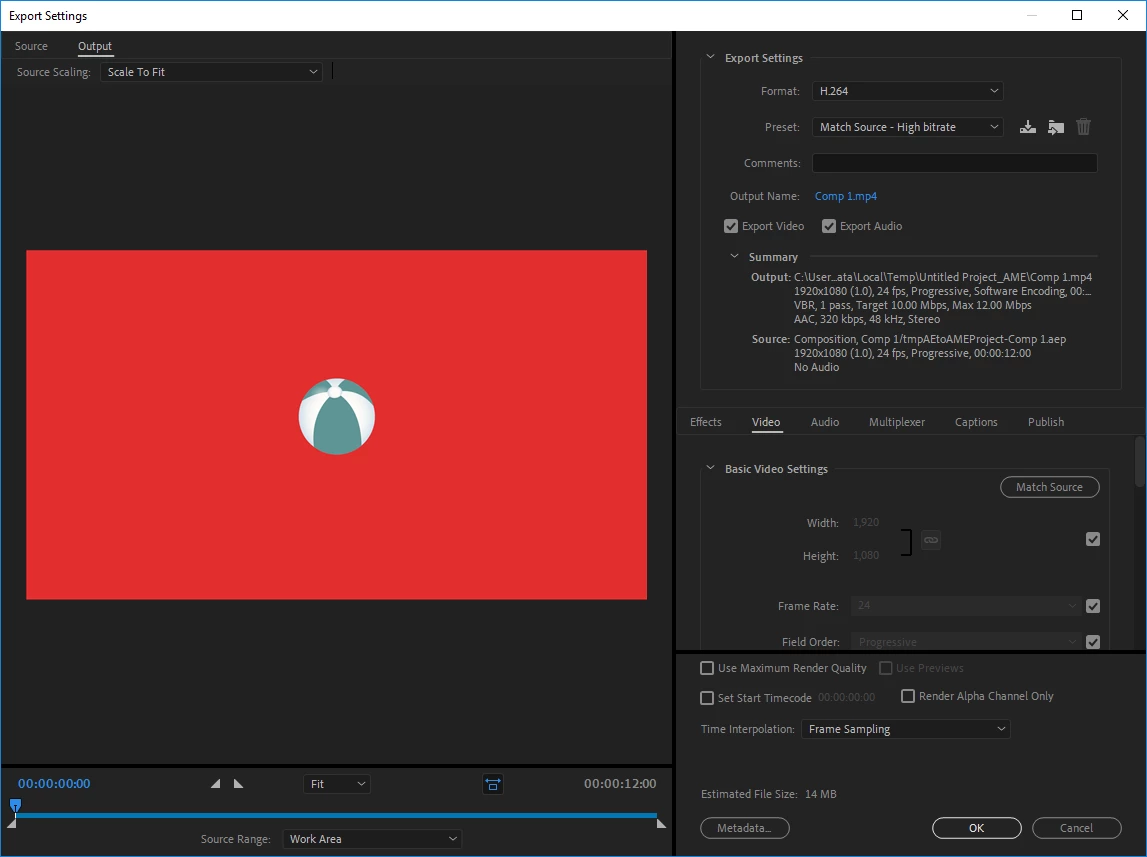
below picture you can see all my settings.

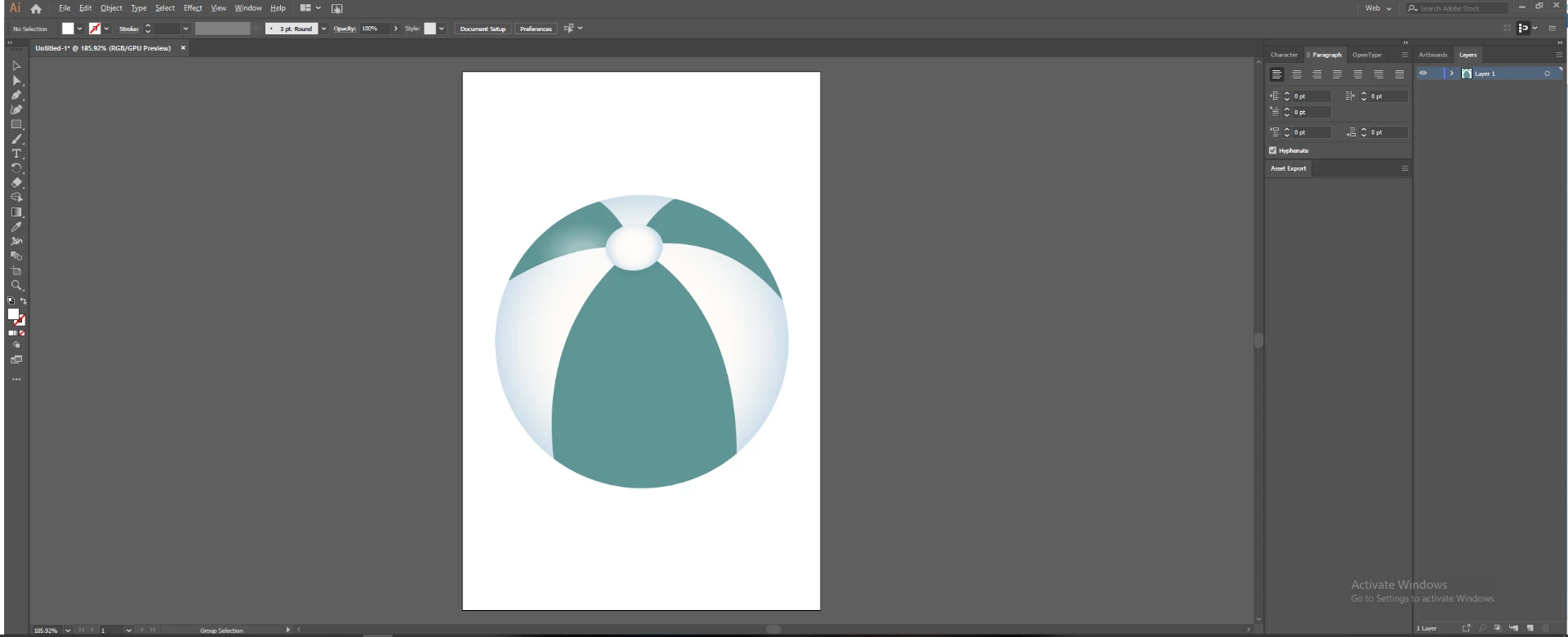
This is the settings i use in AI

This is how it looks like
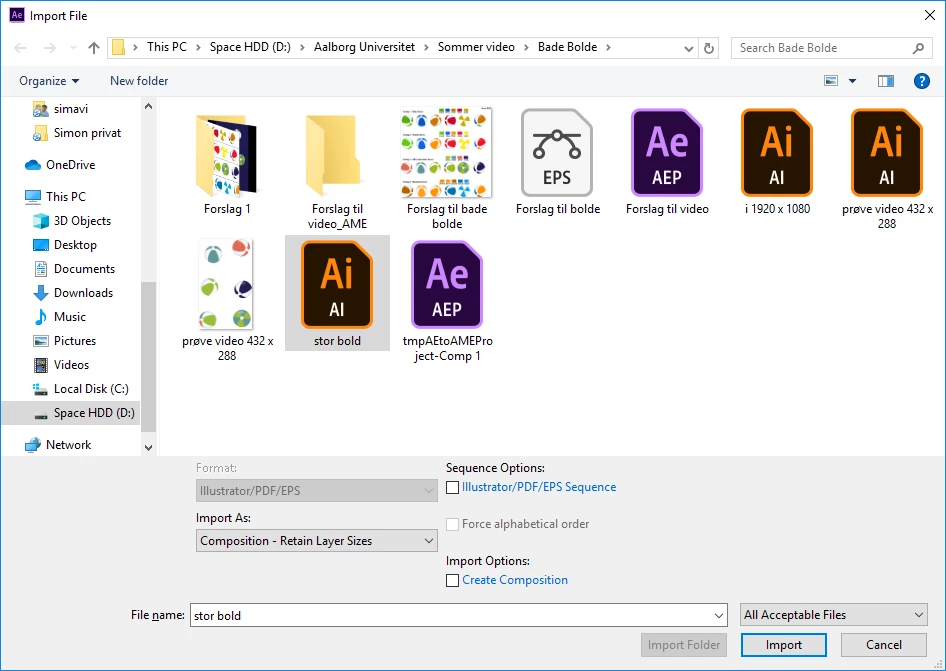
This is how i import it to AE
settings for AE
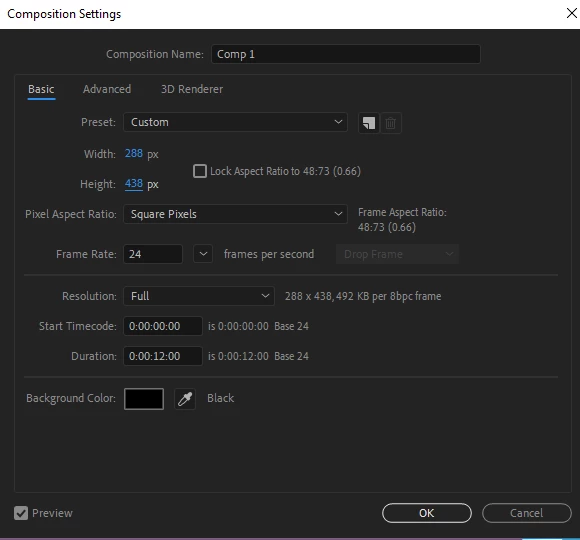
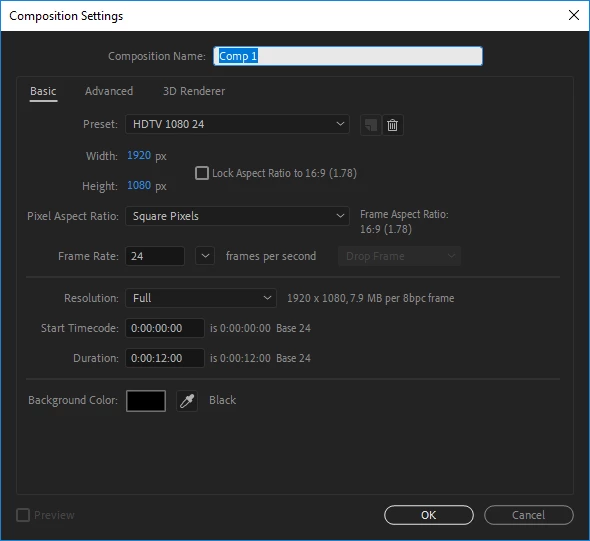
how it look in AE with size 288 x 438 and is stille good quality
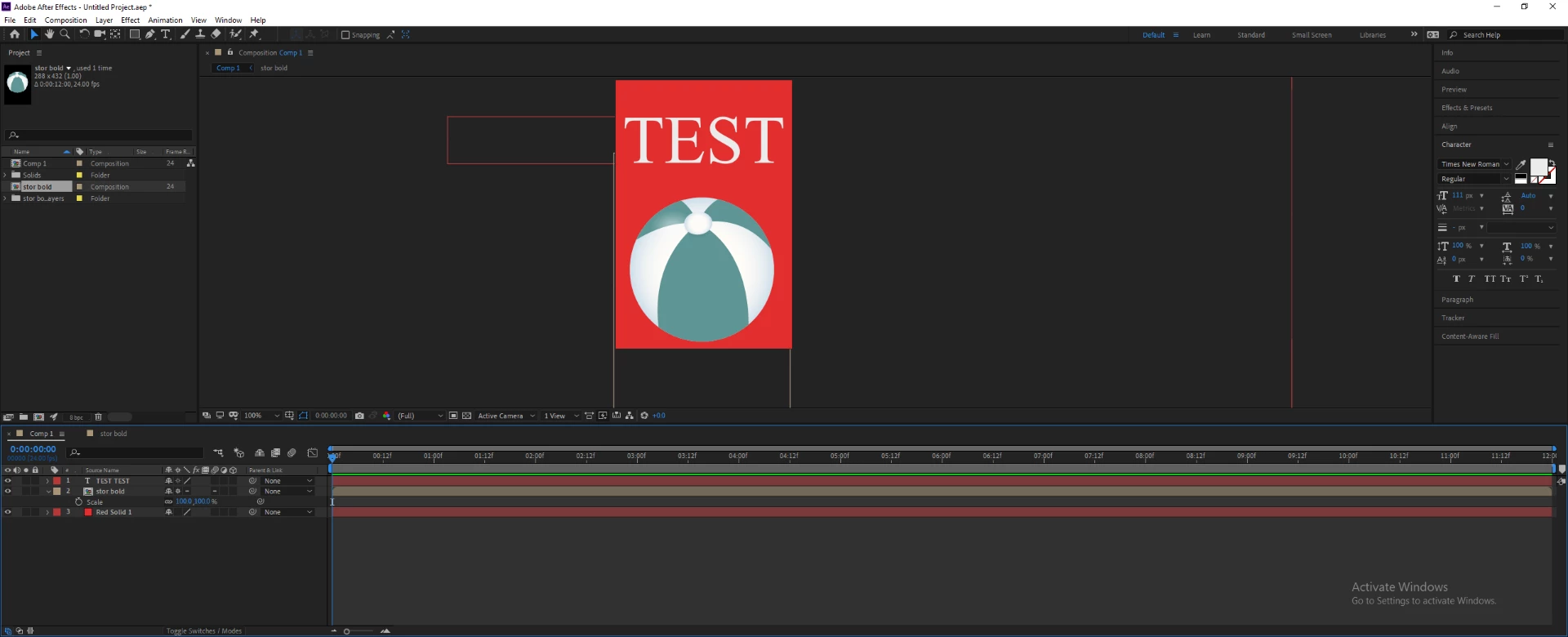
Export settings for both size
video for 288 x 438 = bad quality plus the text is straight from AE and it is also bad quality

video for 1920 x 1080 = good quality and still the same settings

So as you all can see it is the same settings for export but the quality is not the same

i hope you can help me guys and please i dont know all the short terms yet, so please dont use to much of that.

This topic has been closed for replies.

1 reply

Mylenium
Legend
June 15, 2019

There is nothing wrong. You have to read up on how video compression actually works. There simply are limits to compressed CoDecs like H.264 and just because they are less visible in HD-sized output doesn't mean they are there, either. conversely, antialaising of course is dependent on the actual pixel size and will be more noticeable at smaller resolutions. Again, there is nothing wrong. You just need to educate yourself about some basics.

Mylenium

simonDenmark
Participant
June 16, 2019

Dear Mylenium,

Thank you for your reply.

i'm not sure how this helps me? so everything is correct but how do i get the quality up?

Abambo
Community Expert
Community Expert
June 17, 2019

Just by looking at the images, the quality level is the same. The only difference is the resolution.

Just thinking your problem further: get the same data on 30x40 pixels, and the « problems » will increase. May be you will no more be able to read your text, because the number of pixels is too small.

Go further down 3x4 pixels, and your whole design will be limited to different coloured points without any possibility for detail.

So at a high resolution, you are just offering more points for representing the data, which will get it sharper. That is btw the reason why the industry changed from standard definition TV to high definition TV and wants to migrate to 4k and 8k definition.

So to get better quality you need higher definition.

ABAMBO | Hard- and Software Engineer | Photographer