
Inspiring
March 27, 2019
Answered

Generic White Icons in New Installation of CC 2019

  • March 27, 2019
  • 3 replies
  • 3053 views

I did a fresh install of Adobe CC 2019 on Windows 10 and although my photoshop and Creative Cloud icons show up just fine, the other icons (Dreamweaver CC 2019, Premier Pro CC 2019, Media Encoder CC 2019, & Encore CS6) show up as blank white icons. See the attatched image.
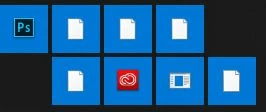
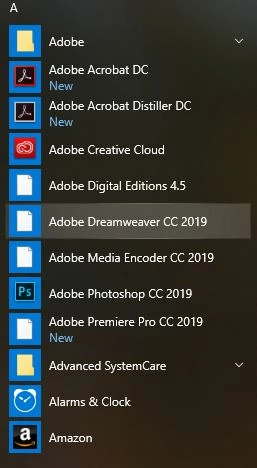
Ideas?

This topic has been closed for replies.

3 replies

John Waller
Community Expert
John WallerCommunity ExpertCorrect answer
Community Expert
March 28, 2019
Participating Frequently
March 28, 2019
John T Smith
Community Expert
Community Expert
March 28, 2019

What MAY work

Right click the icon

Select Properties

Select the Shortcut tab

Click Change Icon

Inspiring
March 28, 2019

I thought of that too, but it does not apply to Windows 10. When I right-click on the icon, this is what I get.