Participant
September 18, 2018
Question

Having trouble downloading

  • September 18, 2018
  • 3 replies
  • 546 views

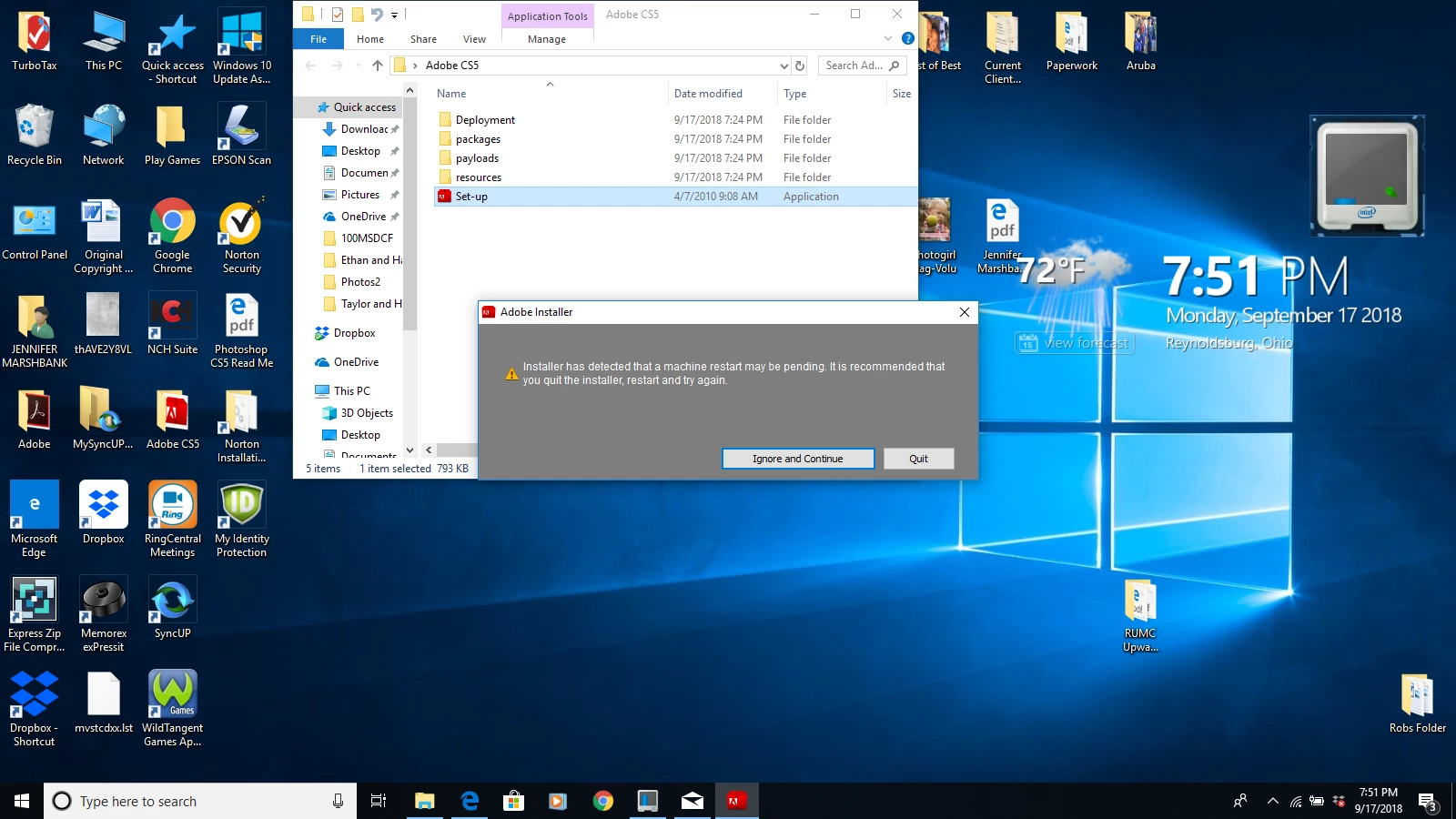
Help, trying to load on my lap. Keep getting this error message. It only installs have not all
    This topic has been closed for replies.

    3 replies

    Jeff Arola
    Community Expert
    Community Expert
    September 18, 2018

    Most likely you can just click on Ignore and Continue and install process will start.

    I think that's a bug in some of the adobe installers.

    JJMack
    Community Expert
    Community Expert
    September 18, 2018

    I think it is Adobe playing it safe.  TAdobe see a system restart is needed to complete a Windows Update.  The user downloaded Adobe installer  and the installer is advising the user to play it safe restart your machine first to complete the windows update before install Adobe software. I restart when I get the Adone message.

    JJMack
    JJMack
    Community Expert
    Community Expert
    September 18, 2018

    It look like Microsoft installed some update  which requires a restart to finish installing the update. restart windows when closes down it will prepare the system to finish the install when your machine reboots.

    JJMack
    lambiloon
    Community Expert
    Community Expert
    September 18, 2018

    Hi dear user did you restarted your pc and checked again ?

    Ali Sajjad / Graphic Design Trainer / Freelancer / Adobe Certified Professional
