
Participant
January 25, 2017
Answered

HELP with Creative Cloud

  • January 25, 2017
  • 1 reply
  • 480 views

Dear Help support desk.

I am haveing issues with my creative cloud account.  I see everything is ok on your web site, but I am no longer able to see Photoshop and Lightroom.

I have dinistaleld the programs from my computer and I am trying to disinstall Creative Cloud (but it won't allow me to do so) so I can reinstall it and hopefully it will work.

I am unable to find support on the web site and I am not computer savy.

When I try to reinstall I get the below message.
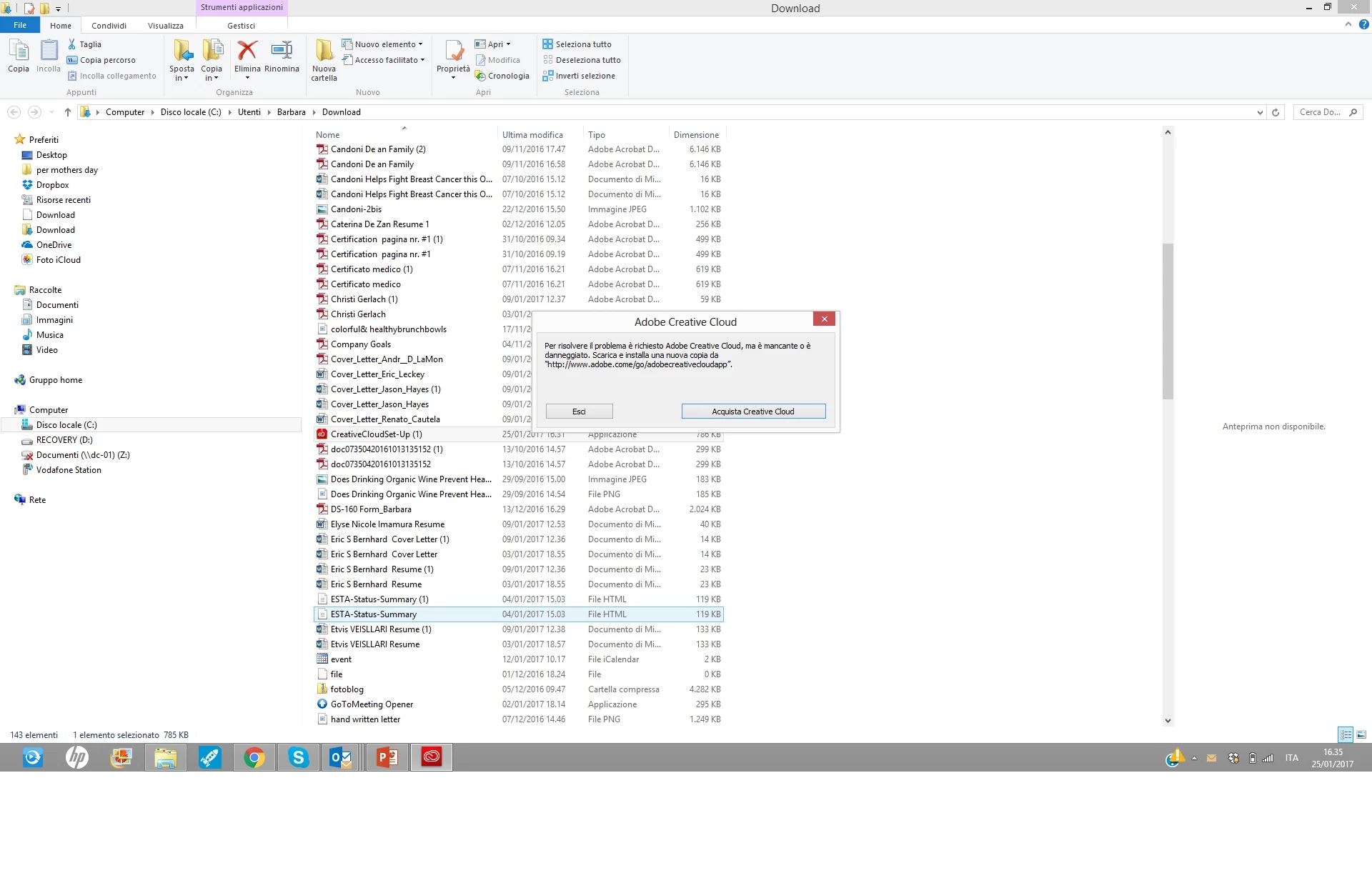
can you please help me with this?

thank you

Barbara

This topic has been closed for replies.
Correct answer kglad

thank you again!

When I click there I am unable to fina an actual number to call.  I would like to speak with somone via phone to help me fix the issue. 

I am in Italy, so if there is an italian support number, but it is ok also US Support number.

Do you happen to know it?

you have been very kind,

ciao,

Barbara


no, as far as i know, you have to use chat, not phone.

1 reply

kglad
Community Expert
Community Expert
January 25, 2017

uninstall everything cc including preferences, https://helpx.adobe.com/creative-cloud/help/uninstall-remove-app.html

then uninstall the cc desktop app, https://helpx.adobe.com/creative-cloud/help/uninstall-creative-cloud-desktop-app.html

clean your computer of cc files per http://www.adobe.com/support/contact/cscleanertool.html

restart your computer (don't skip this)

reinstall the cc desktop app, https://creative.adobe.com/products/creative-cloud. (if you have a win os, right click the exe > click 'run as administrator'.

use the desktop app to install your cc programs/trials

gafuli84Author
Participant
January 26, 2017

Thank you for taking the time to try to help me.

I am unable to do the first step because the app dosn't open on my PC.  When I try to open it:

Unfortunatly my issue is that  if I click the Adobe Creative cloude app from my desk top it won't open and it shows me the Adobe Creative cloud message : " to resolve the problem you need Adobe Creative Cloud, it is either missing or damaged.  Download and install a new copy of Http://www.adobe.come/go/adobecreativecloudapp.  "

So I have tried to uninstall using your link, i have download the zip file, when I go to Disnstall the message I recieve is:

Disintalilng the Creative Cloud desctop is compleate with errors (i have translated it from Italian the actual ITalian message says " Disinstallazione di Creative Cloud desktop completata con errori)

So I am back at square one.

Any other suggestions?

thank you very much!

Barbara

kglad
Community Expert
Community Expert
January 26, 2017

using a browser that allows popups and cookies,  contact adobe support during pst business hours by clicking here and, when available, click 'still need help', http://helpx.adobe.com/x-productkb/global/service-ccm.html