Participant
October 29, 2021
Answered

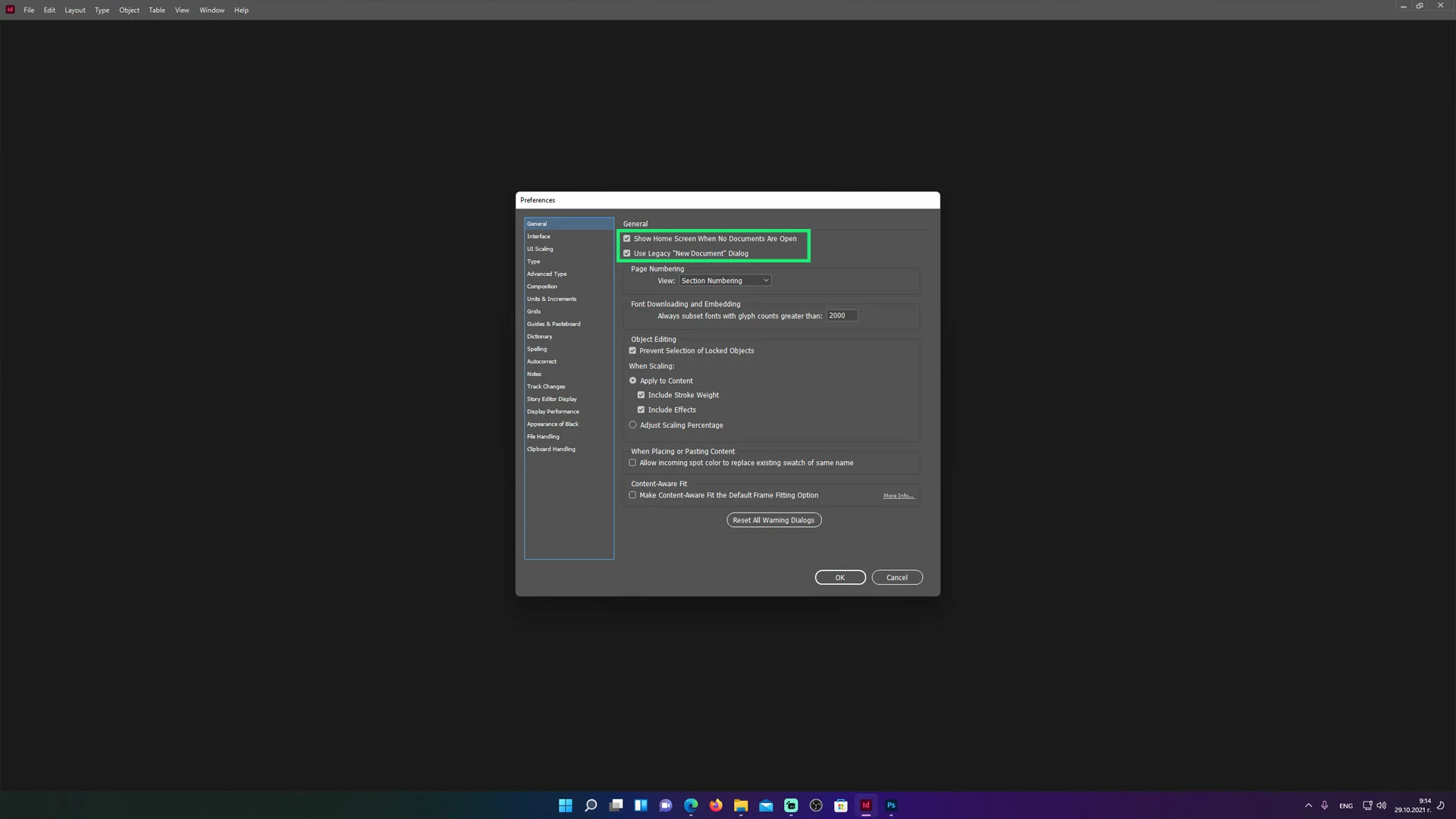
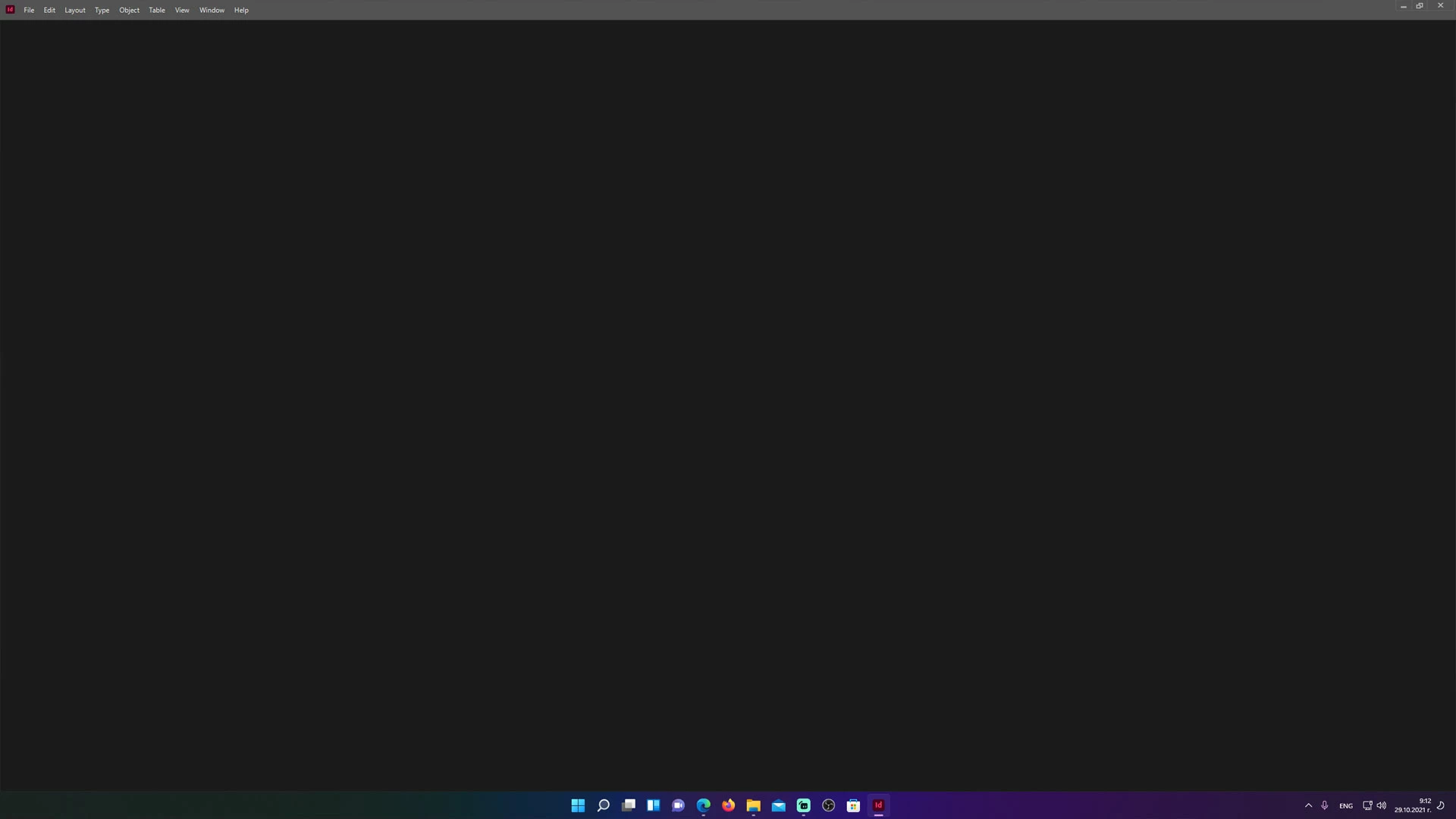
Home Screen Missing after latest updates

  • October 29, 2021
  • 3 replies
  • 2946 views

So the issue is that all of the programs I'm using lost their start screens, Photoshop, Indesign, Illustrator, Premiere Pro, all of them don't have a working home screen since the laterst 2022 update. Tried reinstalling, updating, clearing cache, disabling graphics processors, all of my start screen functions are ticked and it still doesen't want to show up, also updated my graphics drivers and windows is up to date to the latest versions, I'm running this on Windows 11 and an Nvidia RTX 3090 card, any idea on how can I fix this? 
Correct answer Nevabloom

For anyone havving this problem, This fixxed the issue for me

  • Rename the CEP folder to "CEP.old" from the following location:
    Windows: C:\Program Files (x86)\Common Files\Adobe
  • If that doesn't help, rename the extensions folder to "extensions.old" from the following location:
    Windows: C:\Program Files\Common Files\Adobe\UXP

3 replies

Participant
February 26, 2025

it's 2025, Adobe Illustrator v29.3.1, and "Nevabloom" answer still working


"For anyone havving this problem, This fixxed the issue for me

  • Rename the CEP folder to "CEP.old" from the following location:
    Windows: C:\Program Files (x86)\Common Files\Adobe
  • If that doesn't help, rename the extensions folder to "extensions.old" from the following location:
    Windows: C:\Program Files\Common Files\Adobe\UXP"
kglad
Community Expert
Community Expert
February 26, 2025

thank you, @Mohamad26534402hcbi 

NevabloomAuthorCorrect answer
Participant
October 30, 2021

For anyone havving this problem, This fixxed the issue for me

  • Rename the CEP folder to "CEP.old" from the following location:
    Windows: C:\Program Files (x86)\Common Files\Adobe
  • If that doesn't help, rename the extensions folder to "extensions.old" from the following location:
    Windows: C:\Program Files\Common Files\Adobe\UXP
Participating Frequently
October 19, 2022

Thank you!  That worked for me on Windows 11 and Photoshop 24 as well.  

Participating Frequently
October 20, 2022

I spoke too soon when I said this solution worked.  It did work for me, and I was able to get the home screen back on Photoshop and Premiere Pro.  However, After Effects would crash everytime I opened it - even when I tried run as administrator.  When I set the 2 folder names back, I lost the home screens again, but After Effects works.  I guess you can't have everything.


kglad
Community Expert
Community Expert
October 29, 2021

reset the cc app:

to reset the cc desktop app, make sure it's in the foreground, then press:

Win: Ctrl + Alt + R
Mac: Cmd + Opt + R

if that fails, try to repair
https://helpx.adobe.com/download-install/kb/creative-cloud-install-stuck.html

NevabloomAuthor
Participant
October 30, 2021

Doesn't work.