Participant
May 27, 2015
Answered

How can I reinstall CS6 onto a new macbook

  • May 27, 2015
  • 1 reply
  • 157 views

I recently bought a new Macbook and I'm trying to install CS6 onto it. I have downloaded the app from the Adobe site here Download CS6 products‌. However it only seems to install CS6 Extended and my licence is only for CS6. If I try to enter my serial number before installing the trial I get the following error message:
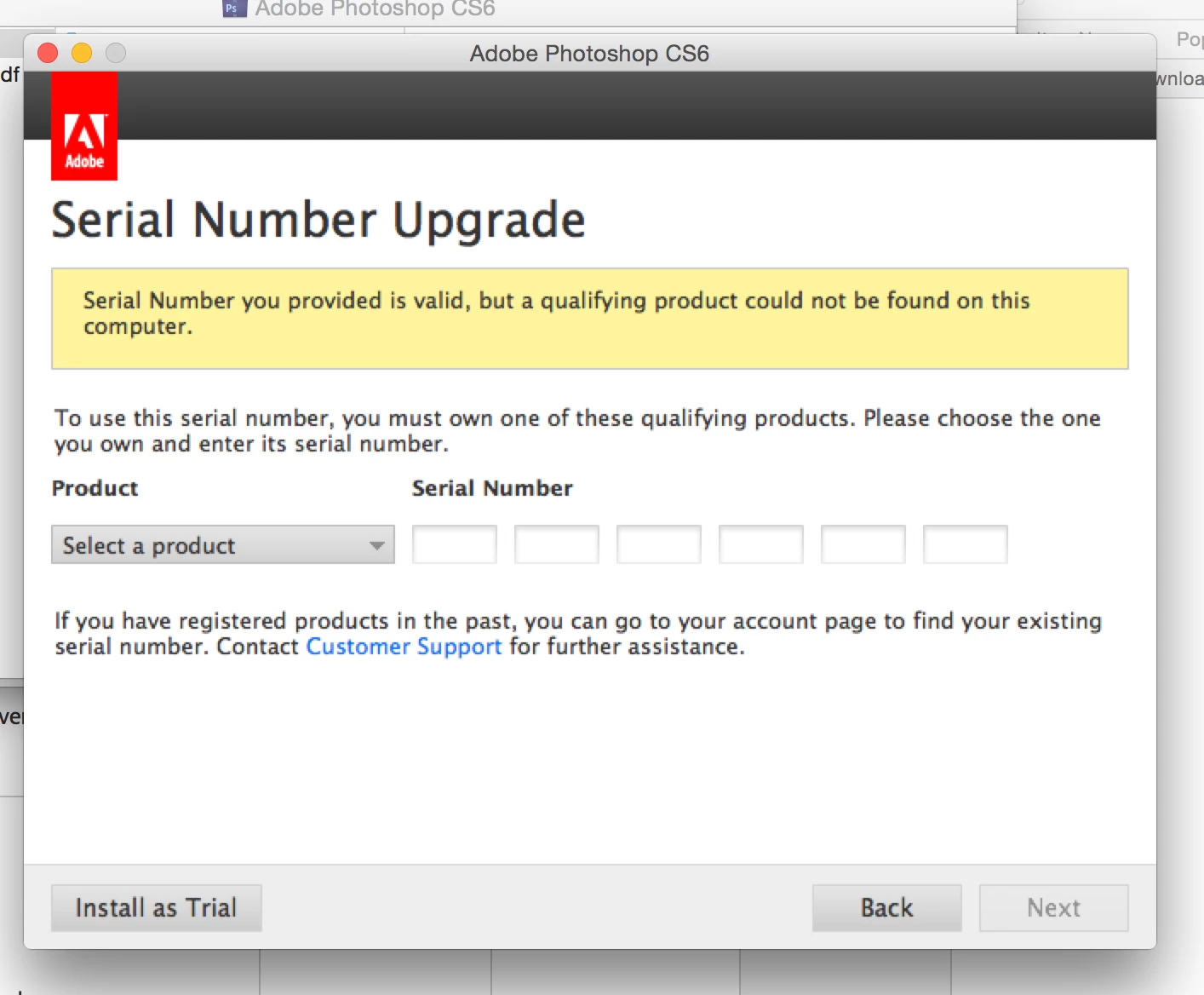
But if I install as a trial it installs CS6 Extended and I get the following error message whenever I try to enter my serial number
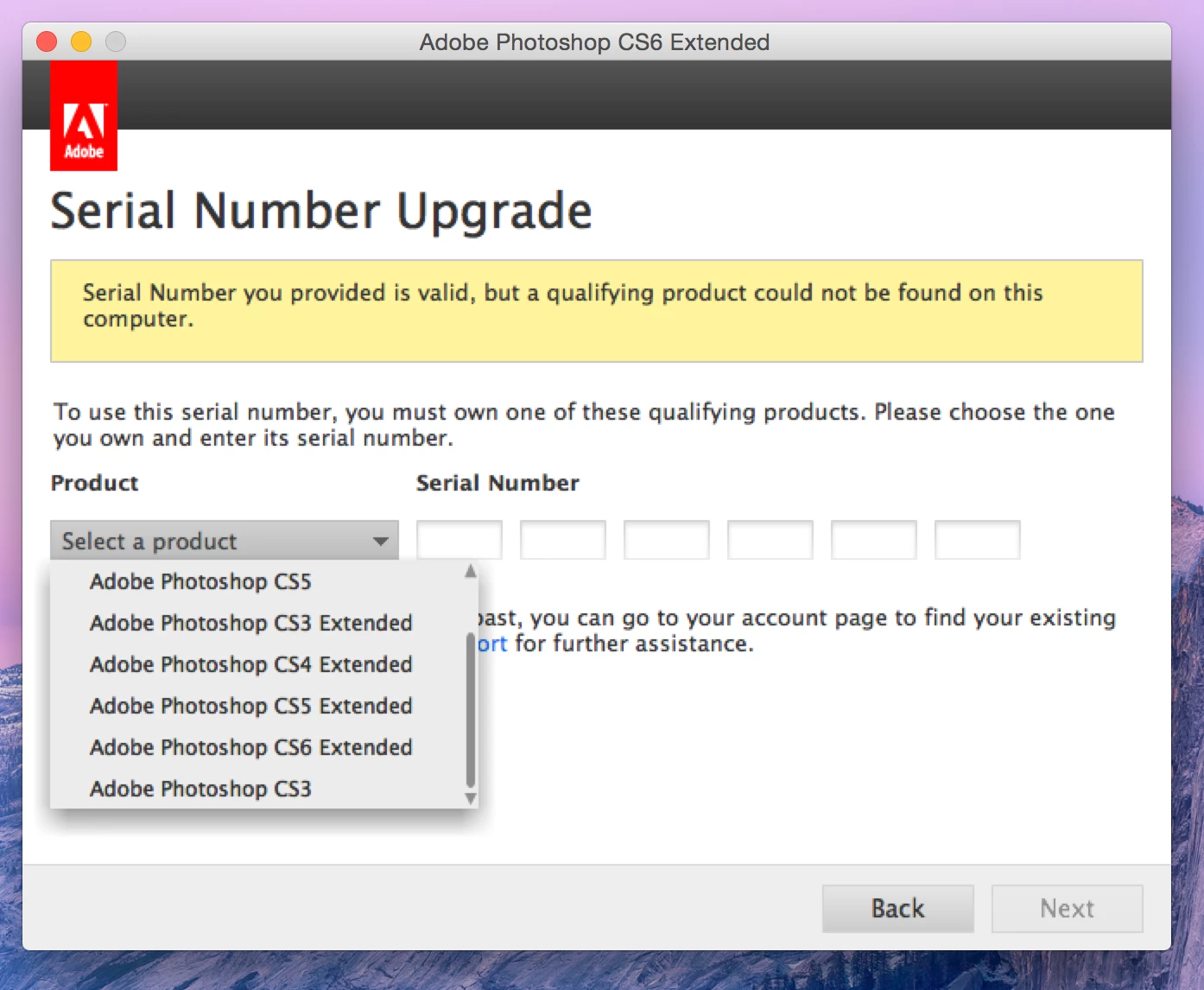
Am I missing something obvious?

    This topic has been closed for replies.
    Correct answer Ned Murphy

    It may not be obvious but you are missing something.   The interface is indicating you are trying to activate an upgrade version.  To do that you either need to have the older version installed so that the installer can confirm it by a search, or you need to specify the older version and provide its serial number.  That is what is being asked of you in the first image you show... it is asking for the older qualifying version.

    Error "This serial number is not for a qualifying product" | CS6, CS5.5, CS5

    http://helpx.adobe.com/creative-suite/kb/error-serial-number-qualifying-product.html

    1 reply

    Ned Murphy
    Ned MurphyCorrect answer
    Legend
    May 27, 2015

    It may not be obvious but you are missing something.   The interface is indicating you are trying to activate an upgrade version.  To do that you either need to have the older version installed so that the installer can confirm it by a search, or you need to specify the older version and provide its serial number.  That is what is being asked of you in the first image you show... it is asking for the older qualifying version.

    Error "This serial number is not for a qualifying product" | CS6, CS5.5, CS5

    http://helpx.adobe.com/creative-suite/kb/error-serial-number-qualifying-product.html

    BBQ007Author
    Participant
    May 27, 2015

    Thank you so so much Ned. That seems to have fixed it