
Question
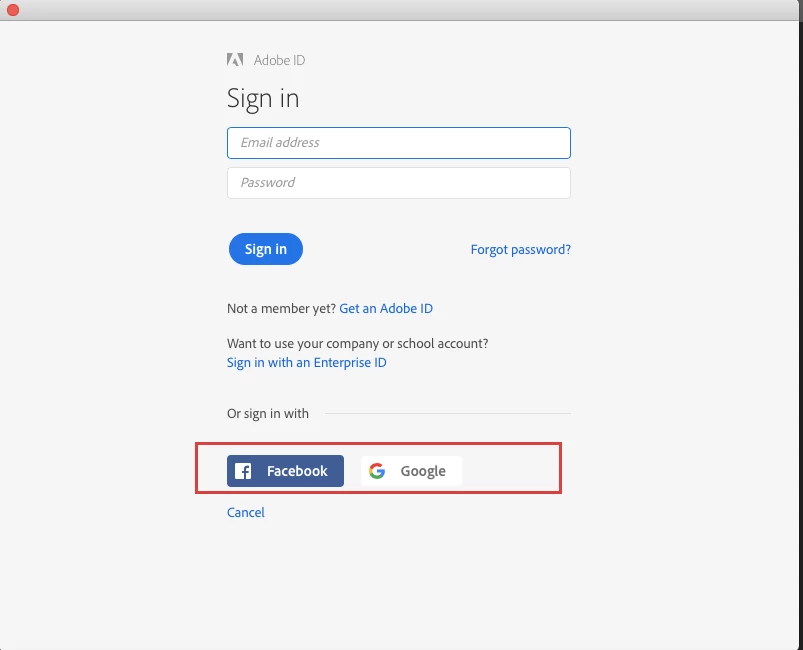
How can I turn off the Social Connectors (Facebook and Google Sign In) within the Creative Cloud apps for Mac ?
I would like to remove the "Facebook" and "Google" Sign in logo from the Creative Cloud apps and set the "Sign in with an Enterprise ID" as a default page.
Is there any configuration profiles on Mac that controls this setting?
 AdChoices