Question
How do I get rid of this.
On firing up my mac book pro, now running catalina, I get this - I really don't use anything adobe any more - how do I remove whatever is causing this?
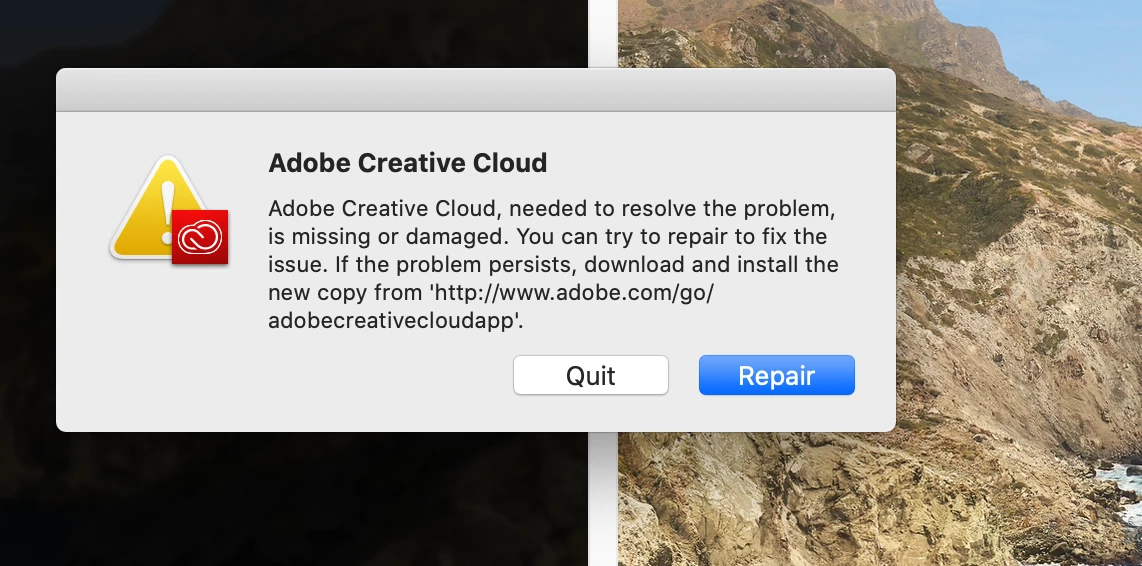

On firing up my mac book pro, now running catalina, I get this - I really don't use anything adobe any more - how do I remove whatever is causing this?
Already have an account? Login
Enter your E-mail address. We'll send you an e-mail with instructions to reset your password.
 AdChoices