


How do I re-download Creative Cloud after improperly deleting it?
I deleted everything with the word 'Adobe' in my computer (apps, files, installers and Creative Cloud itself) and now I cannot re-install the Creative Cloud desktop app on my Mac. I deleted everything by simply dragging from Finder into the Trash and then emptying trash (stupid, I know - I just wanted a quick fix and didn't bother looking to find the uninstaller apps: uninstaller apps that I dragged into the trash after already permanently deleting the everything else Adobe).
I'll add screenshots for where I get stuck, but what happens is I attempt to install and nothing happens. I have tried multiple times starting from the beginning and just re-double-clicking the installer and even restarting my MacBook and trying again from scratch - none of this makes a difference.
Please help. Please let me know how I can get round this quickly.
Thanks
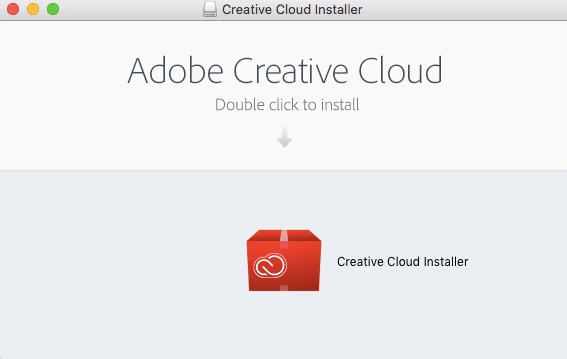
I follow these instructions and double click
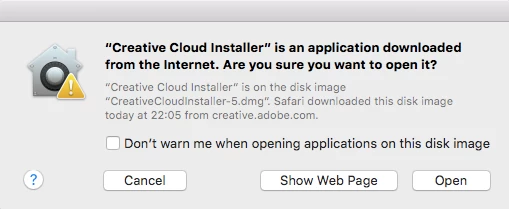
Clicking 'Open'
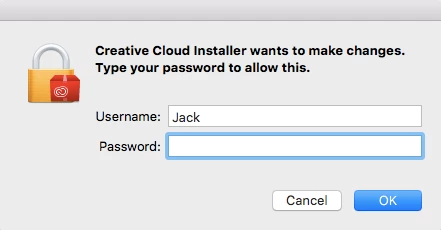
Typing in my password and clicking 'OK' - after this, nothing happens.
 AdChoices