
Answered
How do I stop Adobe set up box constantly popping up?
Using a Mac with High Sierra and CC.
Over the last couple of weeks - probably after some CC updates - whenever I go to save anything in any app, the following pop-up box appears.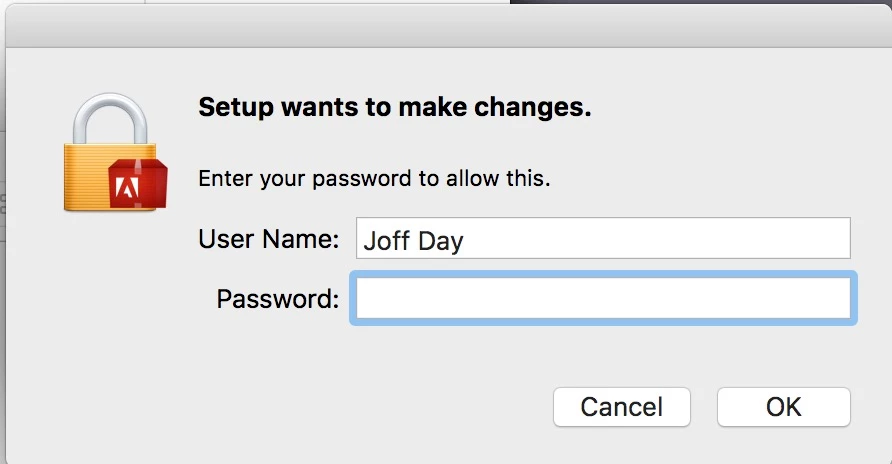
I have, of course, entered my admin password but it still pops up.
What is not clear is what part of Adobe Setup it is wanting to set up!
When I check Activity Monitor it shows this which implies it is linked with Adobe Application Manager.
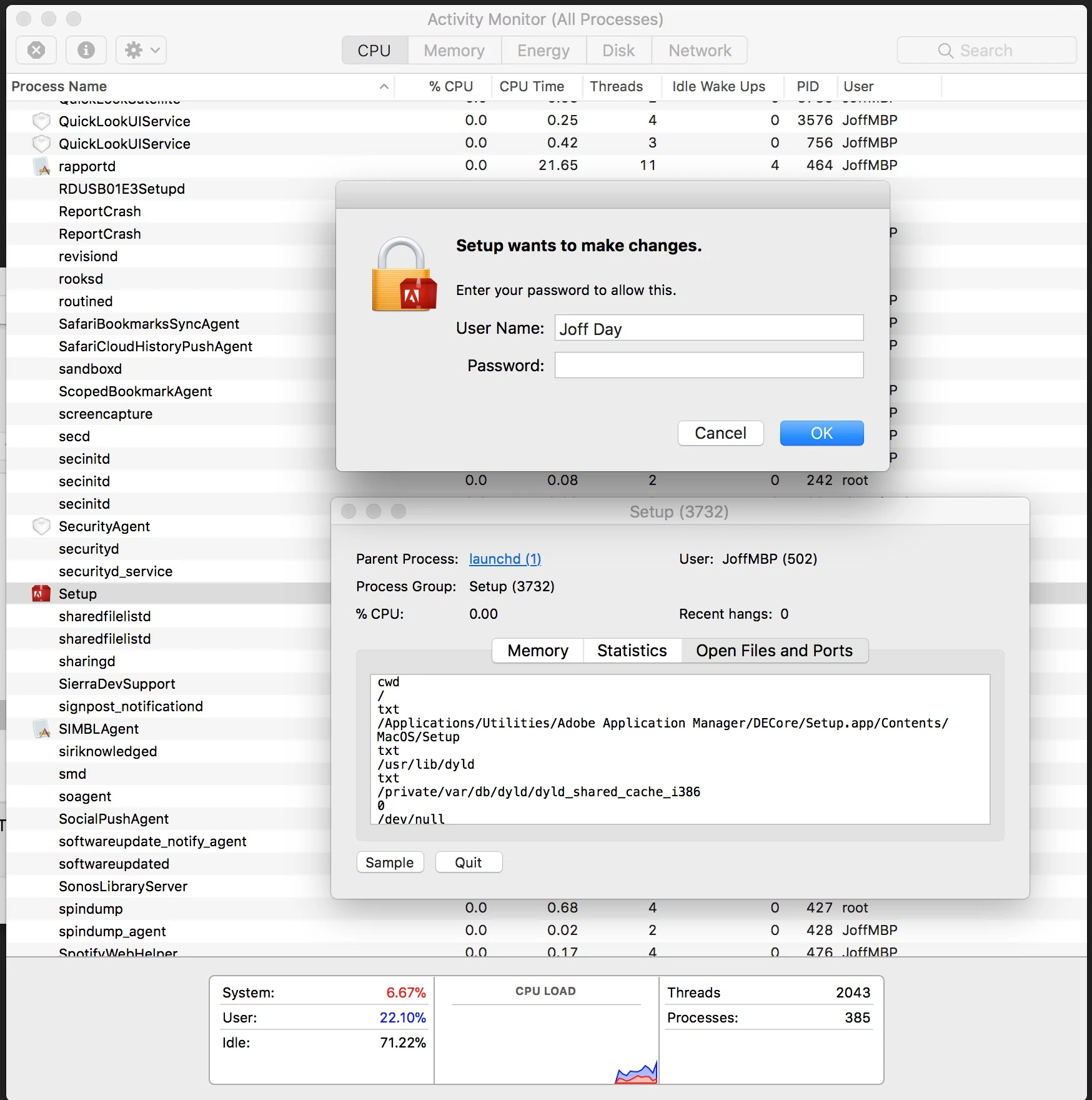
Why does it pop up even if I am saving a TextEdit file.
It's driving me nuts!
Any help to stop this would be greatly appreciated!

 AdChoices