Participant
April 29, 2020
Answered

How to Delete Adobe Portfolio site? [Branched & edited by moderator]

  • April 29, 2020
  • 1 reply
  • 3514 views

Hi, any way to delete a site? I am unable to delete the site and it is only showing me this screen:
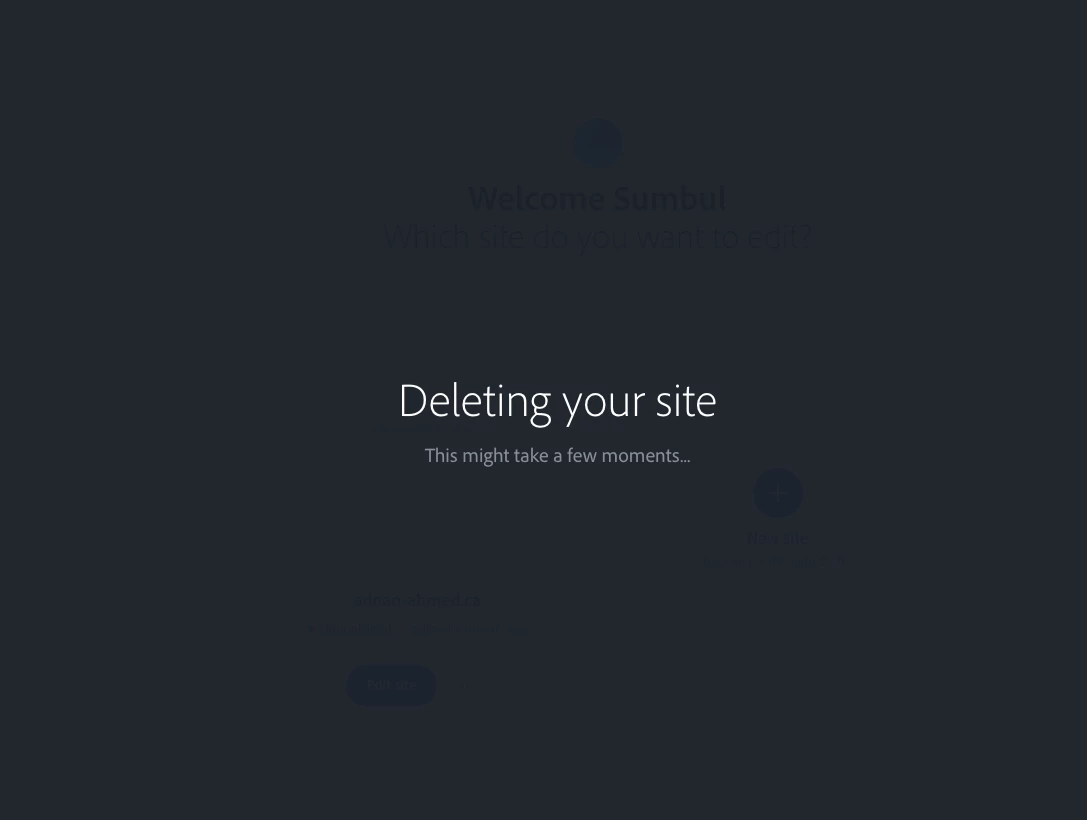
But I dont see any further changes

This topic has been closed for replies.
Correct answer Nancy OShea

Hi @Niguael5EFD,

Your custom domain name is yours to keep. 

Do you have a new website to replace Portfolio yet? 

  • Go to your domain name provider's website. 
  • Log-in and change the DNS settings to your new hosting server's IP address. 
  • Until you do that, your domain will go nowhere. 
  • It can take 24-48 hours to populate changes worldwide.


1 reply

Nancy OShea
Community Expert
Community Expert
April 29, 2020

It takes a few moments to delete a Portfolio site. 

Hit Ctrl+R or F5 to refresh your browser.

Or clear your browser's cache memory from Tools.

When you go to a deleted site's URL, you should see "page not found."


Nancy O'Shea— Product User & Community Expert
Participant
February 8, 2021

When you delete your website on Adobe Portfolio, do you still have ownership of your domain, or is it deleted with the website? How does that process work with Domains? I'm considering deleting mine. Thank You.

Nancy OShea
Community Expert
Nancy OSheaCommunity ExpertCorrect answer
Community Expert
February 8, 2021

Hi @Niguael5EFD,

Your custom domain name is yours to keep. 

Do you have a new website to replace Portfolio yet? 

  • Go to your domain name provider's website. 
  • Log-in and change the DNS settings to your new hosting server's IP address. 
  • Until you do that, your domain will go nowhere. 
  • It can take 24-48 hours to populate changes worldwide.


Nancy O'Shea— Product User & Community Expert