Participant
May 12, 2015
Answered

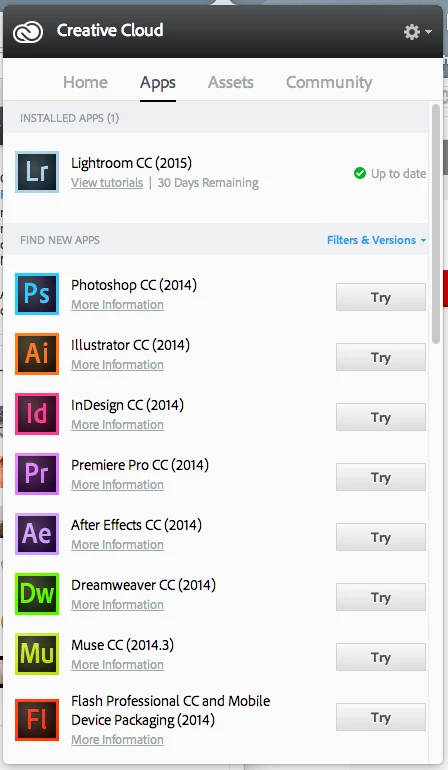
I already paid for Creative Cloud Photography, but can't install them. It's only shown Try on the App Menu.

  • May 12, 2015
  • 2 replies
  • 282 views

I have been trying for 5 Hours to make work, but still couldn't get it to install correctly.

I subscribed to the Creative Cloud Photography today. When I try to reinstall Photoshop which I have installed and used it in the past. I still see a Try Button not the Download one. When I install it, it will say that the trail period is already end.

Please Help.
This topic has been closed for replies.
Correct answer Sheena Kaul

Dear Sheena,

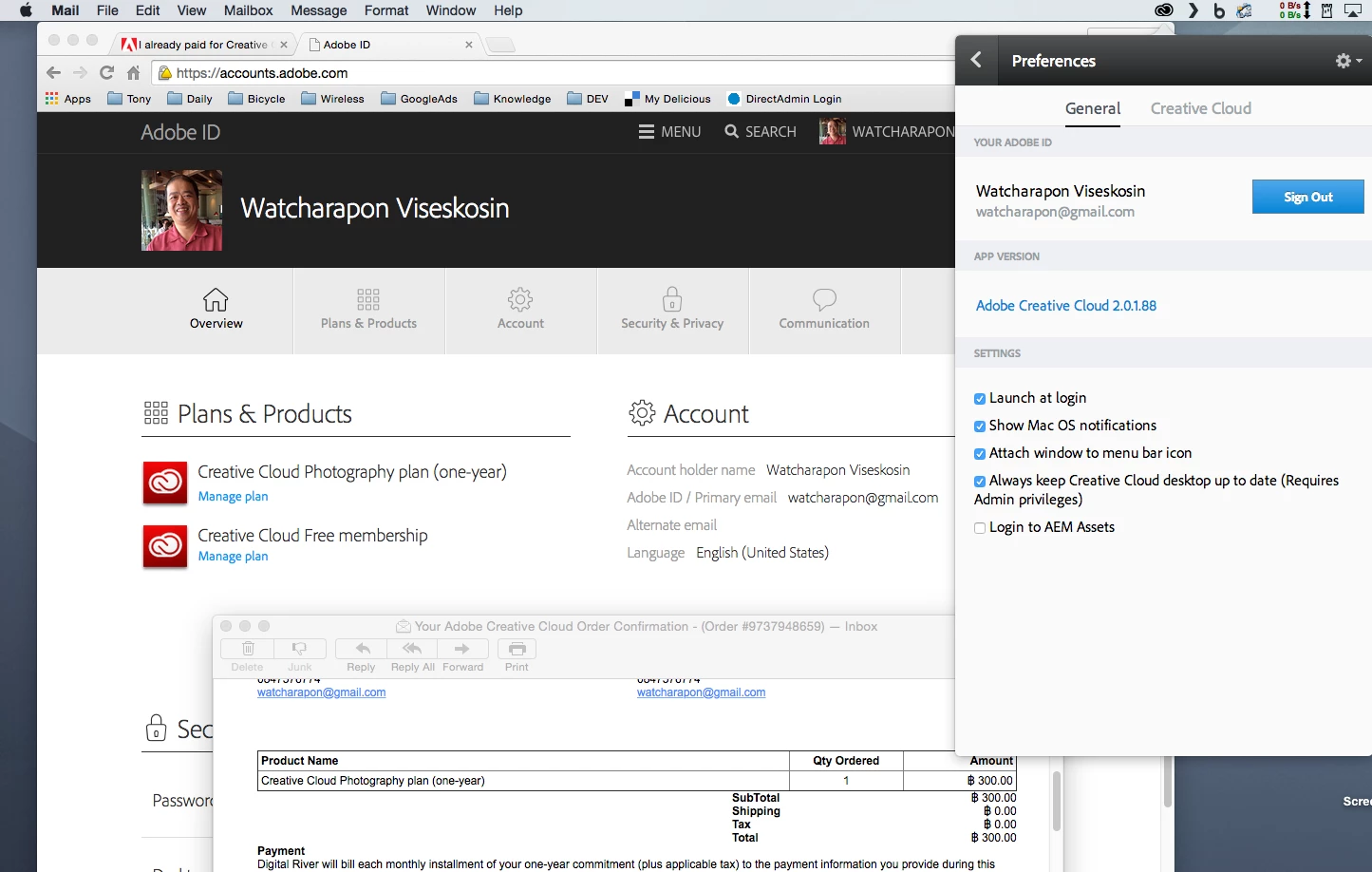
It's weird because I use this Email address to login the AppleID and to purchase the subscription.


Hi Watcharapon,

I would advise you to contact the support through call/chat and get the correct Adobe Id figured out for your purchase.

Contact Customer Care

Regards,

Sheena

2 replies

Govardhan.V
Participating Frequently
May 12, 2015

Sign out from Creative cloud and Sign in again and check.

Sign in, Sign out | Creative Cloud desktop app

Still same ?

We need to check Hosts file once.

Sheena Kaul
Legend
May 12, 2015

Hi watcharapon,

Please refer to the help document below:

Creative Cloud applications unexpectedly revert to trial mode | CS6, CCM

Regards,

Sheena

Participant
May 12, 2015

Dear Sheera,

Thanks for the Link.

I tried that but it didn't work. The is no Deactivate under LightRoom CC 2015's Help Menu.

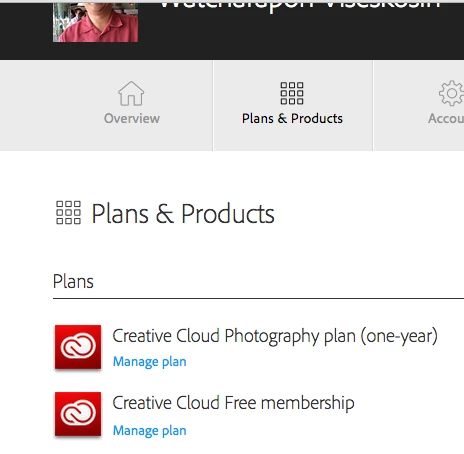
Is the problem from the fact that I still have Creative Cloud Free Membership Plans in my Plans & Products?

Sheena Kaul
Legend
May 12, 2015

Hi watcharapon,

Please check your host files and delete any Blocked Adobe entries.

Win: Windows 7 - Edit the Hosts File

MAC: How to Edit the Hosts File on Mac OS X • TekRevue

Regards,

Sheena