
I am getting an "Installer failed to initialize" error on a clean installation of CS6 Design and Web Premium when I attempt to load it onto my PC. I am running Windows 7. I have tried several solutions to no avail. Please advise.
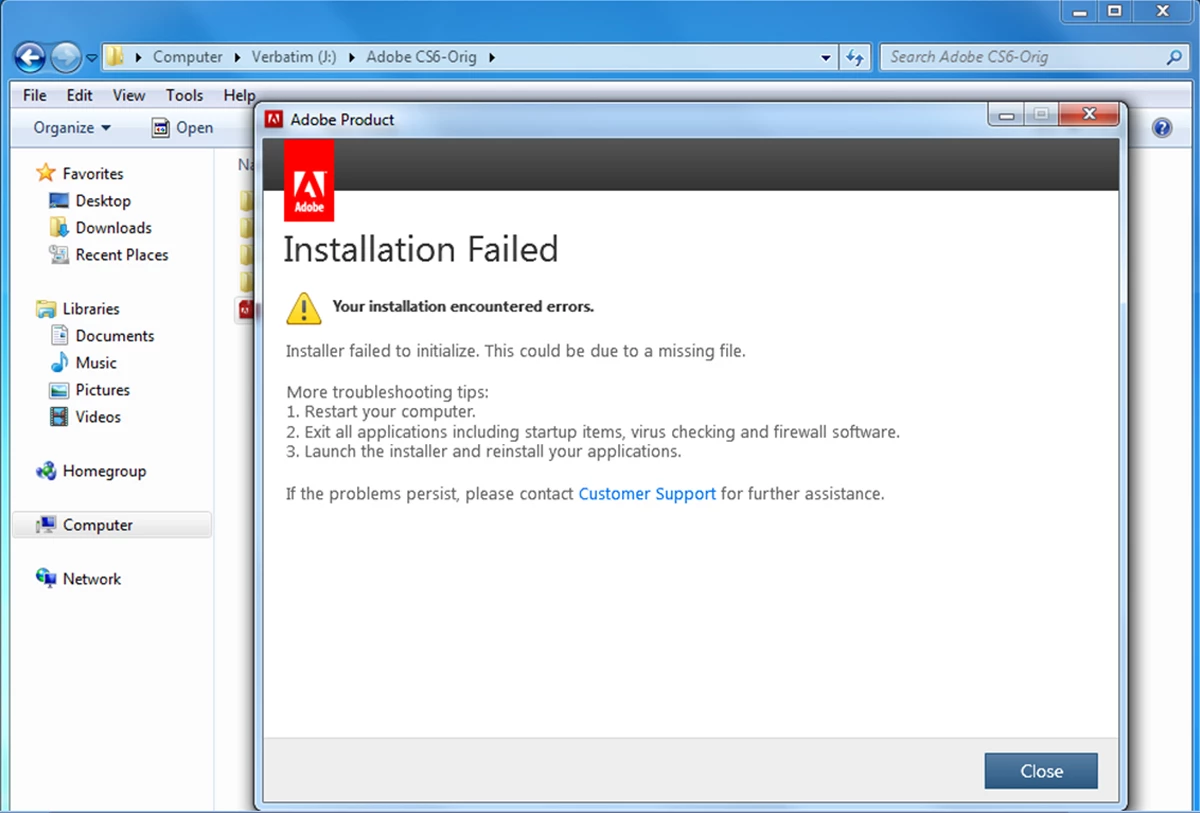
This is the error message I received when trying to install my CS6 Design and Web Premium. I tested the installation on another machine using Windows 7 with no problems, so I am inclined to believe the issue is with Windows 7 on my machine. I recently had to do a clean install of the original operating system (Vista) and then reload my upgrade to Windows 7. I tried shutting down all programs, including my Microsoft Security Suite and reinstalling with the same result. I also tried renaming Program Files\Common\Adobe\OOBE to OOBE.bak and reinstalling. I got the same result. I checked the logs for any fatal errors and did not find any. Any suggestions on how to resolve this problem? My system is a 32-bit system running Windows 7 with Service Pack 1 and is up-to-date on all recent updates. Downloading, Installing, Setting Up
 AdChoices