

Participant
July 5, 2017
Answered

I can no longer open Photoshop...

  • July 5, 2017
  • 3 replies
  • 479 views

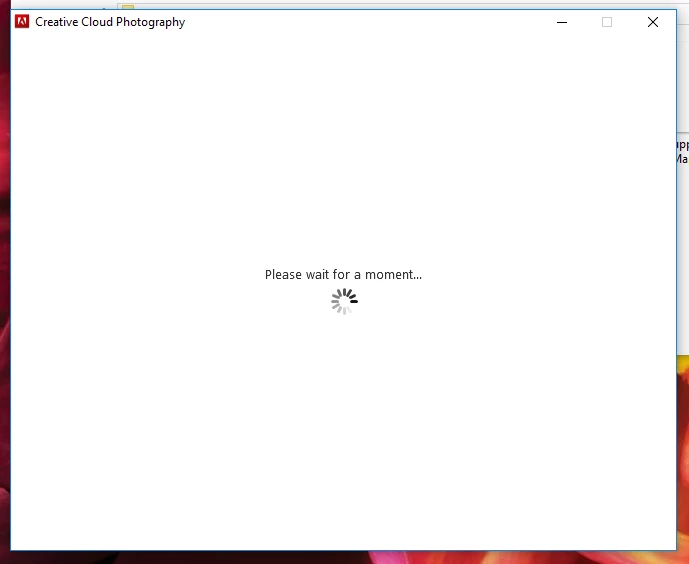
As of today, whenever I try to open Photoshop, this is what I get in front of me. It stays this way forever and ever and ever. What to do???? Patiently waiting is taking ages.

This topic is closed to new replies. Start a new post to keep the conversation going.
Correct answer John T Smith

When you ask a question you need to provide some basic information
-Forum quick start https://forums.adobe.com/docs/DOC-5601
Mac or Windows, and EXACTLY which version of the operating system?

Mac Spinning Wheel https://forums.adobe.com/message/5470608

-Similar in Windows https://forums.adobe.com/message/5853430

3 replies

kglad
Community Expert
Community Expert
July 6, 2017

reset your preferences -   https://forums.adobe.com/thread/375776

John T Smith
Community Expert
John T SmithCommunity ExpertCorrect answer
Community Expert
July 5, 2017

When you ask a question you need to provide some basic information
-Forum quick start https://forums.adobe.com/docs/DOC-5601
Mac or Windows, and EXACTLY which version of the operating system?

Mac Spinning Wheel https://forums.adobe.com/message/5470608

-Similar in Windows https://forums.adobe.com/message/5853430

Rosseti
Participant
March 1, 2022

I'm on macOS Monterey version 12.2.1 

I'm unable to keep Photoshop open.
