


Participant
March 28, 2021
Question

I can't install sign in Creative Cloud

  • March 28, 2021
  • 1 reply
  • 929 views

Hello!
I bought a plan forAdobe products 4 days ago to use Photoshop.

After 4 days, such a situation occurred.
Cloud creative does not start. Writes the error "You are not logged in, please login again to use Adobe products." By clicking on the "Login" button, Creative Cloud is loaded and again gives this error.


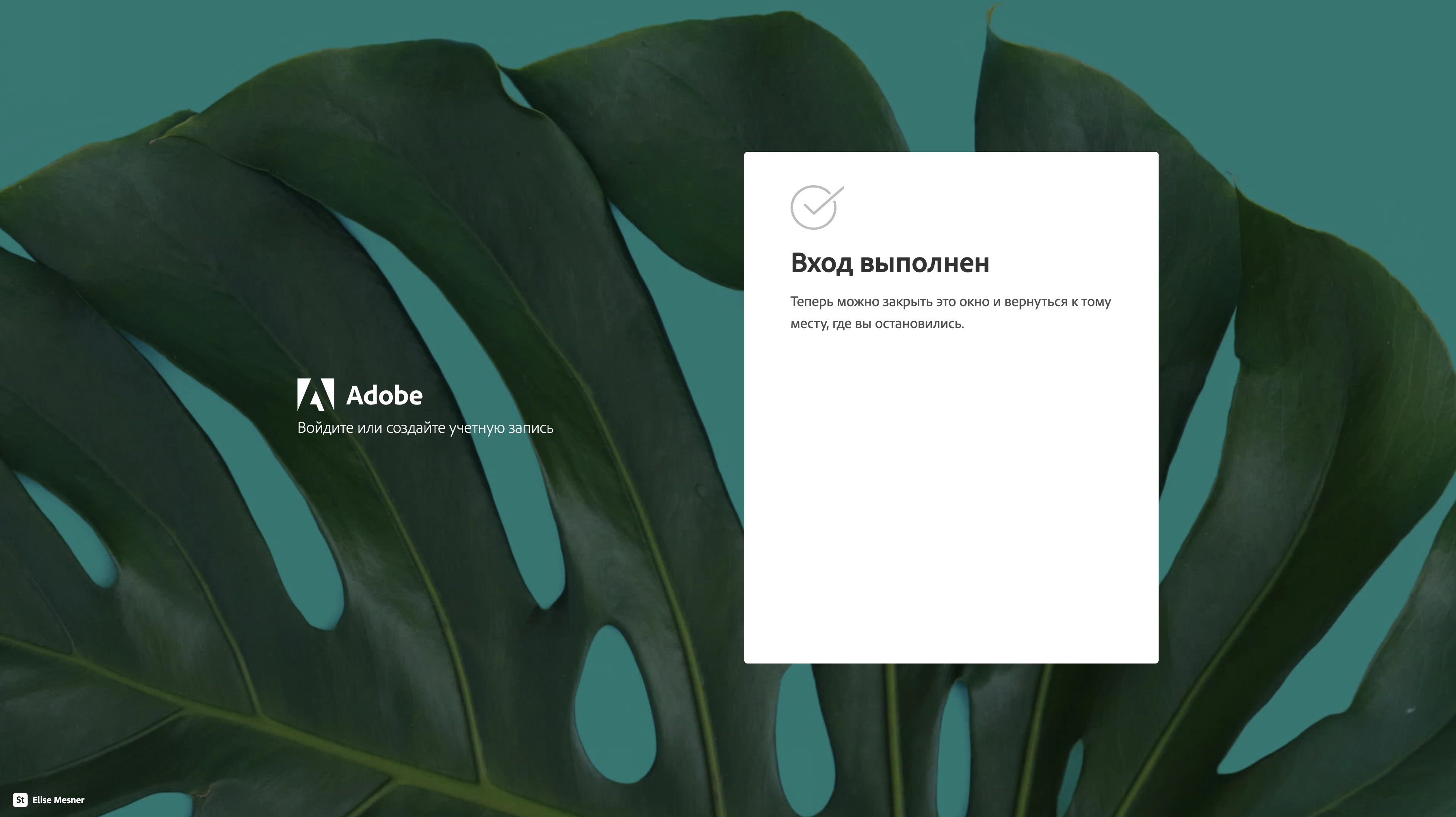
I have uninstalled all Adobe applications from the device. And I downloaded the Creative Cloud installer. After launching it, it opened tabs for authentication in the browser (the tabs say that the authentication was successful), but then the creative cloud did not open, and then it loaded with subsequent (probably 10) 

open tabs with successful authentication,

but nothing happened.
As a result, a message with error 206 was popped up in the creative cloud.
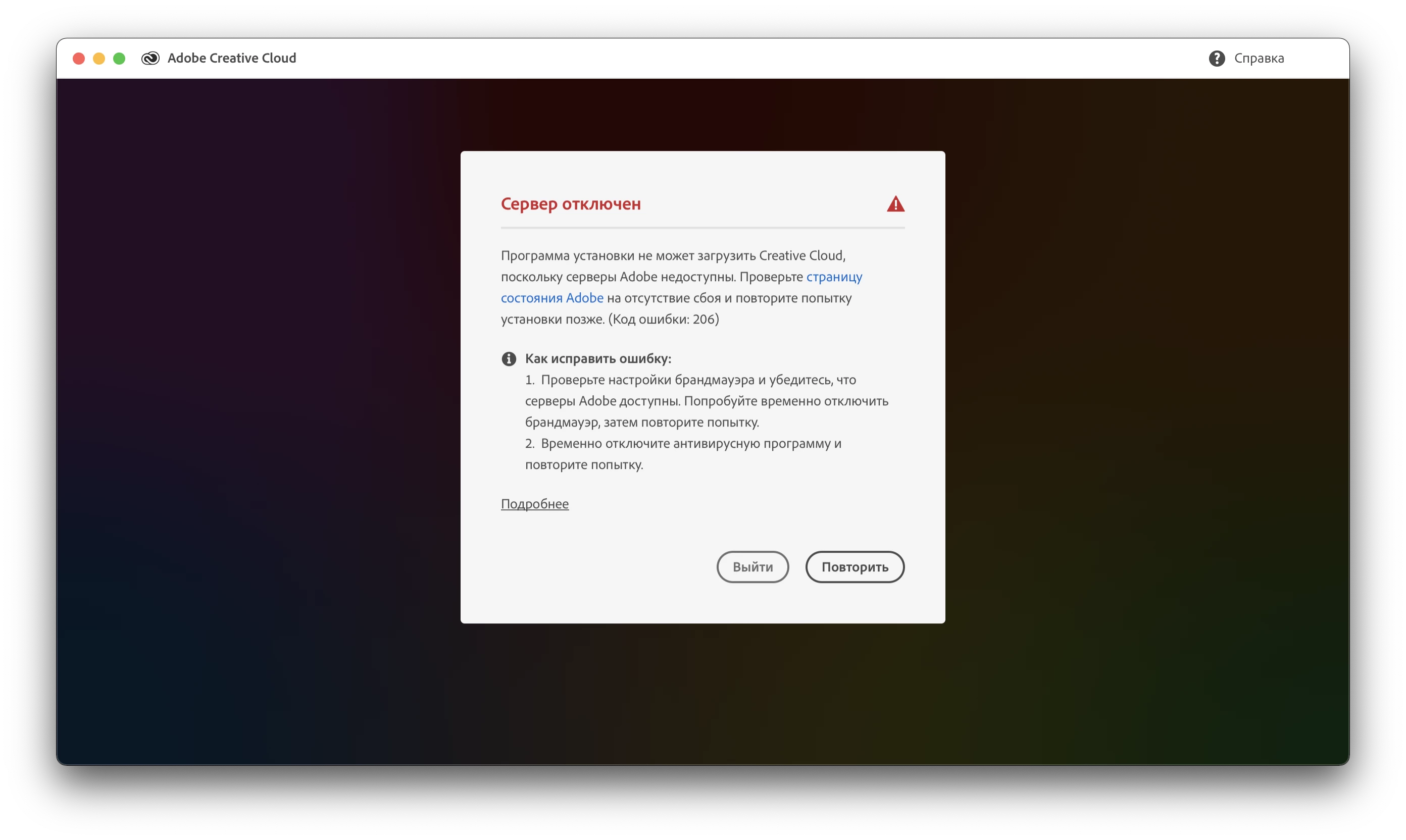
In english:


"Server disconnected

The installer cannot load Creative Cloud,
because Adobe servers are not available. Check the page
Adobe has failed and try again
installation later. (Error code: 206)

How to fix the error:
1. Check your firewall settings and make sure
Adobe servers are available. Try to temporarily disable
firewall, then try again.
2. Temporarily disable your antivirus software and
try again."


In browser all is okay, creative cloud working. But desktop version of creative cloud - not. 😞

Nothing helps me.

I can't use photoshop. 😞

This topic has been closed for replies.

1 reply

kglad
Community Expert
Community Expert
March 28, 2021

confirm that you can connect to the secure adobe servers by reading, http://helpx.adobe.com/x-productkb/policy-pricing/activation-network-issues.html


do you see both logos? if you can and still see a connection error try these steps, https://helpx.adobe.com/download-install/kb/common-network-connectivity-issues.html


if those all fail, first, reset the cc app:

to reset the cc desktop app, make sure it's in the foreground, then press:

Win: Ctrl + Alt + R
Mac: Cmd + Opt + R

if that fails, try to repair
https://helpx.adobe.com/download-install/kb/creative-cloud-install-stuck.html

if that fails go ahead and uninstall/reinstall per the above link

if that fails, do a clean cc install following each applicable step:

uninstall every cc app including preferences, https://helpx.adobe.com/creative-cloud/help/uninstall-remove-app.html
then uninstall the cc desktop app, https://helpx.adobe.com/creative-cloud/help/uninstall-creative-cloud-desktop-app.html
clean your computer of cc files per http://www.adobe.com/support/contact/cscleanertool.html
check for, and if available, update your os
repair all ms visual c++ versions that can be repaired.
update your ms visual c++, if it can be updated
restart your computer (don't skip this)
reinstall the cc desktop app, https://helpx.adobe.com/uk/download-install/kb/creative-cloud-desktop-app-download.html
if you're unable to install the cc desktop app at this stage, use the link at the bottom of the page at https://helpx.adobe.com/uk/download-install/kb/creative-cloud-desktop-app-download.html
use the desktop app to install your cc programs/trials

MAXIM5C93Author
Participant
March 28, 2021

Unfortunatelly, nothing works 😞


All was OK unill i am refused to enter a phone number when running Photoshop. Today I opened Photoshop, I was asked to verify, the code came to the mail, which I entered, but when i was asked to enter phone number, i refused it. Since then, there has been a problem that he endlessly tries to verify me by opening tabs in the browser. Before I decided to delete the Creative Cloud, it gave an error "you are logged out, log in to use adobe applications" with the "log in" button. But every time he pressed this button, he gave the same error.


it seems that problem not on my side, because this problem also on my second laptop too. I tried to install it on my second laptop, on which have never been Adobe applications, but i get the same error. I tried to connect to another network (to my phone network) - the same error. It seems that the problem with my account.