alphaxw
Participant
October 14, 2015
Answered

I can't re-install CS5 on my Mac.

  • October 14, 2015
  • 2 replies
  • 4889 views

My comp had some malware recently, so I reformatted it and thankfully it's working.

I have problems however re-installing my CS 5. The Adobe Pro 9 that accompanies my CS 5 is thankfully alright.
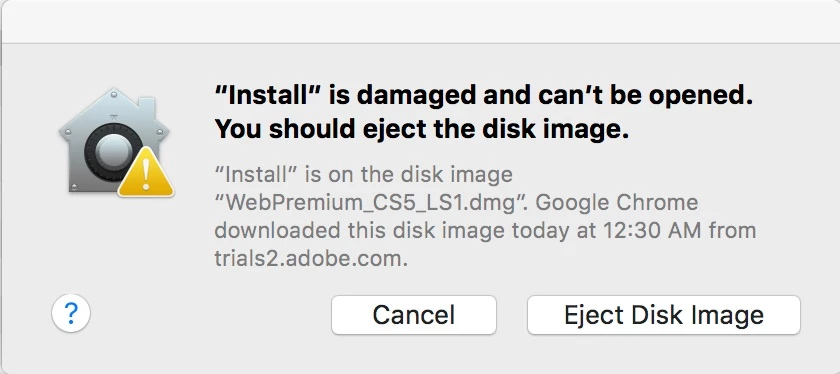
This keeps popping up.

Could you guys figure out what's going on? I've been re-downloading over and over again and it's really a waste of time >,<

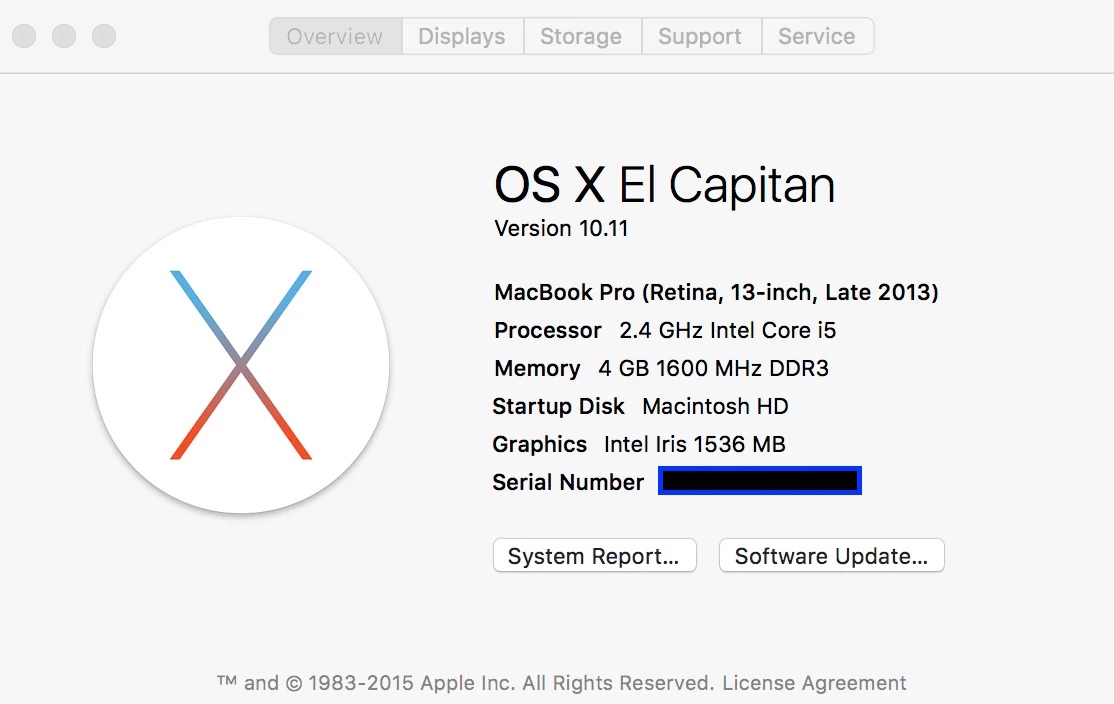
My Mac is as follows:
    This topic has been closed for replies.
    Correct answer calvette

    I clicked on the "?" box and found it to be a Mac setting that needed to be changed.  All is good now.

    2 replies

    Participant
    December 29, 2016

    Hi,

    not working for me. Pressing the question mark does not provide any valuable information what to change. There is the Gatekeeper feature I know about and under Security in the System Settings Pane you can switch to allow execution of App Store only or in addition signed developer packages too. But changing that didn't help either.

    What exactly did you change to be able to run the install from the image? By the way, I have installed Java 1.6 …

    Thanks a lot

    Mike

    Participant
    February 2, 2017

    Select "Anywhere" when updating your download security

    Participant
    February 14, 2017

    I am having the same problems.  The options in the Security & Privacy window for allowing downloaded apps are only from the App store or the App store and identified developers.  I don't have the option of "anywhere".

    John T Smith
    Community Expert
    Community Expert
    October 14, 2015

    There are MANY problem reports with that operating system... one of the links below MAY help

    Read https://forums.adobe.com/thread/1971051

    -and https://forums.adobe.com/thread/1896385 with more Mac 10.11 information

    -and Photo Importer https://forums.adobe.com/thread/1969435

    -and InDesign https://indesignsecrets.com/topic/el-capitan-issues-with-indesign

    -and a long general discussion of El Capitan https://forums.adobe.com/thread/1967492

    And just so you know, Microsoft is also having problems with Mac 10.11 El Capitan

    -http://www.macrumors.com/2015/10/05/microsoft-office-2016-el-capitan-bugs/

    calvetteCorrect answer
    Participant
    October 14, 2015

    I clicked on the "?" box and found it to be a Mac setting that needed to be changed.  All is good now.