Participant
June 12, 2017
Answered

I can't update Premiere Pro

  • June 12, 2017
  • 3 replies
  • 5653 views

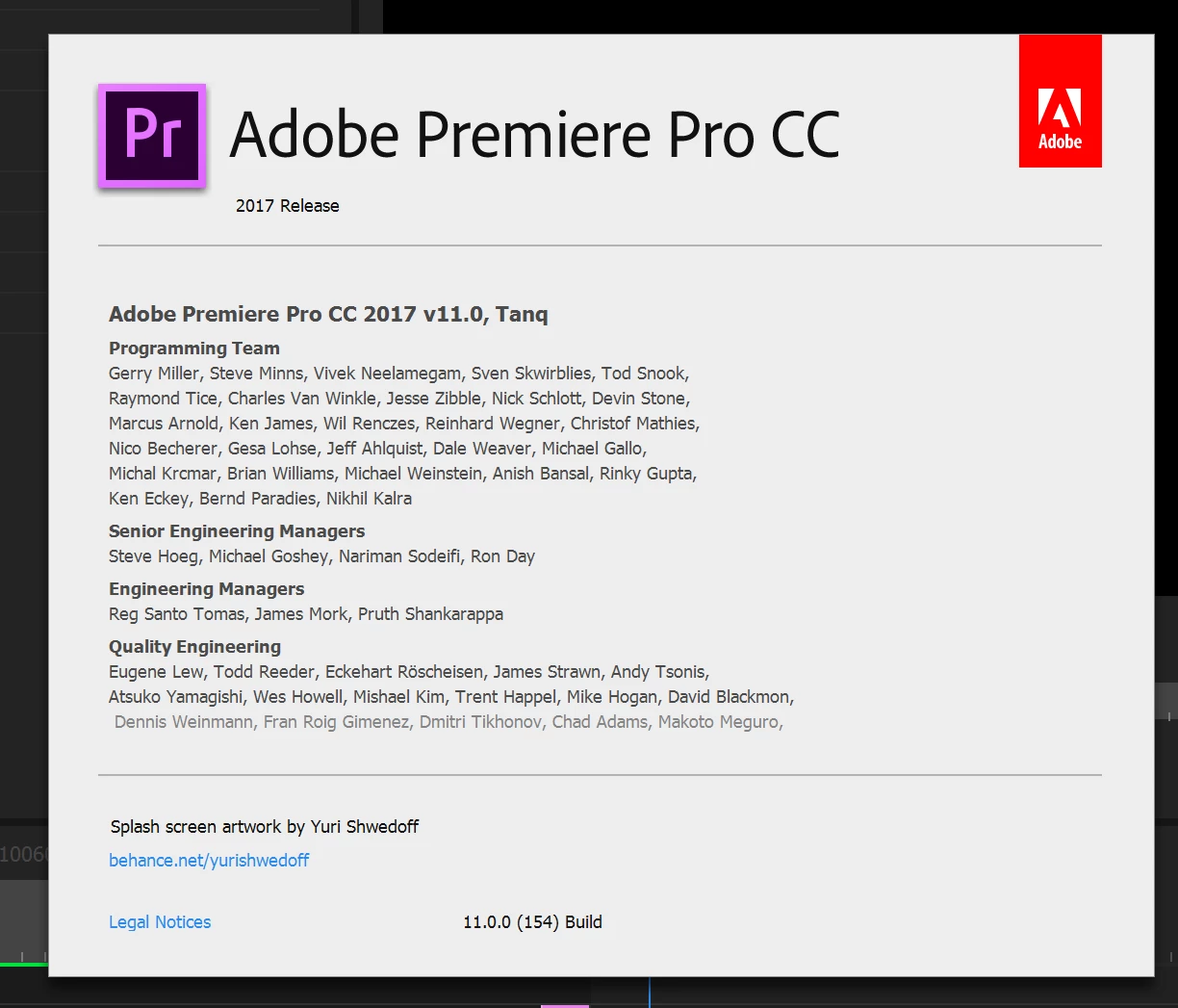
I can't update premiere pro to 11.1.1 and open my co-workers projects, all work is paralyzed because of this error:
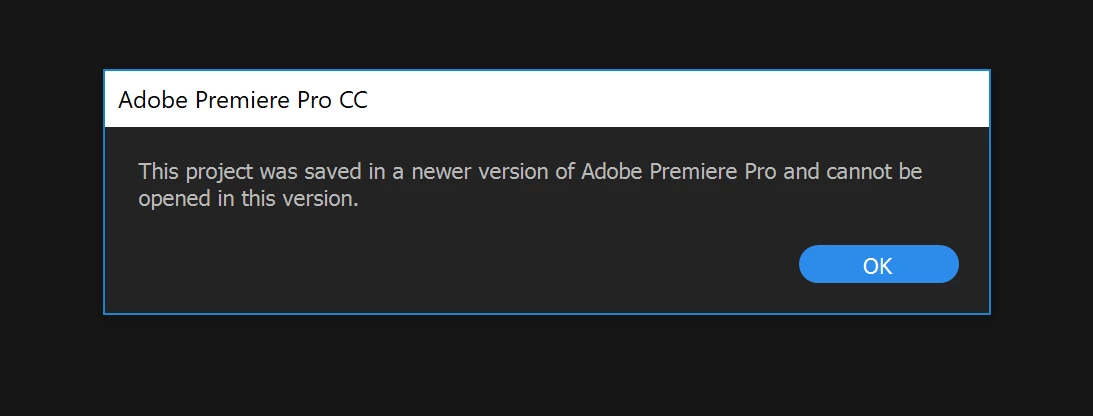
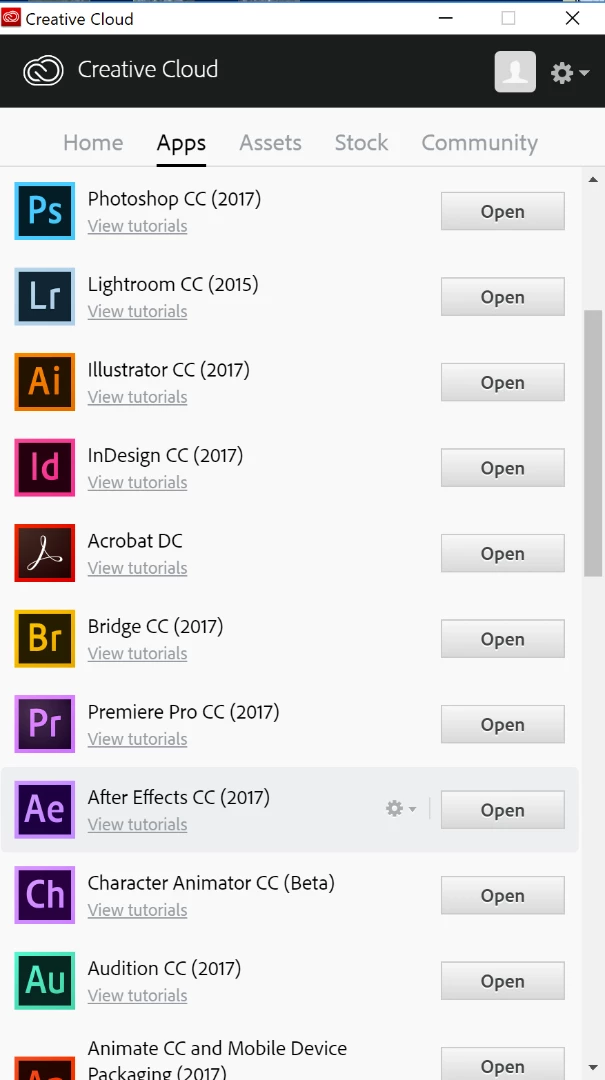
Creative Cloud says I have all "Latest Versions"
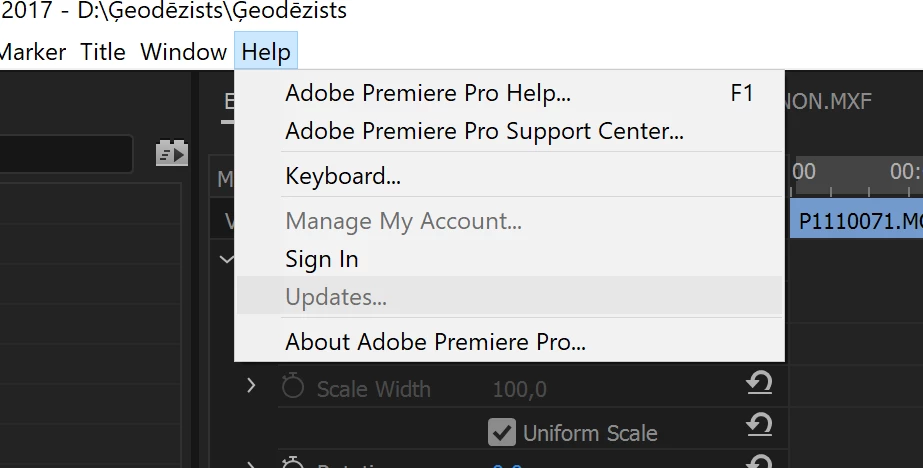
There is  no option for updete in Premier too.
This topic has been closed for replies.
Correct answer Andrew_S

This is a problem with CC. If you have a 11.x.x version installed and version 11.y.y comes out, then it is not shown as a possible upgrade as this is a minor bug fix / upgrade.

Same apples to 10.x.x to 10.y.y

However, if you are running 10.x.x and version 11.y.y comes out (a major version change) then you are notified.

To fix your problem, you have uninstall premiere and AME, re-boot and CC should then show you that 11.1.1 is available to be installed along with AME.

3 replies

Inspiring
June 12, 2017

When I last tried to update to a minor version fix, sign in then out did not work. Only uninstall, re-install worked.

Legend
June 12, 2017

I don't believe that's normal, though.

Inspiring
June 12, 2017

I've been through this before;

Cannot update Premiere 2017

Andrew_SCorrect answer
Inspiring
June 12, 2017

This is a problem with CC. If you have a 11.x.x version installed and version 11.y.y comes out, then it is not shown as a possible upgrade as this is a minor bug fix / upgrade.

Same apples to 10.x.x to 10.y.y

However, if you are running 10.x.x and version 11.y.y comes out (a major version change) then you are notified.

To fix your problem, you have uninstall premiere and AME, re-boot and CC should then show you that 11.1.1 is available to be installed along with AME.

Legend
June 12, 2017

To fix your problem, you have uninstall premiere and AME, re-boot and CC should then show you that 11.1.1 is available to be installed along with AME.

I don't think you have to go that far.  At least, I never did.

All I needed to do was sign out and then back into the CC desktop app.

Participant
November 18, 2019

siging out and back in worked for me.  Just had this issue upgrading to v14.

Atul_Saini
Community Manager
Community Manager
June 12, 2017

Moving the discussion to Premiere Pro CC​ forum.